Ultimate Multisite Lojol Bvim Bvim Nuam Zapier
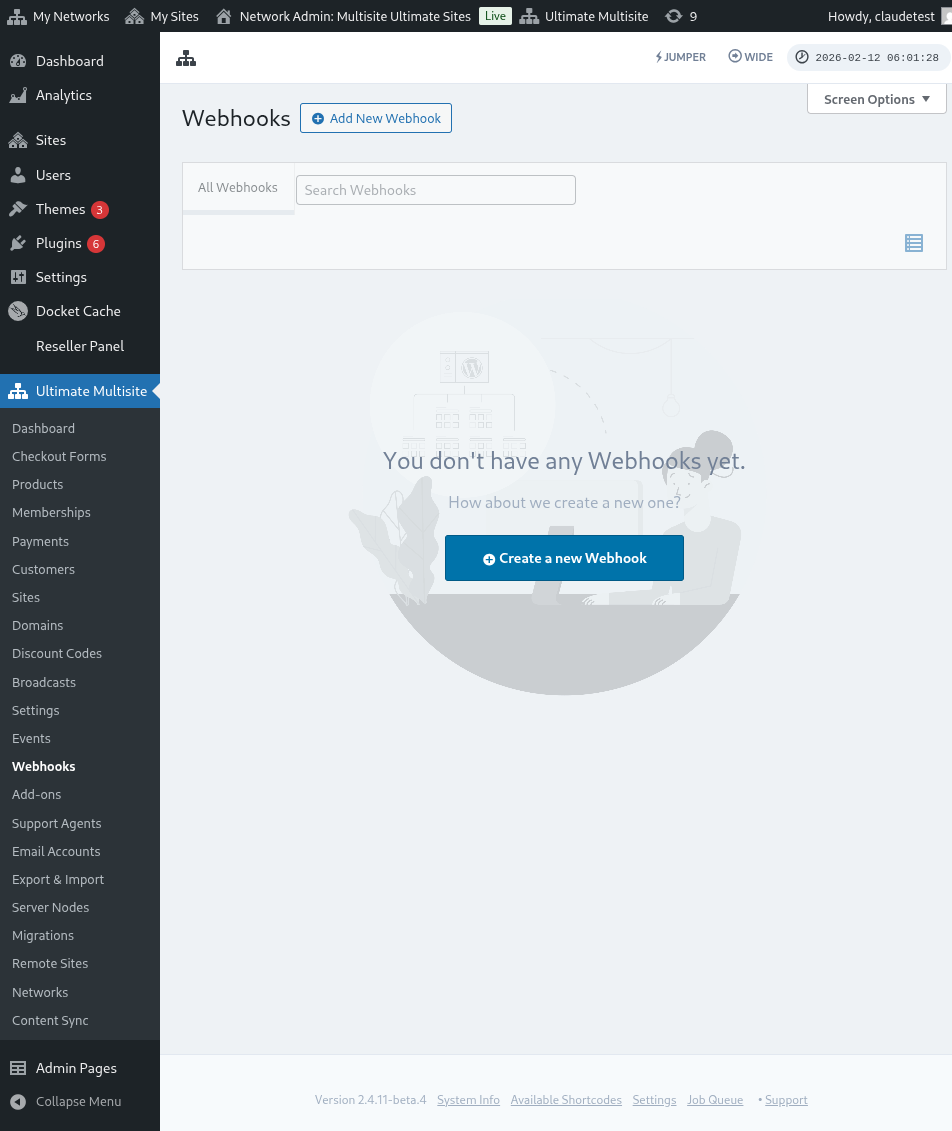
Ha uas tswb, thav tsim ha Webhooks thiab tau txais ti ua li yuav tuaj yeem siv rau cov app tshiab.
Siv siv webhooks yog ib yam uas khoom nhej heev vim nws tsis txhob hais txog kev kawm coding no thiab tsim kom thov mus rau payload. Siv Zapier yog ib qho tswv uas yuav tsim kom koj tsis txhob tsim zoo li ntawd.
Zapier muaj integration nrog app heev 5000+ uas ua rau kev sib txawv raws li cov app no zoo dua.
Koj yuav tsim Triggers uas yuav tsim kom tsim los thaum muaj yam dab tsi thiaj ua (txe ib lub ntiaj teb, tab tom tsim los ntawm account thiab tsim los events account_create) lossis tsim Actions rau lub ntiaj teb los ua haujlwm hauv lub ntiaj teb koj (txe tsim lub neej membership tshiab hauv lub ntiaj teb Ultimate Multisite network koj).
Yuav tsim tau vim ti Ultimate Multisite Zapier's triggers thiab actions muaj ob chaw tsim los ntawm REST API.
Ua li yuav rooj
Tsis tas, hais rau Ultimate Multisite hauv Zapier app list. Loss yog koj yuav tsim siv no link.
Tsawg rau lub dashboard koj thiab thov + Create Zap button ntawm lub sidebar hauv ib tug neeg los tsim Zap tshiab.
Koj yuav tau tsim mus rau suam tsim Zap.
Haub hauv search box, siv "wp ultimo". Thov kom koj thov lub Beta version option.
Thaum koj thov lub app, thov tsim lub event uas muaj: New Ultimate Multisite Event.
Tsis tas, peb yuav tsum tsim kom Zapier mus tau siv lub ntiaj teb koj. Thov hauv Sign in yuav ua rau muaj lub window tsim tswv uas tso cai rau API credentials.
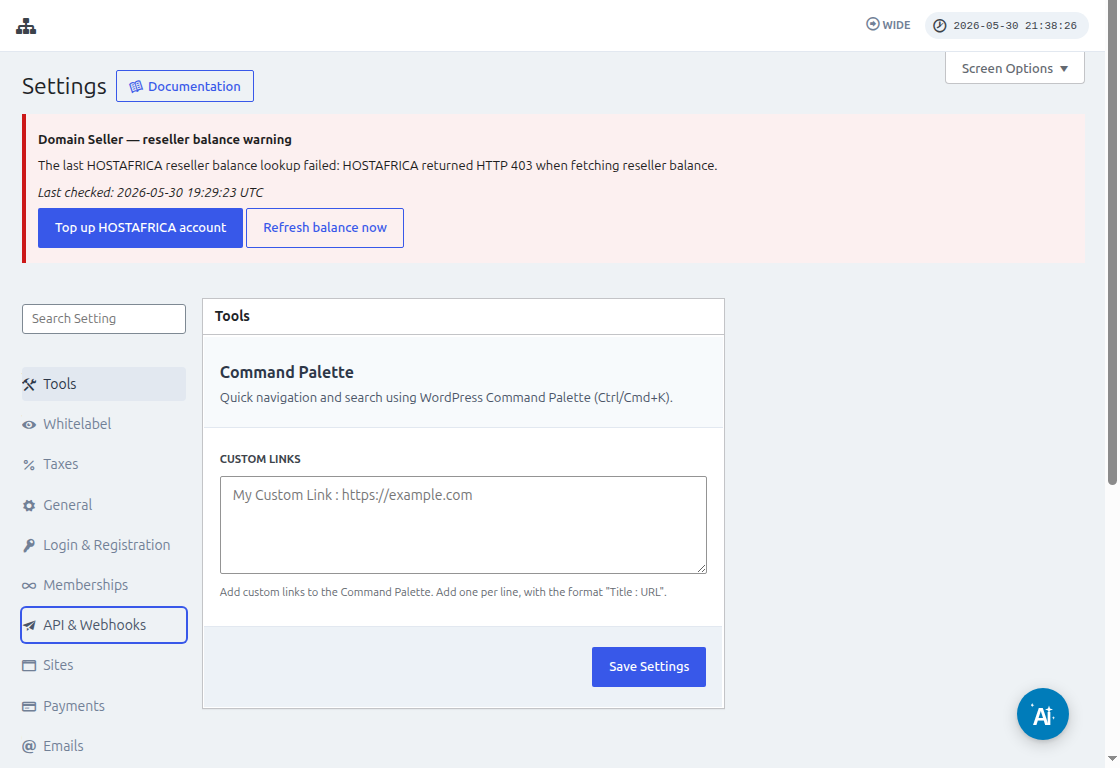
Your network admin panel руу (panel) руу (go) Ultimate Multisite > Settings > API & Webhooks руу (look) thiab hais txog API Settings section.
Kuv txhua tus neeg yuav tsum thiaj rooj Enable API option, vim ti neeg no yog qhuas rau connection no ua haujlwm.
Siv thaum koj siv icon Copy to Clipboard ntawm API Key thiab API Secret fields, thiab paste tiau ntawd values rau integration screen.
Ha URL field, hais tias koj yuav tsum tuaj lub full URL ntawm network, loj hlob protocol (HTTP loss or HTTPS).
Click Yes, Continue button los rau qhov chaw tsis tas. Yog ti muaj txhua yam ua haujlwm zoo, koj yuav tau txais account tshiab uas koj connection. Click Continue los tsim trigger tshiab.
Tsim trigger tshiab li cas
Thaum koj connection tau, koj yuav paub events uas muaj. Kuv yuav thov siv payment_received event rau tutorial no.
Yog ti koj thov selected the event thiab click continue, ib qho test step yuav tsim.
Ha qhov no, Zapier yuav tes tswj siab ti koj Zap yuav fetch the specific payload to that event. Yog muaj events tshiab loj hnub hom nrho, thiaj yuav hih lub teeb meej uas muaj structure pib zoo li no.
Trong bài hướng dẫn của chúng ta, bài kiểm tra đã hoàn thành thành công và trả về thông tin ví dụ về payload. Thông tin ví dụ này sẽ hữu ích để hướng dẫn chúng ta khi tạo các hành động (actions). Trigger của bạn giờ đã được tạo và sẵn sàng để kết nối với các ứng dụng khác rồi.
Cách tạo Actions
Actions sử dụng thông tin từ các trigger khác để tạo các mục mới trong mạng lưới của bạn.
Trong phần tạo một action step, bạn sẽ chọn Ultimate Multisite Beta và tùy chọn Create Items on Ultimate Multisite.
Ở bước tiếp theo, bạn sẽ tạo xác thực (authentication) của mình, giống như chúng ta đã làm trong phần How to start, hoặc chọn một xác thực đã được tạo. Trong hướng dẫn này, chúng ta sẽ chọn cùng một xác thực đã tạo trước đó.
Thiết lập Action
Đây là bước chính của action và ở đây mọi thứ hơi khác một chút. Thông tin đầu tiên bạn sẽ chọn là Item. Item là mô hình thông tin (information model) của mạng lưới của bạn như Customers, Payments, Sites, Emails và các loại khác.
Khi chọn một item, biểu mẫu sẽ sắp xếp lại để đưa các trường bắt buộc và tùy chọn cho item đã chọn lên.
Ví dụ, khi bạn chọn item Customer, các trường biểu mẫu sẽ hiển thị mọi thứ cần thiết để điền vào nhằm tạo một Customer mới trong mạng lưới.
Sau khi điền tất cả các trường được đánh dấu là required (bắt buộc) và nhấn continue, một màn hình cuối cùng sẽ hiển thị cho bạn các trường đã điền và những trường còn trống.
Thaum thaum li koj tsis txhob txhob, hauv xwb uas koj uji tshawb thiab ua tau zoo, koj action ntawd yuav muaj kawm siab (configured). Yog li tseem ceeb heev kom koj tso cai thov rau hauv network koj los tshawb ib qho yam uas yog tsim los ntawm test cua koj.