ຕັ້ງຄ່າ Stripe Gateway (v2)
ໝາຍເຫດສຳຄັນ: ບົດຄວາມນີ້ອ້າງອີງເຖິງ Ultimate Multisite version 2.x.
ເຈົ້າສາມາດເປີດໃຊ້ວິທີການຈ່າຍເງິນໄດ້ເຖິງສີ່ວິທີໃນໜ້າຕັ້ງຄ່າການຈ່າຍເງິນຂອງພວກເຮົາ: Stripe, Stripe Checkout, PayPal ແລະ ແບບຂຽນດ້ວຍມື (Manual). ໃນບົດຄວາມນີ້, ພວກເຮົາຈະມາເຫັນວິທີການເຊື່ອມຕໍ່ກັບ Stripe.
ການເປີດໃຊ້ Stripe
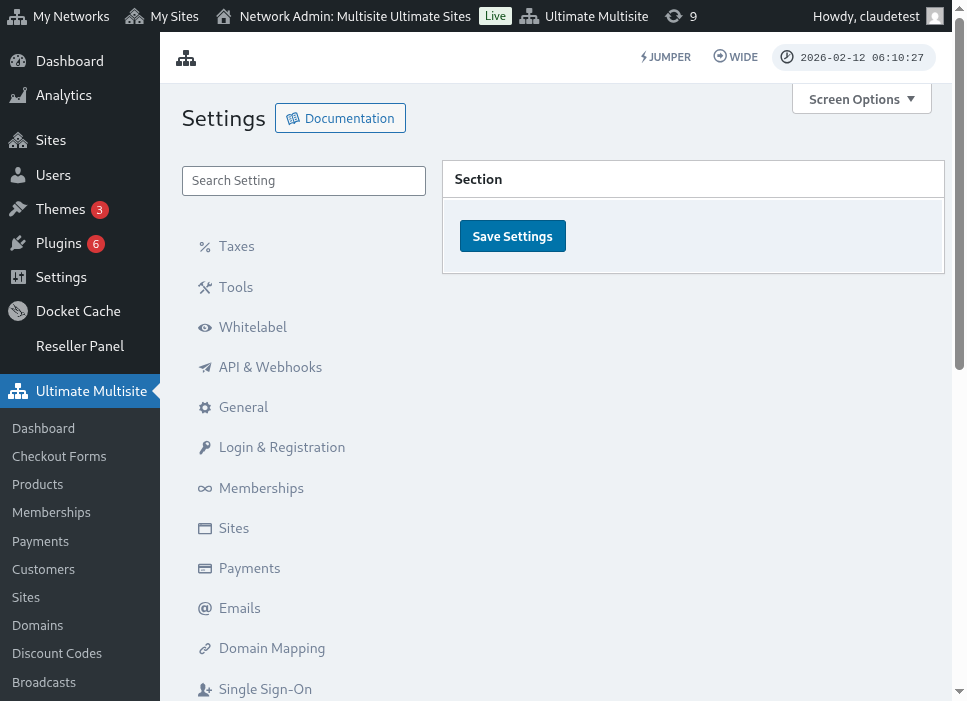
ເພື່ອເປີດໃຊ້ Stripe ເປັນ gateway ຮັບຊຳນຸດທີ່ພ້ອມໃຫ້ໃຊ້ໃນເຄືອຂ່າຍຂອງເຈົ້າ, ໄປທີ່ Ultimate Multisite > Settings > Payments ແລ້ວໝາຍຖືກ (tick) ກ່ອນປຸ່ມສະຫຼັບ (toggle) ຢູ່ຂ້າງ Stripe ຫຼື Stripe Checkout ໃນສ່ວນ Active Payment Gateways.
Stripe ທຽບກັບ Stripe Checkout:
Stripe: ວິທີນີ້ຈະສະແດງຊ່ອງໃຫ້ເຈົ້າໃສ່ເລກບັດເຄຣດິດໃນເວລາຈ່າຍເງິນ (checkout).
Stripe Checkout: ວິທີນີ້ຈະປ່ຽນໜ້າຂອງລູກຄ້າໄປທີ່ໜ້າ Stripe Checkout ໃນຂະນະທີ່ຈ່າຍເງິນ.
ການໄດ້ຮັບ API keys ຂອງເຈົ້າ
ເມື່ອເປີດໃຊ້ Stripe ເປັນ gateway ຮັບຊຳນຸດແລ້ວ, ເຈົ້າຈະຕ້ອງຕື່ມຂໍ້ມູນໃນຊ່ອງສຳລັບ Stripe Publishable Key ແລະ Stripe Secret Key. ເຈົ້າສາມາດເອົາຂໍ້ມູນນີ້ໄດ້ໂດຍການເຂົ້າສູ່ລະບົບຂອງບັນຊີ Stripe ຂອງເຈົ້າ.
ໝາຍເຫດ: ເຈົ້າສາມາດເປີດໃຊ້ Sandbox mode ເພື່ອທົດສອບວ່າວິທີການຈ່າຍເງິນເຮັດວຽກບໍ່.
ໃນ dashboard ຂອງ Stripe, ໃຫ້ຄລິກທີ່ Developers ຢູ່ມຸມຂวามທາງເທິງ, ແລ້ວໄປທີ່ API Keys ໃນເມນູທາງຊ້າຍ.
ታዲያ ቻይና (Test Data) - ንጽጽር እዩ (to test if the integration is working on your production site) - ንም ምውልቃም ወይስ ክም ምውልቃ ትችያት። ይህን ለመቀየር፣ Viewing test data toggle-ውን ፈልግ ይጥፋሉ።
Publishable key (publishable key) 同 Secret key (secret key) - ን Token column-ከ ዝውር ኮፒ ንም ምውልቃ፣ ኣብ Ultimate Multisite Stripe Gateway fields-ላይ ምውልቃ። ድሕሪኡ ክትክእሉ Save Changes ንክሊክ።
Setting up Stripe Webhook
Stripe webhook events - ንUltimate Multisite anytime an event happens on your stripe account - ክሳብ ይልቁን።
Developers ንክሊክ፣ ድሕሪኡ ኣብ ዝለዎ ምዕራፍ (left menu) Webhooks ንም ምረባ። ድሕሪኡ ኣብ ቀጻሊ (right hand side) Add endpoint ንክሊክ .
ኣብ Endpoint URL . Ultimate Multisite ዝፈጥር URL - ን Webhook Listener URL field ኣብ Ultimate Multisite Stripe Gateway section-ታ ከምኡ እዩ።
ኣብ Endpoint URL ኮፒ ንም ምውልቃ፣ ኣብ Stripe Endpoint URL field -ላይ ንም ምውልቃ።
ድሕሪኡ, Event . ንም ምረባ። ኣብዚ ምርጫ (option) ኮይኑ፣ ን Select all events box -ታ ክትክእሉን ድሕሪኡ Add events ንክሊክ። ድሕሪኡ ንመቀያየር Add Endpoint ንክሊክ።
Tawm, tsis muaj! Tsis tasawm (payment) integration hauv Stripe chuem tam.