Setuping Le Stripe Gateway (v2)
LIPOTSE: Le tsela le liti se thuto li fana ka Ultimate Multisite v2.x.
U ka fetola up to four methods of payment mo page ya setiputso ya payment ea rona: Stripe, Stripe Checkout, PayPal le Manual. Mo this article, re tla re bona kee e ka fetola le Stripe.
Fetola Stripe
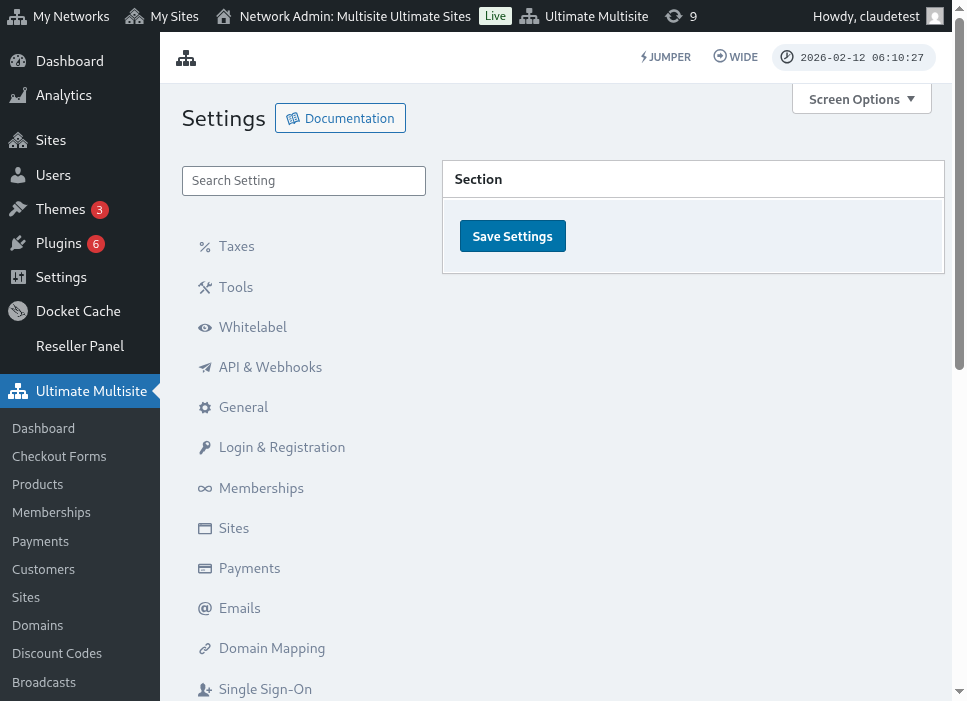
Ho fetola Stripe ho ba le gateway ea payment e ka fetola mo network ea hau, a goela Ultimate Multisite > Settings > Payments le u tsamisa toggle e tsoang le Stripe kapa Stripe Checkout mo sebahala sa Active Payment Gateways.
Stripe vs Stripe Checkout:
Stripe: Le lona, ho tla ba le tsela ho fana ka ntlha ya credit card mo checkout.
Stripe Checkout: Le lona, ho tla re-redirect sefofong sa Stripe Checkout mo checkout.
Ho ba le API keys ea hau ea Stripe
Ha u fetole Stripe e le gateway ea payment, u tla hloka ho fana ka fields ea Stripe Publishable Key le Stripe Secret Key. U ka bone lona ka ho login mo account ea hau ea Stripe.
LIPOTSE: U ka fetola Sandbox mode ho ba le tsela ho bona ka e ka fetole a method ya payment e ka fetola.
Mo dashboard ea hau ea Stripe, u tsamisa Developers mo tsela ea liti la ho tla, le seng ka menu sa lehle.
U ka ubolela go use Test Data (go go bona kunga se le integration e a go ba site ya production ya hau) kapa ha. Go fetola se, twa tshepe Viewing test data toggle.
Tshepa (Copy) value jo bo Publishable key le Secret key, jo ho mo kolom ya Token le fana ka ho ba fields ya Ultimate Multisite Stripe Gateway. Le seng, sheba go tshepe (click) go Save Changes.
Go setela Stripe Webhook
Stripe a fana webhook events jo ba Ultimate Multisite se le se a go ba ntlha ka se se a go ba stripe account ya hau.
Tshepa (click) Developers le seng, sheba choose item ya Webhooks mo menu ya lefelo. Le seng, mo phethong ya lefelo ya tshepe (right hand side), sheba click Add endpoint .
O tla hloka Endpoint URL . Ultimate Multisite a go tsena automatically le Endpoint URL, jo o ka bona mo ntlha ya field ya Webhook Listener URL mo section ya Ultimate Multisite Stripe Gateway._
Tshepa (Copy) endpoint URL le fana (paste) ka field ya Endpoint URL ya Stripe.
Le seng, go select Event . Mo tsela ya this option, o tla hloka go tsamaya le box ya Select all events le sheba (click) go Add events. Le seng, sheba click Add Endpoint go setela changes.
Kea le fa'aalo, o le fa'aalia o le fa'aalo o le Stripe.