Tau Txais Nyiaj (v2)
CEEB TOOM TSEEM CEEB: Kab lus no hais txog Ultimate Multisite version 2.x.
Ultimate Multisite muaj ib lub kaw lus membership thiab billing uas twb tsim los nrog lawm. Kom peb lub kaw lus billing ua haujlwm tau, peb tau txuas nrog cov payment gateways uas siv ntau tshaj hauv e-commerce. Cov payment gateways default hauv Ultimate Multisite yog Stripe , PayPal , thiab Manual Payment. Koj kuj siv tau WooCommerce , GoCardless thiab Payfast los txais nyiaj them los ntawm kev nruab lawv cov add-ons uas phim.
Kev Teeb Tsa Yooj Yim
Koj tuaj yeem teeb tsa ib qho ntawm cov payment gateways no hauv Ultimate Multisite cov payment settings. Koj nrhiav tau nws los ntawm kev mus rau Ultimate Multisite menu > Settings > Payments.
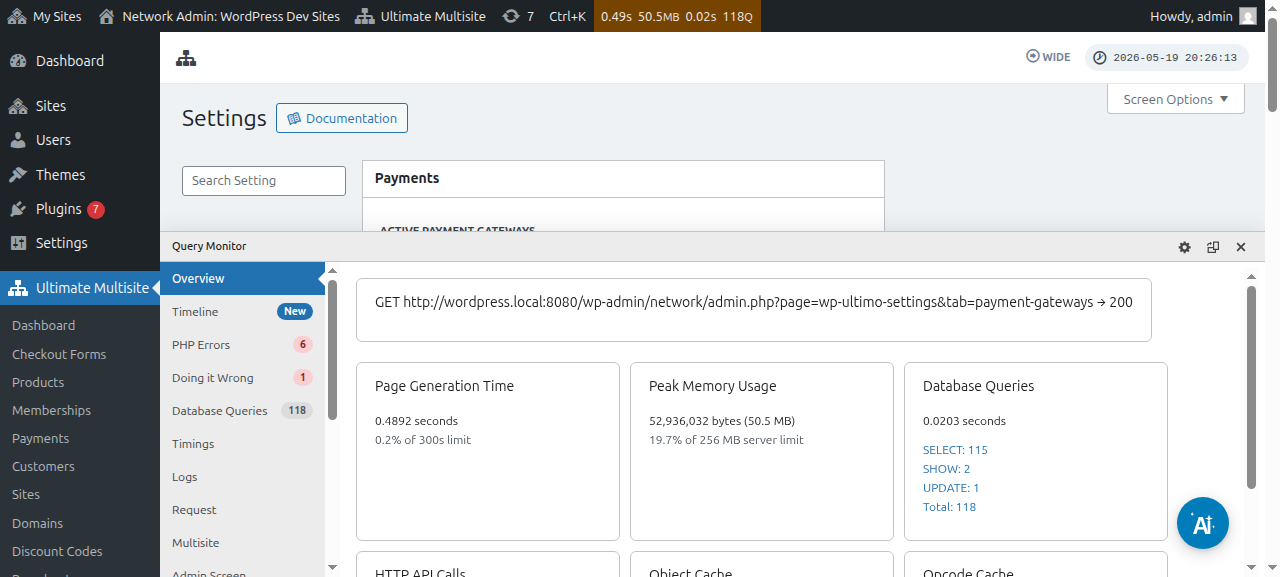
Ua ntej koj teeb tsa koj lub payment gateway, thov saib cov payment settings yooj yim uas koj tuaj yeem teeb tau:
Yuam kom rov txuas dua tsis siv nee g: Qhov no yuav xyuas kom meej tias kev them nyiaj yuav rov tshwm sim tsis siv neeg thaum kawg ntawm txhua billing cycle raws li billing frequency uas tus neeg siv tau xaiv.
Ultimate Multisite v2.13.0 kuaj xyuas seb gateway uas qhib puas muaj reusable renewal credential ua ntej khaws ib qho recurring membership uas qhib auto-renewal. Renewal credential tej zaum yog gateway subscription, billing agreement, saved vault token, lossis ib txoj kev them nyiaj reusable uas sib npaug. Yog gateway qhia tias tsis muaj usable credential, Ultimate Multisite yuav khaws membership tab sis tua auto-renewal thiab sau tseg qhov xwm txheej missing-credential kom tus administrator lossis support flow thiaj nug tau tus customer kom rov tso cai them nyiaj ua ntej hnub renewal.
Qhov no tiv thaiv kom membership tsis txhob zoo li yuav auto-renew thaum gateway tsuas sau tau one-time payments xwb. Gateway add-ons yuav tsum lees paub tias recurring checkouts khaws ib qho reusable credential, tshwj xeeb thaum gateway txhawb ob hom one-time capture thiab vaulted/subscription payment modes.
Tso cai rau trials yam tsis muaj payment method: Thaum qhib qhov option no, koj tus client yuav tsis tas ntxiv tej ntaub ntawv nyiaj txiag thaum registration process. Qhov no tsuas yuav tsum muaj thaum trial period tas lawm xwb.
Xa invoice thaum payment confirmation: Qhov no muab kev xaiv rau koj seb puas xa invoice tom qab them nyiaj. Nco ntsoov tias users yuav nkag tau mus saib lawv payment history hauv lawv subsite Dashboard. Qhov option no tsis siv rau Manual Gateway.
Invoice numbering scheme: Ntawm no, koj xaiv tau payment reference code lossis sequential number scheme. Yog koj xaiv siv payment reference code rau koj cov invoices, koj tsis tas teeb tsa dab tsi. Yog koj xaiv siv sequential number scheme, koj yuav tsum teeb tsa next invoice number (Tus lej no yuav raug siv ua invoice number rau invoice tom ntej uas tsim hauv system. Nws yuav nce ib qho txhua zaus muaj invoice tshiab raug tsim. Koj hloov tau nws thiab save kom reset invoice sequential number mus rau ib tus nqi tshwj xeeb) thiab invoice number prefix.
Nrhiav cov gateways qhov twg:
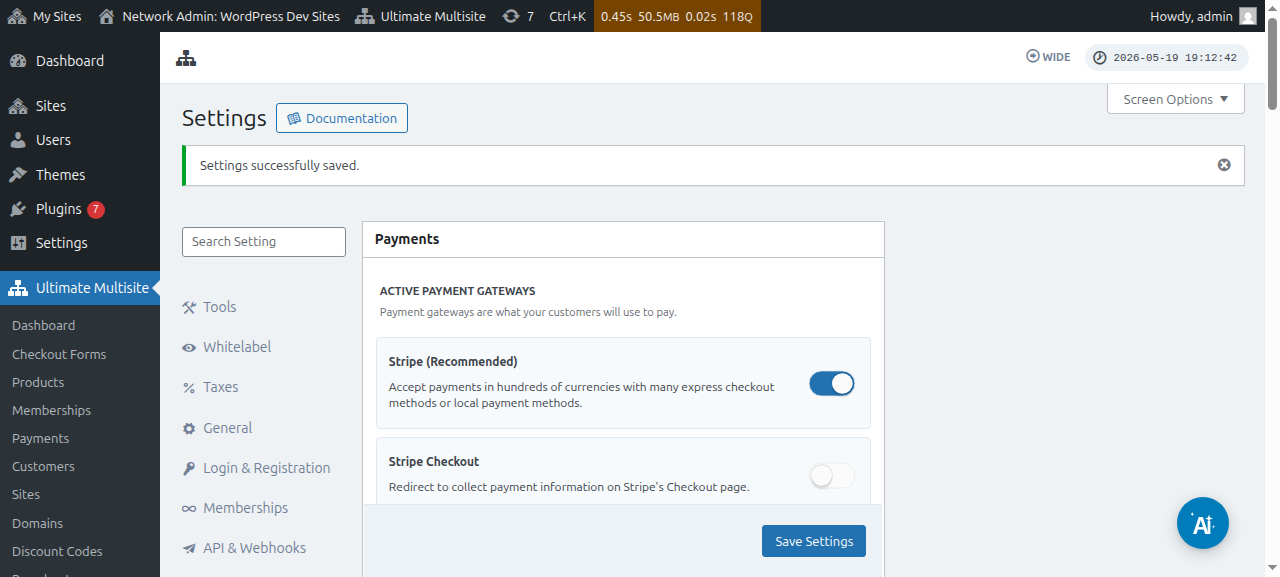
Koj tuaj yeem teeb tsa cov payment gateways ntawm tib nplooj ntawd ( Ultimate Multisite > Settings > Payments). Hauv qab kiag active payment gateways , koj yuav pom: Stripe , Stripe Checkout , PayPal thiab Manual.
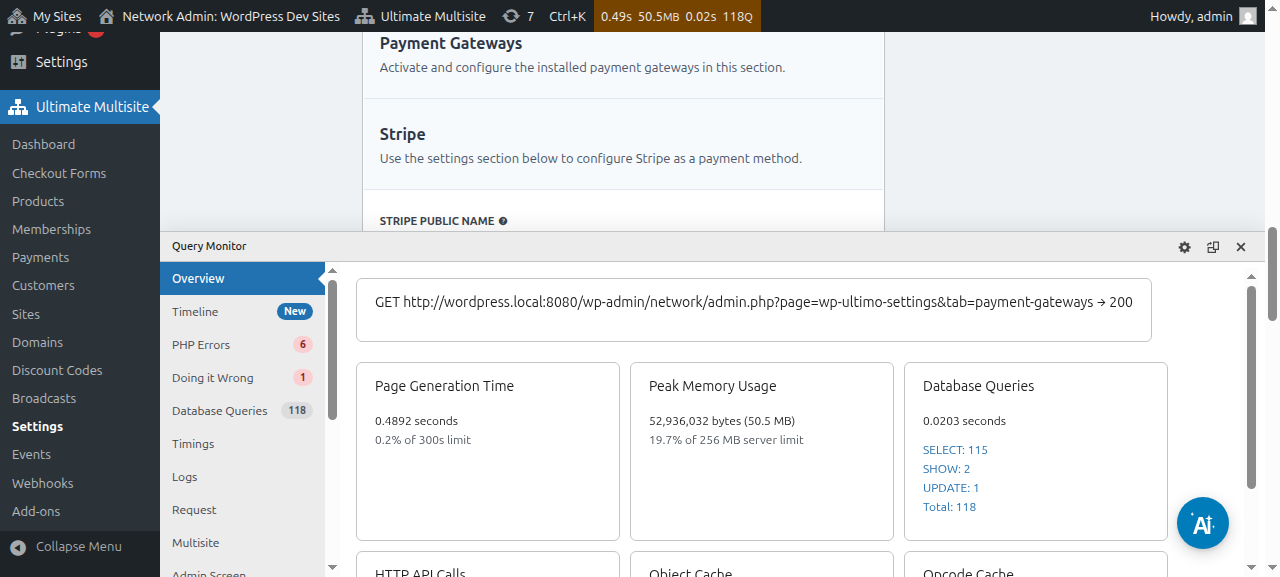
Peb muaj ib kab lus tshwj xeeb rau txhua payment gateway uas yuav coj koj mus raws cov kauj ruam teeb tsa nws, uas koj nrhiav tau ntawm cov links hauv qab no.
Koj tuaj yeem saib thiab kho payment details:
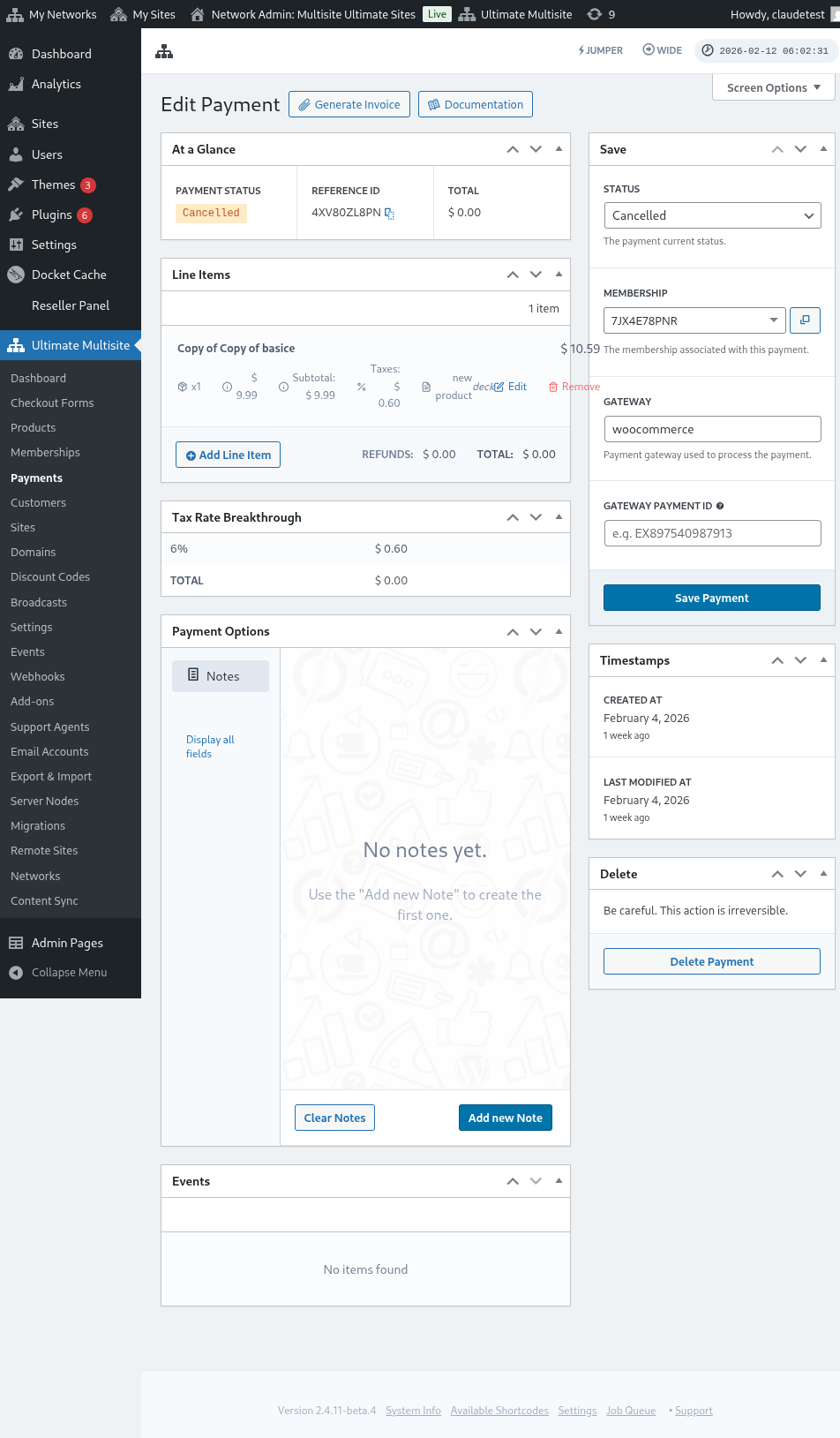
Ntawm no yog qhov pom tag nrho ntawm nplooj kho payment:
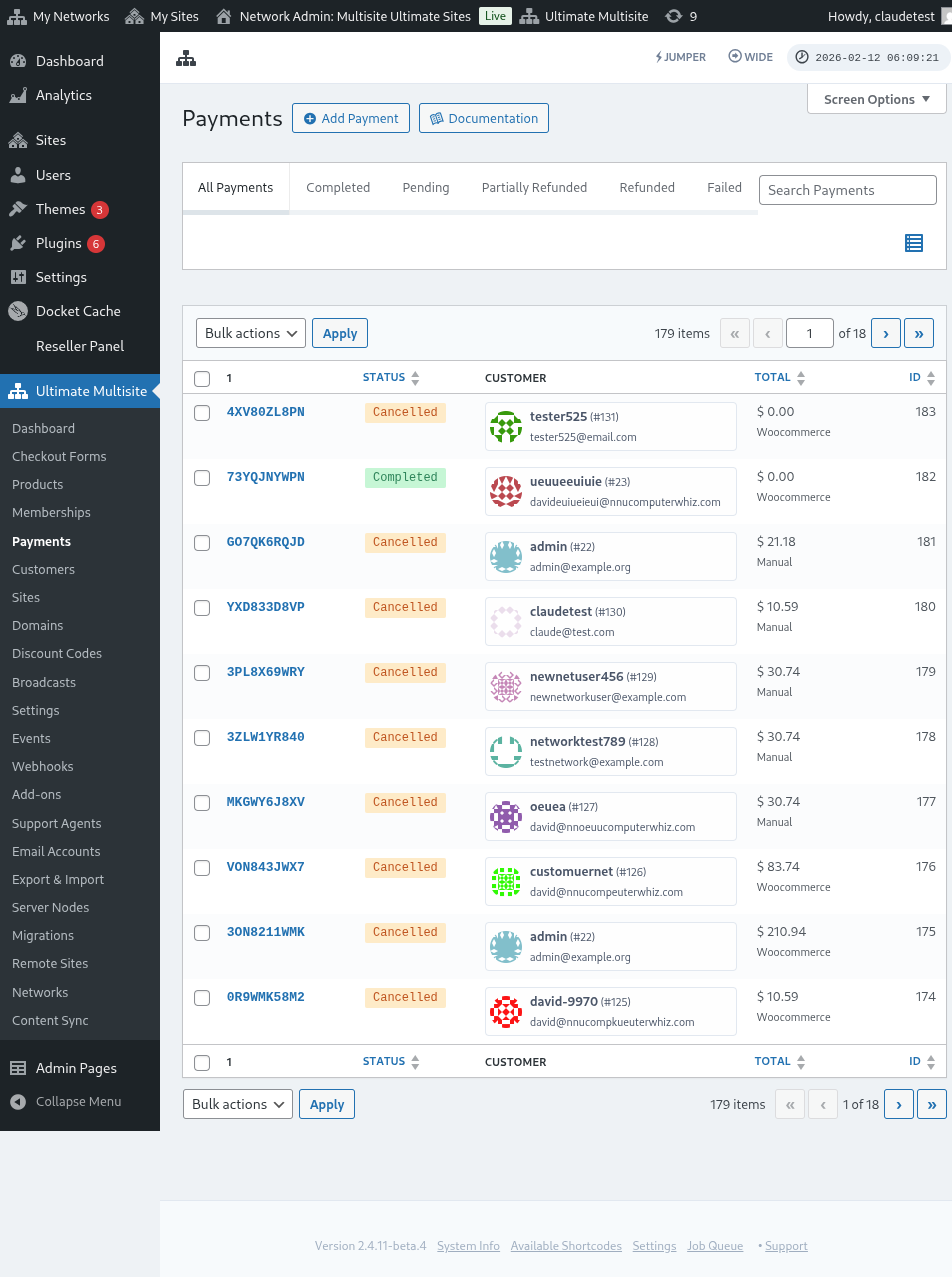
Ntawm no kuj yog qhov pom tag nrho ntawm cov payment gateways settings:
Teeb tsa Stripe gateway
Teeb tsa PayPal gateway** **
Teeb tsa manual payments
Tam sim no, yog koj xav siv WooCommerce , GoCardless lossis Payfast ua koj lub payment gateway, koj yuav tsum nruab thiab teeb tsa lawv cov add-ons.
Yuav nruab WooCommerce add-on li cas:
Peb nkag siab tias Stripe thiab PayPal tsis muaj nyob hauv qee lub teb chaws, uas txwv lossis cuam tshuam cov neeg siv Ultimate Multisite kom siv tsis tau peb lub plugin zoo. Yog li peb thiaj tsim ib qho add-on los txuas nrog WooCommerce, uas yog ib lub e-commerce plugin nrov heev. Developers thoob ntiaj teb tau tsim add-ons los txuas ntau hom payment gateways rau nws. Peb siv qhov no los nthuav cov payment gateways uas koj siv tau nrog Ultimate Multisite billing system.
TSEEM CEEB: Ultimate Multisite: WooCommerce Integration yuav tsum muaj WooCommerce qhib tsawg kawg ntawm koj lub main site.
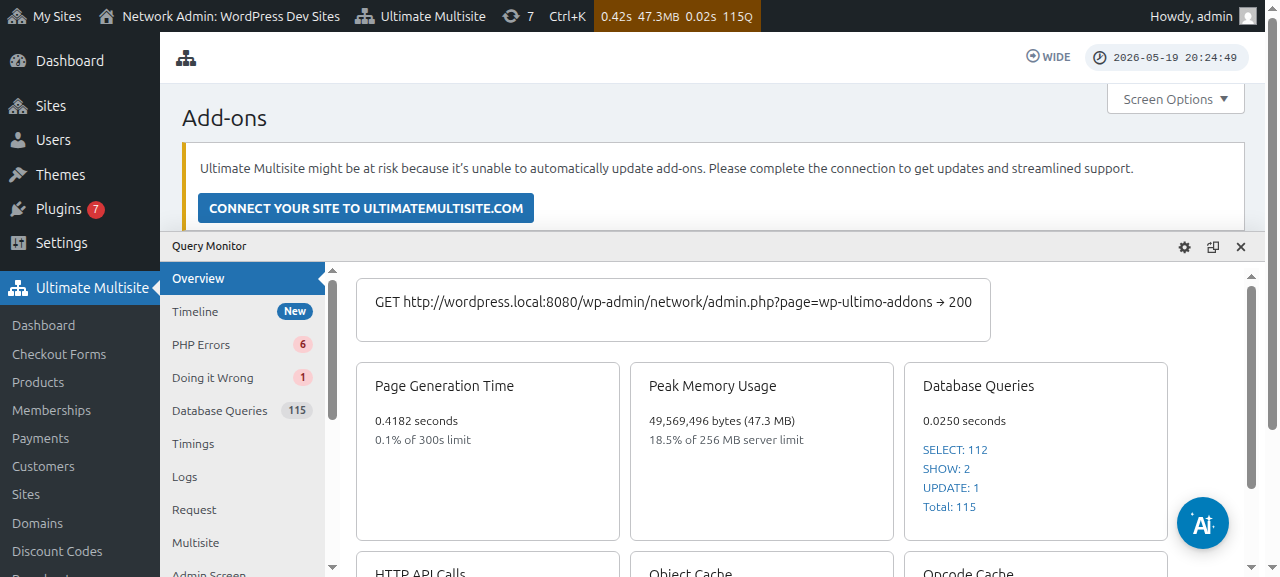
Ua ntej, thov mus rau nplooj add-ons. Koj nrhiav tau nws los ntawm kev mus rau Ultimate Multisite > Settings. Koj yuav tsum pom lub Add-ons table. Nyem rau Check our Add-ons.
Tom qab nyem rau Check our Add-ons , koj yuav raug xa mus rau nplooj add-ons. Ntawm no koj nrhiav tau tag nrho Ultimate Multisite add-ons. Nyem rau Ultimate Multisite: WooCommerce Integration add-on.
Ib lub qhov rai yuav tshwm nrog cov ntaub ntawv ntxaws txog add-on. Tsuas yog nias rau Install Now.
Tom qab kev teeb tsa tiav lawm, koj yuav raug coj mus rau nplooj plugins. Ntawm no, tsuas yog nias rau Network Activate ces WooCommerce add-on yuav raug qhib rau ntawm koj lub network.
Tom qab qhib nws lawm, yog tias koj tseem tsis tau nruab thiab qhib WooCommerce plugin rau ntawm koj lub vev xaib, koj yuav tau txais ib qho lus ceeb toom.
Yog xav nyeem ntxiv txog WooCommerce Integration add-on, nias ntawm no.
Yuav ua li cas nruab GoCardless add-on:
Cov kauj ruam los nruab GoCardless add-on yeej zoo ib yam li WooCommerce add-on. Thov mus rau nplooj add-ons thiab xaiv Ultimate Multisite: GoCardless Gateway add-on.
Lub qhov rai add-on yuav tshwm. Nias rau Install Now.
Tom qab kev teeb tsa tiav lawm, koj yuav raug coj mus rau nplooj plugins. Ntawm no, tsuas yog nias rau Network Activate ces GoCardless add-on yuav raug qhib rau ntawm koj lub network.
Yog xav kawm yuav pib siv GoCardless gateway li cas, nyeem tsab ntawv no.
Yuav ua li cas nruab Payfast add-on:
Mus rau nplooj add-ons thiab xaiv Ultimate Multisite: Payfast Gateway add-on.
Lub qhov rai add-on yuav tshwm. Nias rau Install Now.
Tom qab kev teeb tsa tiav lawm, koj yuav raug coj mus rau nplooj plugins. Ntawm no, tsuas yog nias rau Network Activate ces Payfast add-on yuav raug qhib rau ntawm koj lub network.