Ho Kenya Ultimate Multisite
Tlhahlobo ena e nka hore o se kentse le ho hlophisa WordPress Multisite. Ho ithuta kamoo, sheba tlhahlobo ena ke WP Beginner.
Ho Kena Plugin
Ultimate Multisite e fumaneha mahala ho WordPress.org.
Ho tloha ho Network Admin Dashboard ya hao, ea ho Plugins → Add New Plugin.
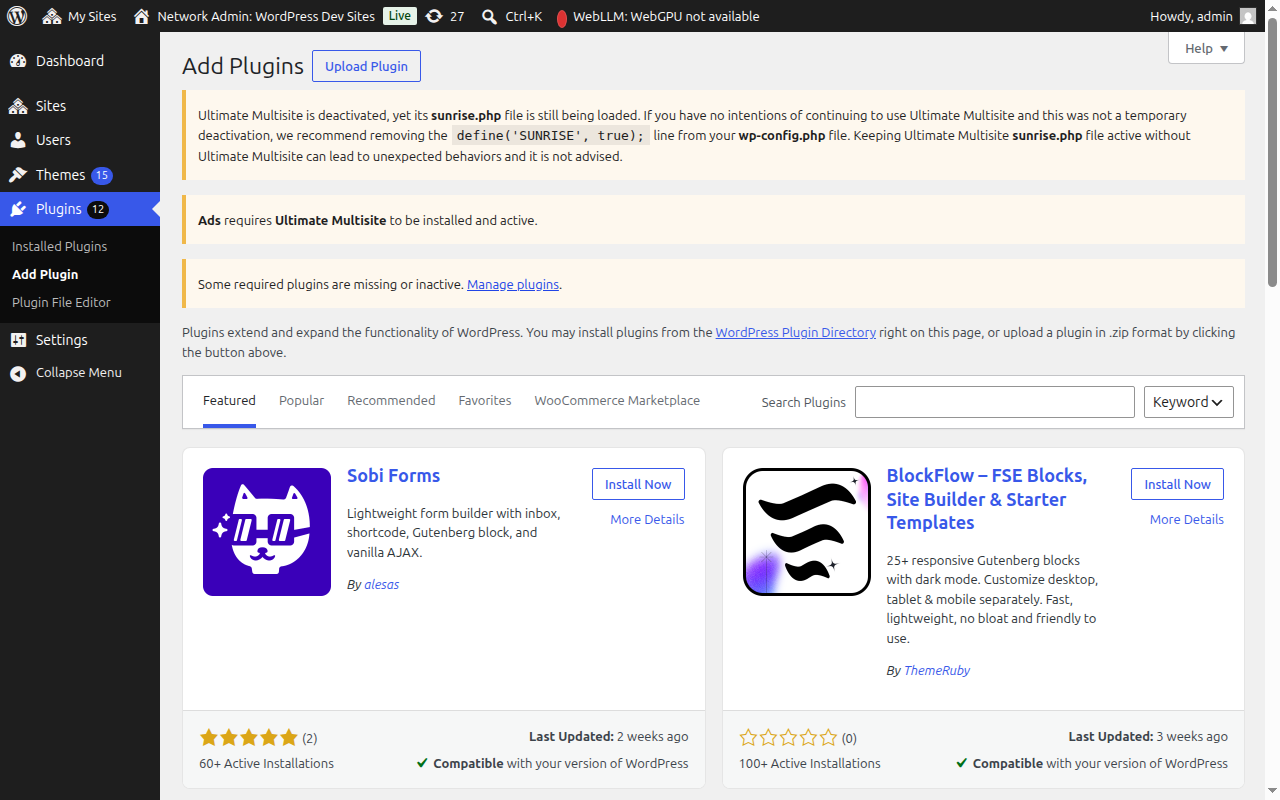
Batla "Ultimate Multisite" (ka liphaposi bakeng sa ho batana hantle) mme e tla hlaha e le sephetho sa pele. Tobetsa Install Now.
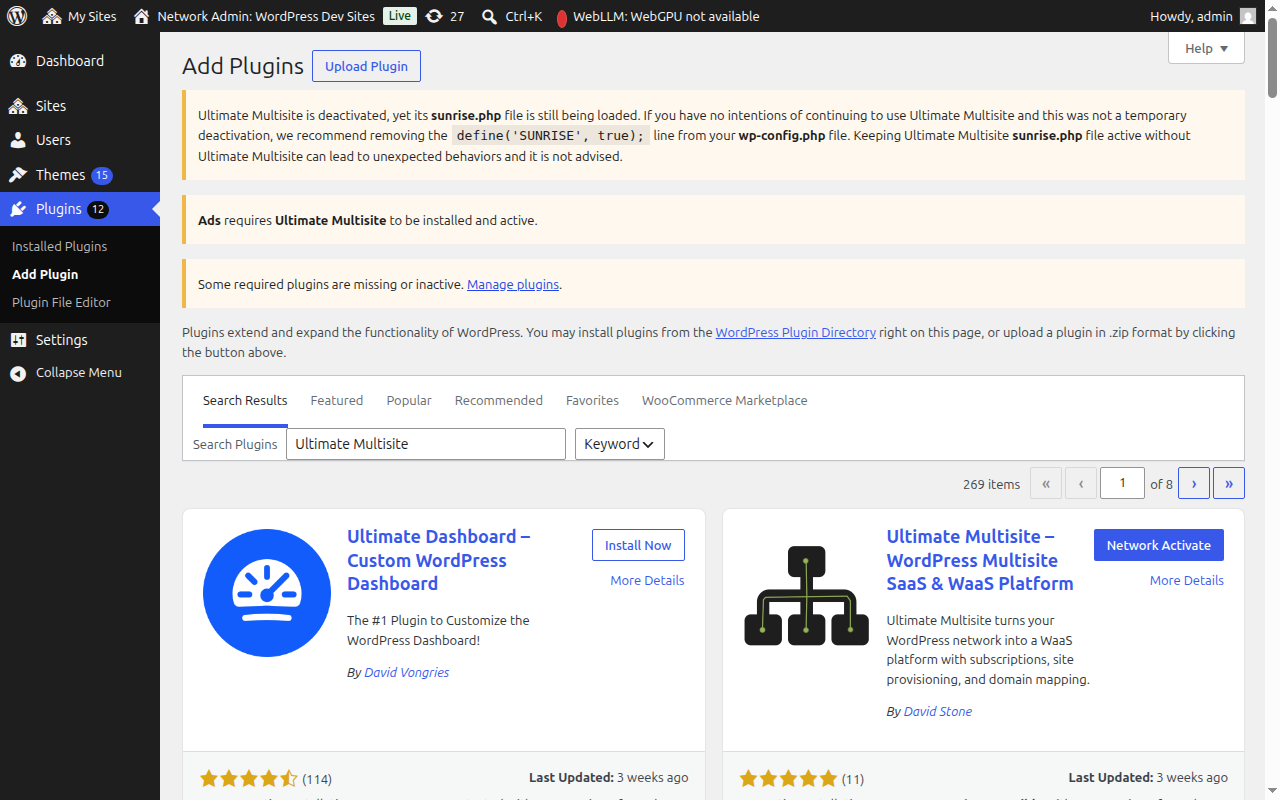
Hang ha e kentse, tobetsa Network Activate ho kenya plugin kaofela ho netwekh ya hao.
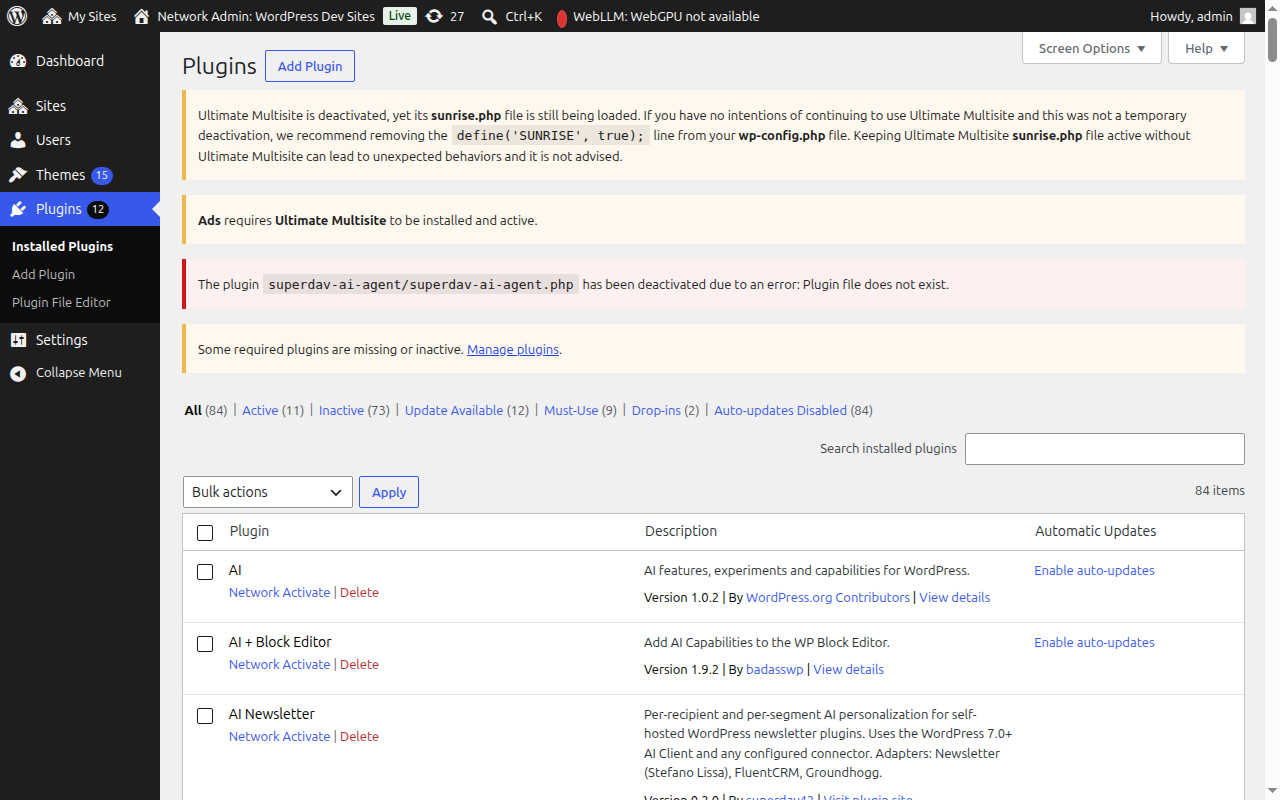
Kamora hore e kene, o tla leqhoa ho Setup Wizard.
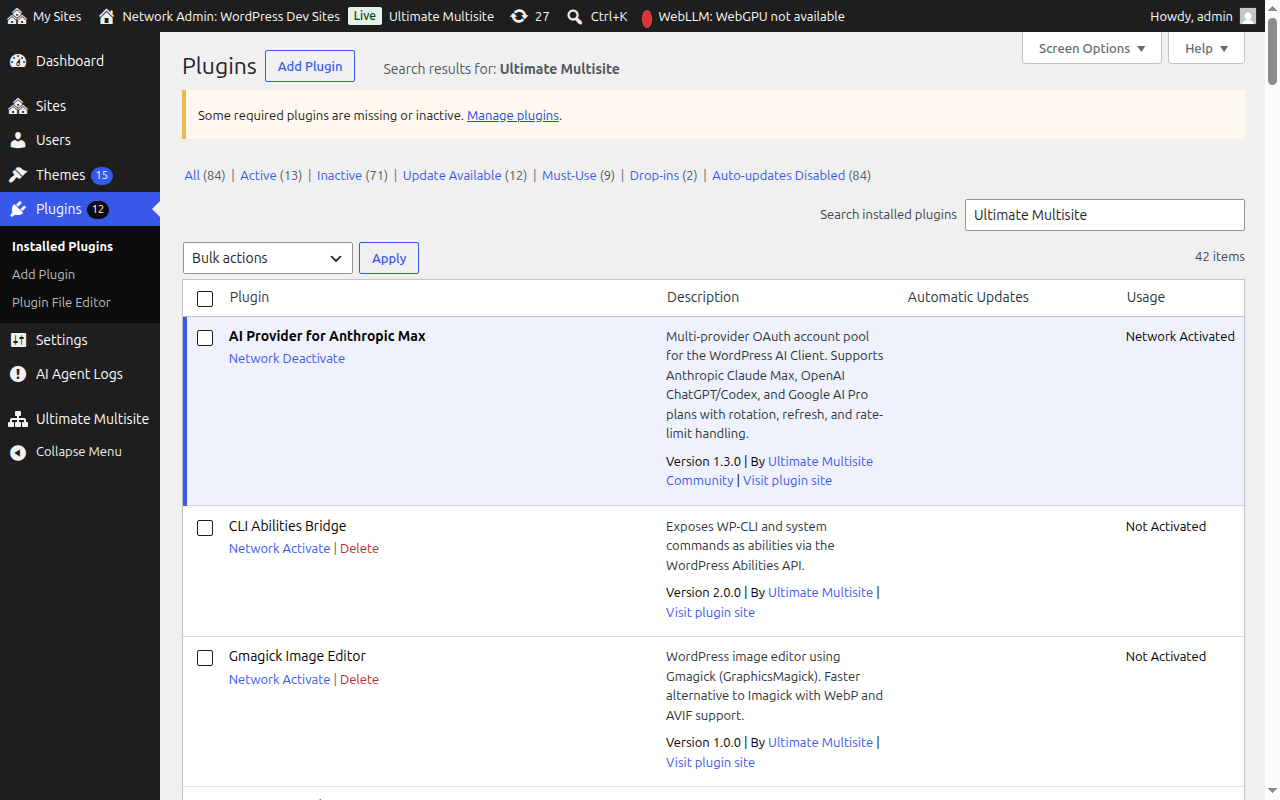
Setup Wizard
Setup Wizard e tla u tataisa ho hlophisa Ultimate Multisite ka metsotso e 10.
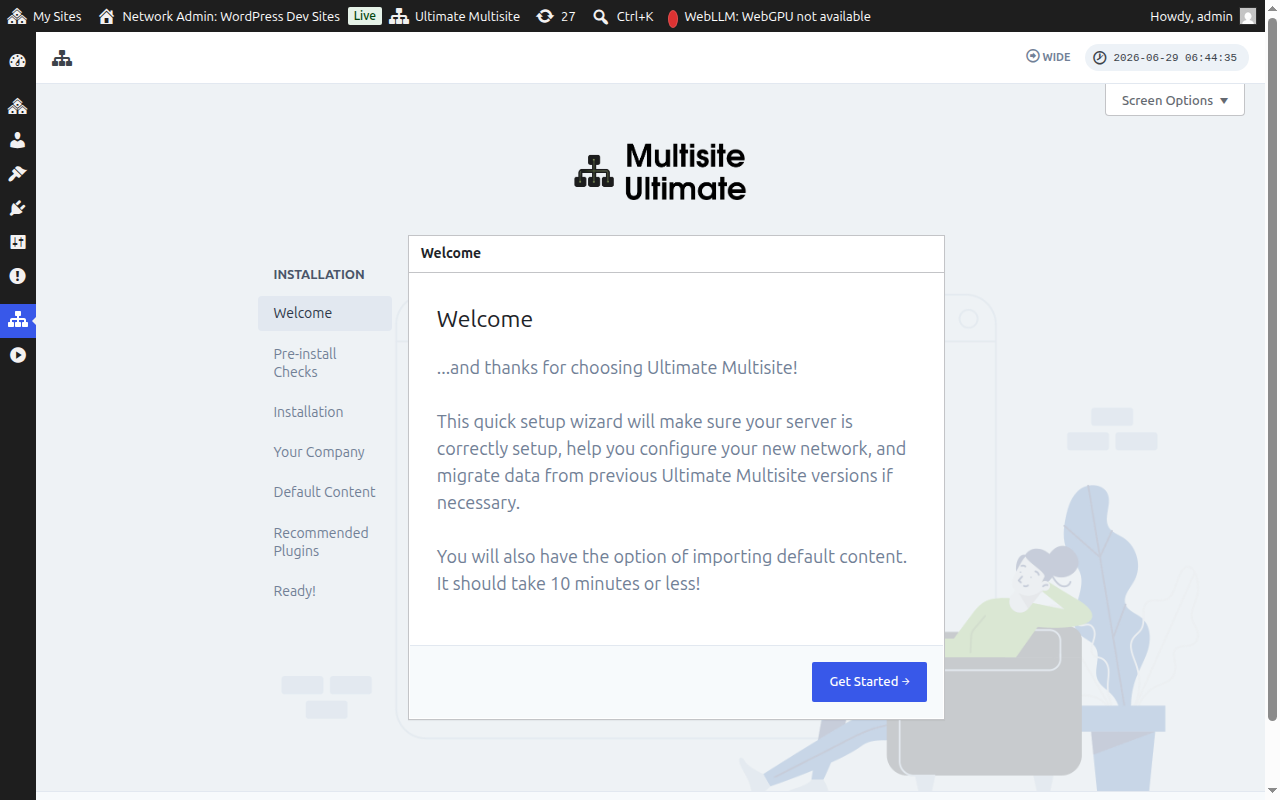
Ho Amoheloa
Tobetsa Get Started ho qala.
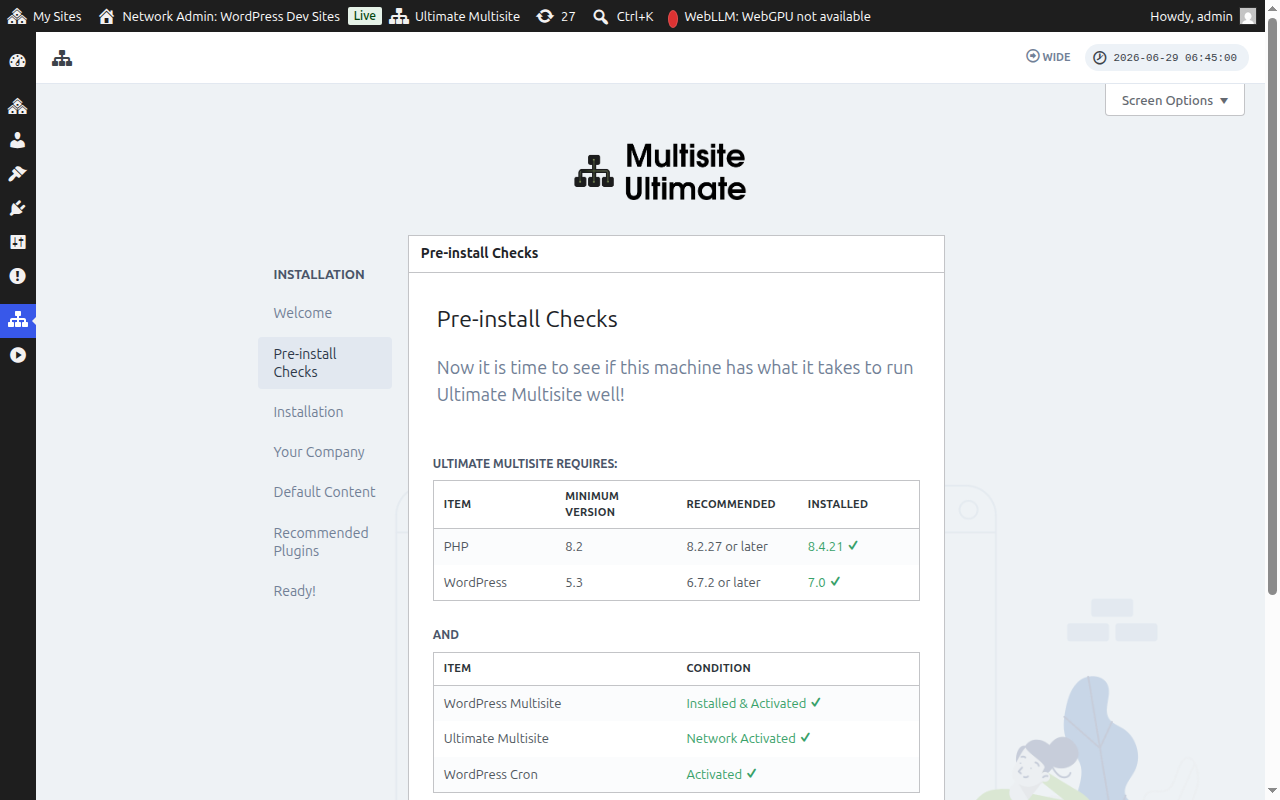
Pre-install Checks
Mohato ona o hlahloba tlhaahloliso ya sistimi le ho kenya WordPress ho netefatsa hore e fihlela litlhoko tsa Ultimate Multisite. Haeba ntho tsohle di lokile, tobetsa Go to the Next Step.
Haeba Ultimate Multisite e kentse empa ha e sa kenngoe netwekhong — mohlala, haeba o tobetsitse Activate (sebaka se le seng) ho fapana le Network Activate ho skrine ya dipheihine tsa netwekh, mohato wa Pre-install Checks o tla bona sena mme o bontshe konopo ya Network Activate.
Ho tobetsa Network Activate ho kenya plugin kaofela ho netwekh ya hao. Hang ha e kentse, wizard e tswela pele ka tsela e tlwaelehileng ho mohato wa ho kena. Ha ho hlokahale hore o tsoe ho wizard ho lokisa boemo ba ho kenya.
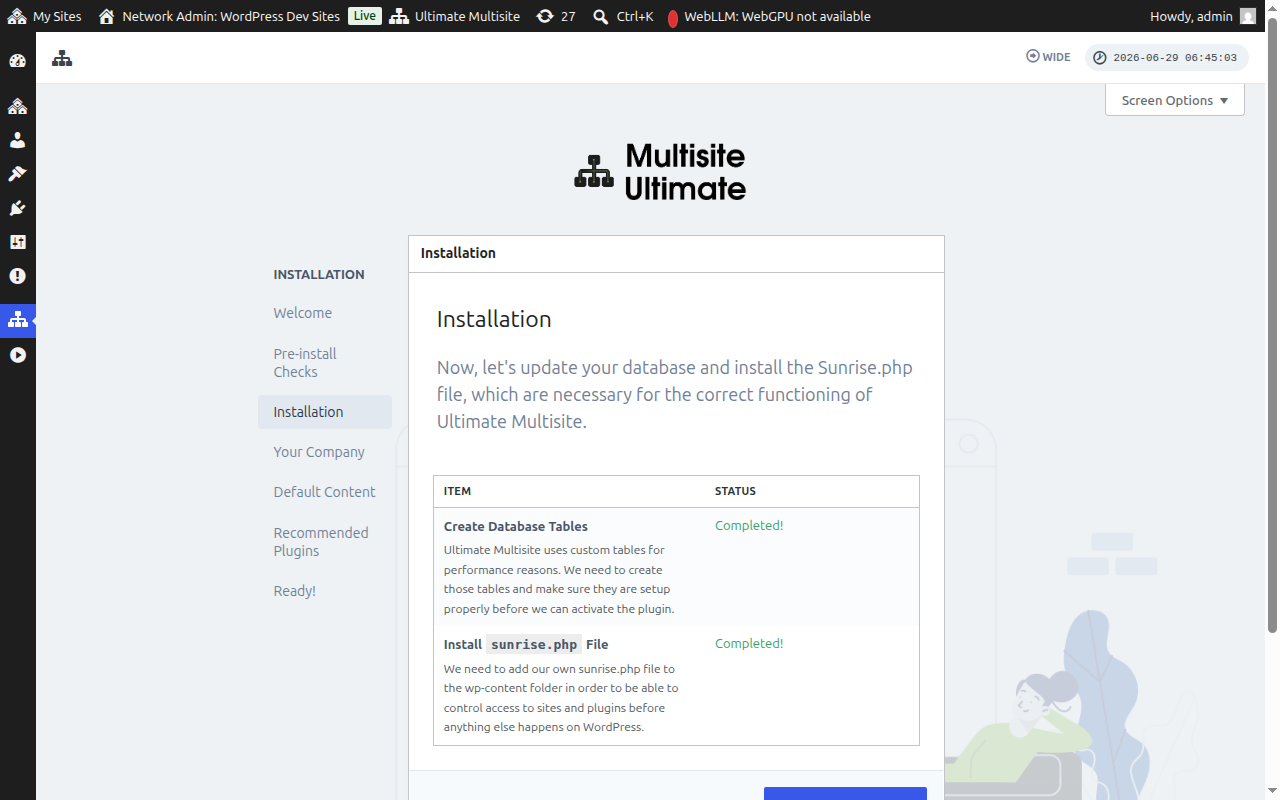
Ho Kena
Ho kenya ho tla theha ditafole tsa database tse hlokolosetseng le ho kenya faele ya sunrise.php e leng se Ultimate Multisite e hlokang ho sebetsa. Tobetsa Install ho tswela pele.
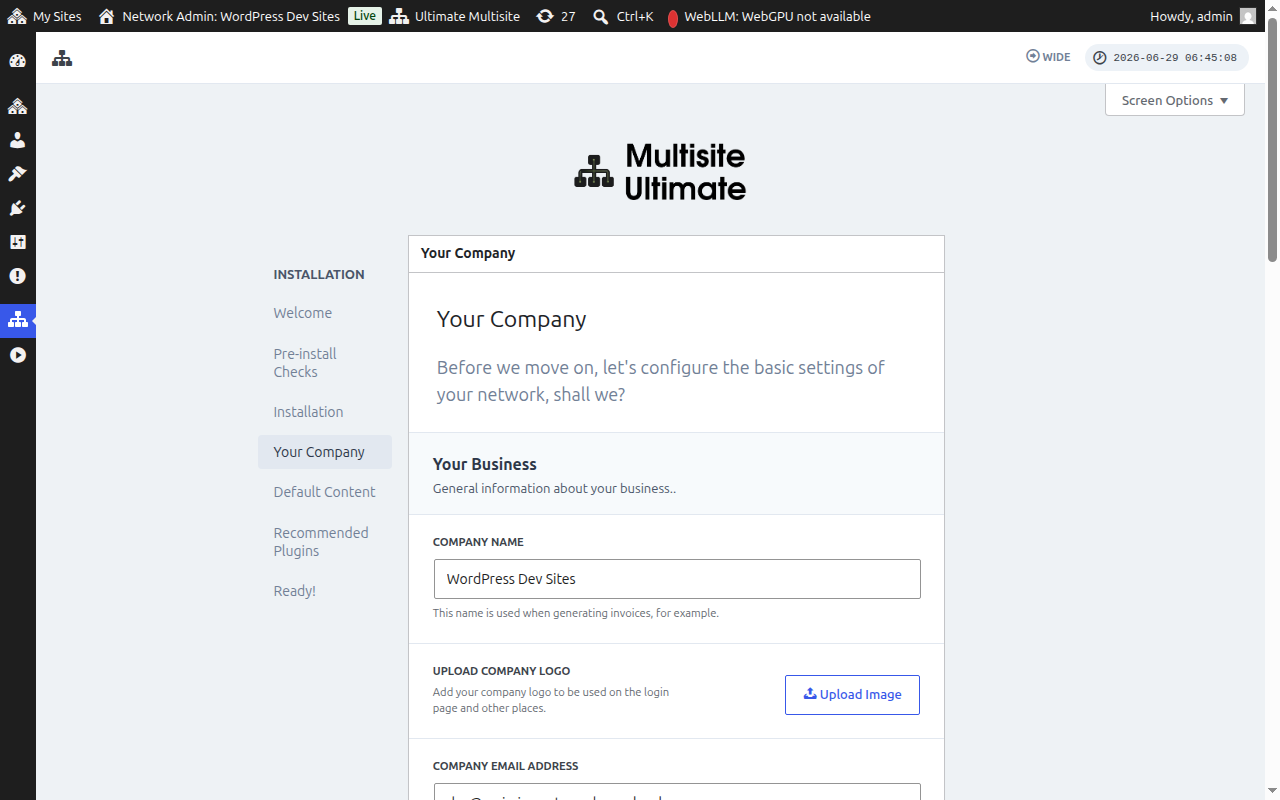
Khamphani Ya Hao
Tlatsa tlhaahloliso ya khamphani ya hao mme o beha chelete ya hao e loketsweng. Tlhaahloliso ena e tla sebeliswa kaofela ho setefala sa hao sa WaaS. Tobetsa Continue ha o qetile.
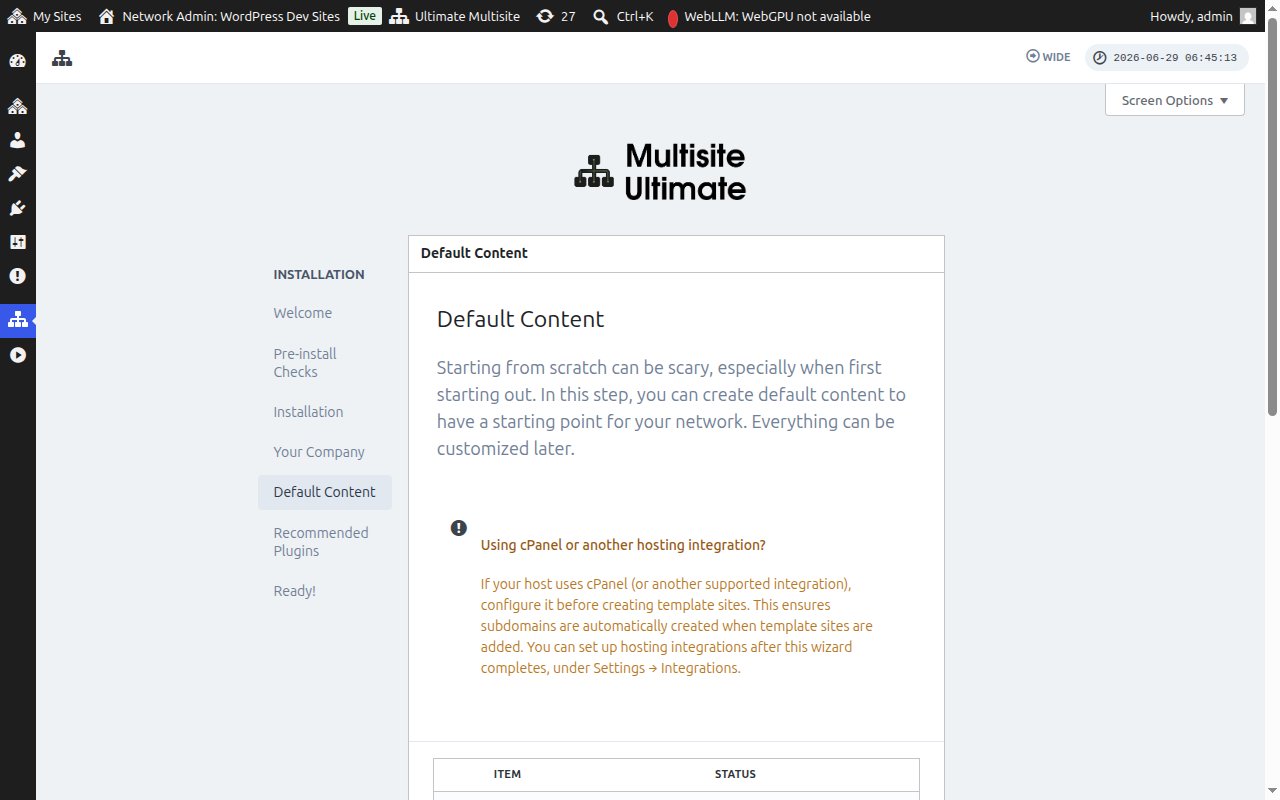
Litaba tsa Ho Qala
Mohato ona o u lumella hore o kenye dithemphele tse hlokolosetseng, dihlahiswa le litaba tse ling tsa ho qala. Hona ke tsela e ntle ya ho ithuta ka ditshebediso tsa Ultimate Multisite. Tobetsa Install ho eketsa ditaba tsa ho qala, kapa o tlohele mohato ona haeba o batla ho qala ho tswa ho zero.
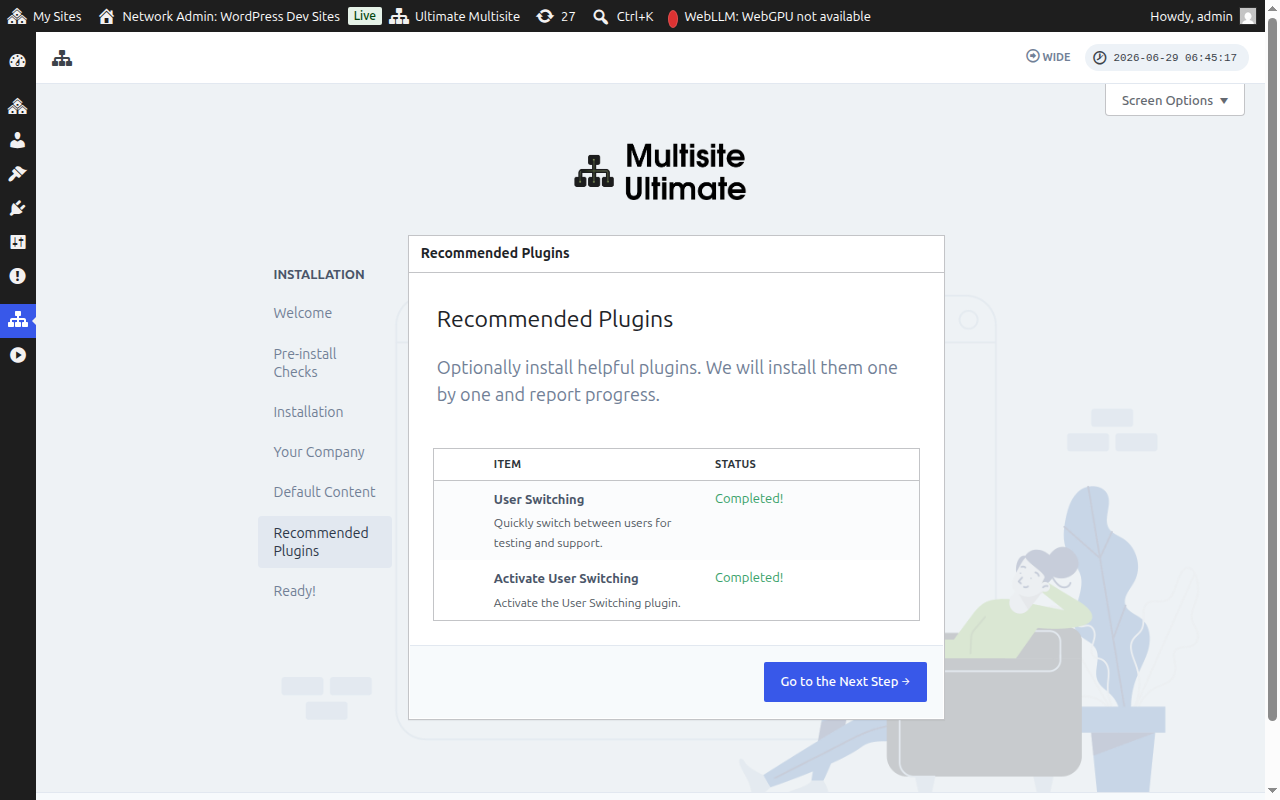
Dipheihine tse Reketsoeng
O ka kenya dipheihine tsa motsoalle tse reketsweng. Tobetsa Install ho li eketsa kapa o tlohele ho tswela pele.
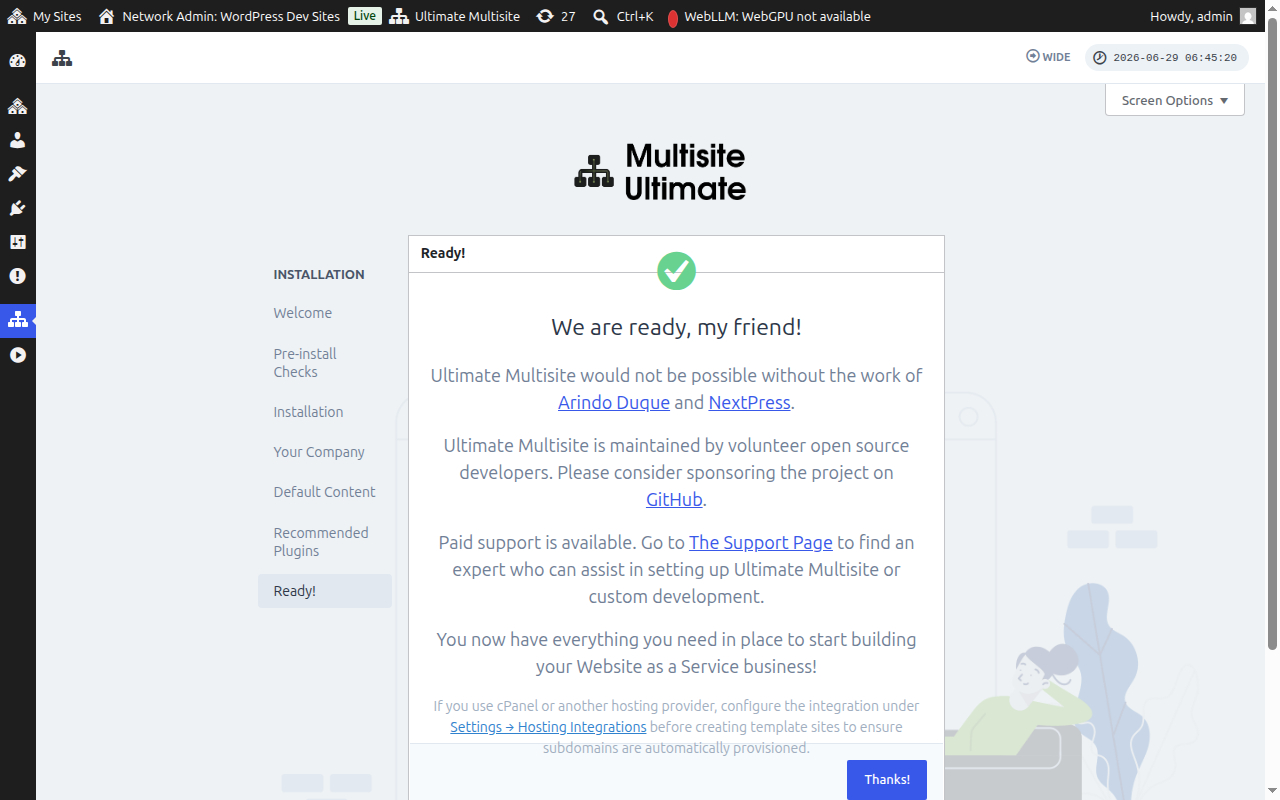
E Sebelisitse!
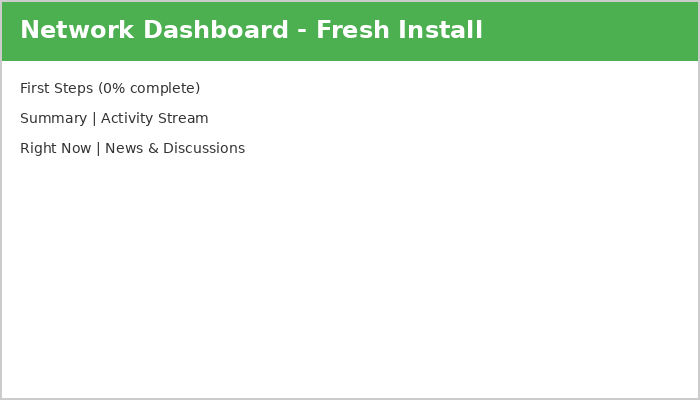
Ke yona! Ho kenya Ultimate Multisite ha hao ho phethilwe. O ka qala ho haha setefala sa hao sa Website as a Service ho tloha ho Network Admin Dashboard.
Tsamaea, o ka qala ho sebetsa!