A Hua o Akounta o Koa Kōrero (v2)
NOTE WHAKANGA: Ko tēnei tikanga he tino mō Ultimate Multisite v2.x.
Iha whena i te whānau o ngā mea, ka whai i ngā mea katoa e pēnei ana ki te website me te dashboard o ia, me ngā whakamohana nui mō ngā waiata, ngā membership, ngā domain, ngā pōwhiri o te plan, me ngā pōwhiri o te mahi...
I tēnei tutorial, ka tū mai mātou ki te whai i a koe i te hoa o akounta o te mea, ā, ka whakaatu ai i te mea e taea ana ngā hoa o koe te whakaaro me te whakamahi i te mea.
Te Hua o Akounta (The Account Page)
He tino tika te whai i te Account i runga i te dashboard o tō hoa o akounta.
I ngā whena o te sovereign tenant, ko Ultimate Multisite v2.13.0 e whakatika i tēnei whakamohana akounta i te wāhi nui (main site). Ko i roto i te mea ka pahi i te hoa o akounta ki te checkout, billing, invoice, site-management, template-switching, ko domain-mapping, ko te mahi e pahi atu ki te panel o te main-site customer, kia whakatika ngā rekords o te billing me ngā membership o te whena.
I roto i te wā ka pahi i te hoa o akounta mai i te sovereign tenant, ka taea te whai i te link whakaora (return link) ki te website o te tenant i te panel o te main-site customer. Ka pōwhiri tēnei link anō i te wā ka taea e Ultimate Multisite te whakamārama i te wāhi whakaora he heke o ngā websites o tō hoa, ko te mea e whakatika ai ngā redirects katoa i roto i te whenua (arbitrary redirects) i roto i te mahi o te tenant.

I ngā wā ka pahi i tēnei link, ka whakaatu ai ahau i te whakatutuki o tō membership, te wāhi o te billing, ngā invoices, ngā domain, ngā pōwhiri o te site, ā, ka taea hoki koe te whakawhiti i te Site Template (he tino tika ana i roto i tō whena) (if it's allowed in your network).
Ka taea hoki koe te whakawhiti i tō membership ki he plan hou, ko te pēke hou, ko te service hou e kaha ai koe. Ka whakatika mātou i kuitia o te wiki mō paneke katoa.
Whakawhanaungatanga o Awahi Moea:
Te bloku tū-ā-tū i runga i te ingoa waka o ngā mea whai whānau (customers) e whakaatu ana i te whakataki mō te plan me ngā whakataunga/package (services/packages) kua oti he whaina. Ko te bloku hoki e whakaatu i te nambere o te membership, te whakahauata kete (initial amount paid) kua paia ahau, te kaha o te plan me ngā service/package, me te wā kua paia ahau mō tēnei membership. He taea ai whakamahi hoki he whakaahua ana ko te membership Active (māhi), Expired (whakamutai), he Canceled (whakawātea).

I runga i tēnei bloku, he taea ai mō ngā mea whai whānau e whakaahua ana i te bloku About This Site (Māhi i tēnei Waka) me te bloku Site Limits (Māhi o te Waka). He whakaatu ahau i ngā pango katoa kua e noho ana i te plan: disk space, posts, pages, visits, etc... He taea ai whakamahi he whakataunga i runga i te puta mai o te plan hoki i Ultimate Multisite > Products.

I runga i te Your Membership, he taea ai mō ngā mea whai whānau e whakatipu i Change (Chang). He whakaatu ahau i ngā plan me ngā package/services katoa e taea. Ko i roto i te whiriwhiri plan hou, ko ngā pango o tēnei plan e hoakaa ake anō i ngā pango o te membership hou—he tino nui ahau i te whai whakaaro mō te whakatū (downgrading) he tino nui ahau i te whai whakaaro mō te whai whakaaro (upgrading).
I ko, inae ngā mea whai whānau e whiriwhiri te whaina package me ngā service mo tēnei membership hou—he pēnei i disk space mō te pai ake he visits—he ka puta mai i te membership hou akorua, engari ka noho te membership hou akorua i te wā.
He tino whakamārama ahau: He taea ai te whai whakaaro (coupon codes) e hoki ana i tēnei whakatipu membership. Ko he pēnei i he whaina coupon code mo te whaina membership hou, ka puta mai i te membership hou akorua.
I roto i te manawa o te account page, e taea ai ngā mea katoa i ngā customer atu whakaū i te wāhi whai whakaaro (billing address) o rā. E hiahia ana koe ki te whakatipu i Update i runga i Billing Address.

E tū mai i roto i pito whānui atu ki a koe he waka hou mō tō customer. He mea katoa e hiahia ana ahau ia te whakamahi: te whakatipu i te wāhi hou me te whakatipu i Save Changes.

Whakanui te Template o te Wāhi (Changing the Site Template):
Kia tino pai ahau ki ngā customer atu whakaahu i ngā template o te wāhi, e hiahia ana koe ki te pito i Ultimate Multisite > Settings > Sites me te whakatipu i te option Allow Template Switching.
E tōna whakatipu, i Ultimate Multisite > Products, te whiri i ngā plans mo te ripapa (plans) o koe me te pito i te tab Site Templates. Kia tino pai ahau ki te option Allow Site Templates me te option Choose Available Site Templates i runga i Site Template Selection Mode.
E taea ai koe te whakahti i ngā template katoa e pai ana ki te wāhi o koe. Whiri i ahau i ngā template kua whai tika me ahau kua whakatipu i ngā template kua kāore he mea e pai ana ki ngā customer kua whai i tēnei plan. He tino nui tēnei option, ko e hoki mai ai i te checkout form, ko ahau e noho ana i te Not Available ahau, ka noho ana i te registration page mo tēnei plan.
I tēnei wā, e taea ai ngā customer atu whakatipu i Change Site Template i roto i te account page o rā.

E whakaatu ana ko Ultimate Multisite 2.10.0 he panel switch template kua tino whakahou. Ka pōwhiri i te panel akorua ki te current-template card i roto i te panel, ko ahau e hiahia ana ahau ia te whakaatu i te template kua rahi i te mahi mō ngā customer koe i te whiri i te template hou.
He grid o tīn templat site e taea te whakaahua i runga i te wā, akorua he hoki ana ki te whakamahi ai ngā mea e taea mo ngā mea e pēnei ana. He tino mārama ahau ki te whai ake nei:

I tōna whakatū, ka whai koe i te whakamārama i te whakawhiti.

I tōna whakatū, ka taea ai ngā mea e pēnei ana ki te whakamahi i Reset current template (Whakamutunga i te templat i te ao) i tēnei panel, ko te mea i roto i te wā e pēnei ana. He tino kaha te whakaahuatanga: he pēnei i te whakawhiti ki te templat hou, ka taea te whakatū i te templat hou i te wā e pēnei ana. Engari, he pēnei i te whakamutunga i te templat, ka taea te whakakaha i te mōhaka o te site, ko tēnā mea he tino kaha ahau ki te whakaahuatanga: me te whakatū i te whakamutunga i te wā e pēnei ana koe i te whakaaro i te mahi.
Whakamārama Domain Whakaahua (Adding Custom Domains):
Ka taea ai ngā customer o koe te whakamahi i domain whakahou mo tēnei plan i tō account page. Ko te mea i roto i te wā e pēnei ana, he pēnei i te whakawhiti ki te templat hou: go Ultimate Multisite > Settings > Domain Mapping.
Whakatū i te option Enable Domain Mapping. Ka taea ai i ngā customer o koe te whakamahi i domain whakahou mo te wā o te whenua.
He tino kaha ahau ki te whakaahuatanga: me te whakaaro i te mahi, ka taea tōna whakahaere i runga i te product - ko te mea i roto i te wā e pēnei ana: go Ultimate Multisite > Products. Whakatū i te plan i runga i tō whakatū, he pēnei i te whakawhiti ki te templat hou: go tab Custom Domains. Whakatū i te option Allow Custom Domains.
Kore i te whaiaro, e kite ana ahau i te whakamahi o ngā domain tuatahi (custom domains). E tēnei he tino nui, engari e hoki mai ki te akaupō: e taea ai katoa ngā mea whānau (customers) e hāpai i tēnei plan tika te whakamahi i ngā domain tuatahi. I te puta noa, i te Page Account, e taea ai ngā customer ahau te āwhitu i te domain tuatahi ma te whakapichu ki Add Domain.

Te rāpanua (window) tūana e pōwhiri ngā customer ahau ki te whakamārama i a ia, he whakaahuatanga mātou i te whakamahi i ngā DNS records ahau hei whakatika i te domain tuatahi kia tika ana i roto i te whenua o tātou.

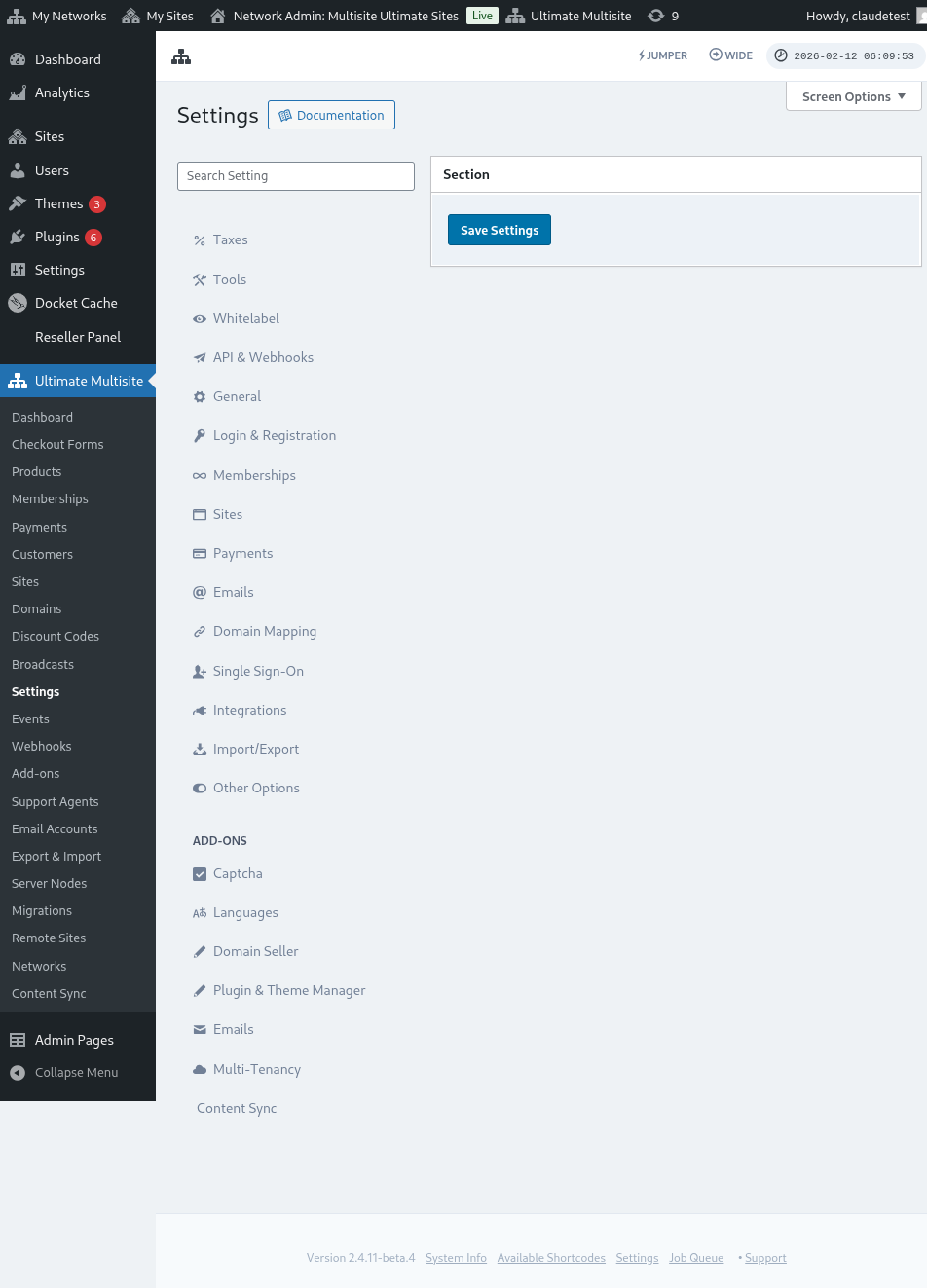
He mea nui tēnei whakaahuatanga, e taea ai koe te whakaiti i i te Ultimate Multisite > Settings > Domain Mapping > Add New Domain Instructions.
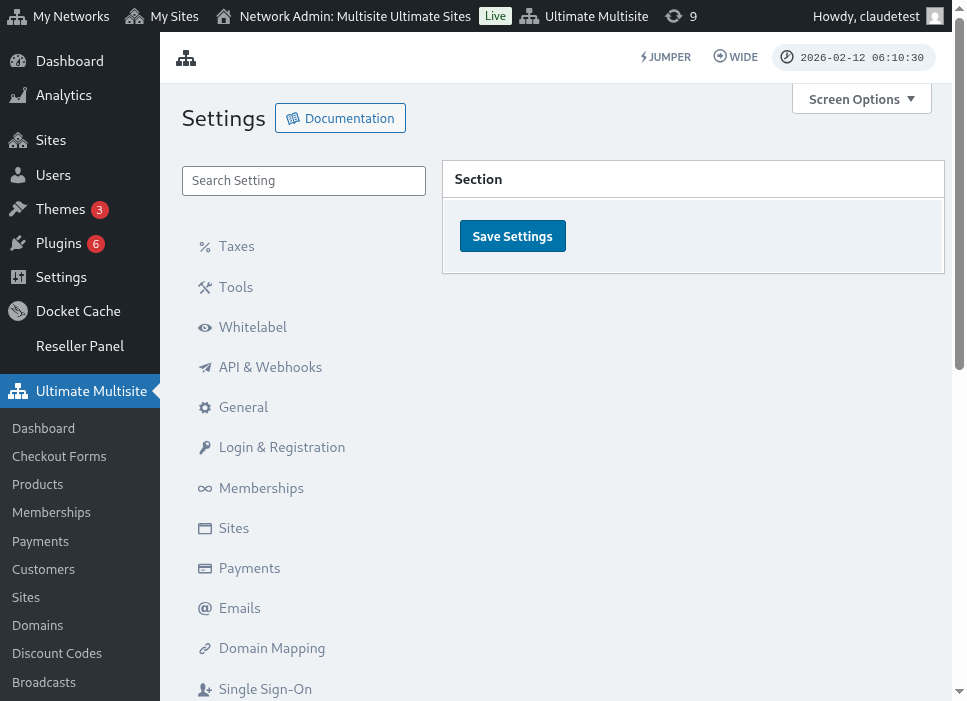
I heke ana ki te whakaahua katoa o te settings domain mapping:
I heke ana ki te whakapichu Next Step, e taea ai ngā customer ahau te āwhitu i te ingoa o te domain tuatahi tō, ka whiriwhiri ahau mō te mea ko te domain tuatahi (primary one). He tino nui tēnei: he taea ana ngā customer te whakamahi i roto i te wāhi whānui i te domain tuatahi, engari e taea ai ahau te whiriwhiri i te mea wai te pūrere tuatahi.

I heke ana ki te whakapichu Add Domain, ka puta te domain ki te account o tō customer. He mea katoa e hiahia ahau i te whakamahi, he whakawhiti i ngā DNS records o tēnei domain tuatahi i te domain registrar o tō customer.
Whakatika Password:
I roto i te dashboard o te account, e taea ai ngā customer ahau te whakatika i te password ahau ma te whakapichu ki Change Password.

Koe ka whakaatu i pango whānui (new window) i te where mai ngā koutou mea whai whakahou i te password kōrero (current password) me te password hou tino e hiahia ana ki te whakamahi.

Wāhi Ātanga Hauora:
He optiona rua mātou i whai ake ana i te wāhi Danger Zone: Delete Site (Whakamutunga Te Waka) me Delete Account (Whakamutunga Akau). Ko ngā mea e tēnei ana i te wāhi Danger Zone, ko te mea he pōtiki (irreversible) ngā ngā mahi ei whai whakaaro. Ko te mea, ko ahau i te whakatū mai i te waka o koutou ahau me te akau o koutou, ka taea e koutou te whakatū mai i ahau pōtiki (recover) i tēnei mea.
Ko i roto i ngā optiona rua ei whai whakaaro ana, ka pango atu ki te koutou he pango whānui (window) ko e hiahia ana koe ki te whakatika (toggle on) i te optiona ki te whero i te waka ahau me te akau, ā, ka pōtiki ahau i te koutou, ko tēnei mahi ei taea te whero atu.

Ko i roto i te whakamutunga o koutou waka, akau me te membership (whakawhanaungatanga) kōrero ahau i tēnei mea. Ko ko e pōtiki ana koe, ko e whakatū mai i ngā waka katoa, ngā membership, me ngā mōhioinga mō tēnei akau.