Ho Fana a Emails ea Setso
Ultimate Multisite e fana le emails e fapaneng tsa setso ho taba joalo ka lipa la tsamaiso, litswalo tsa khotso (confirmations), le litšomo tsa tšepo (receipts) le liphletso tsa bohloko. U ka u rata ho fetola templates ea emails ho fetolela li-brand la hau.
Ho Hlalosa Emails ea Setso
Hloka Ultimate Multisite → Settings u leka ho fihla tab ea Emails ho bona sethelo sa emails.
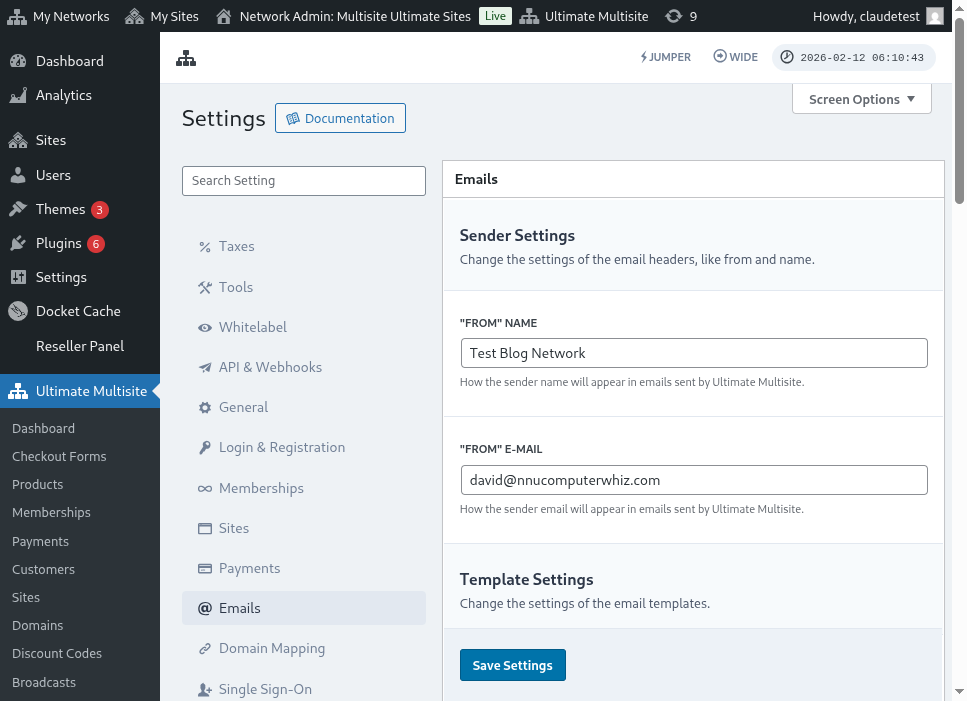
Ho tloha ho lona, u ka u fihla page ea System Emails ho bona templates hantle tsa emails.
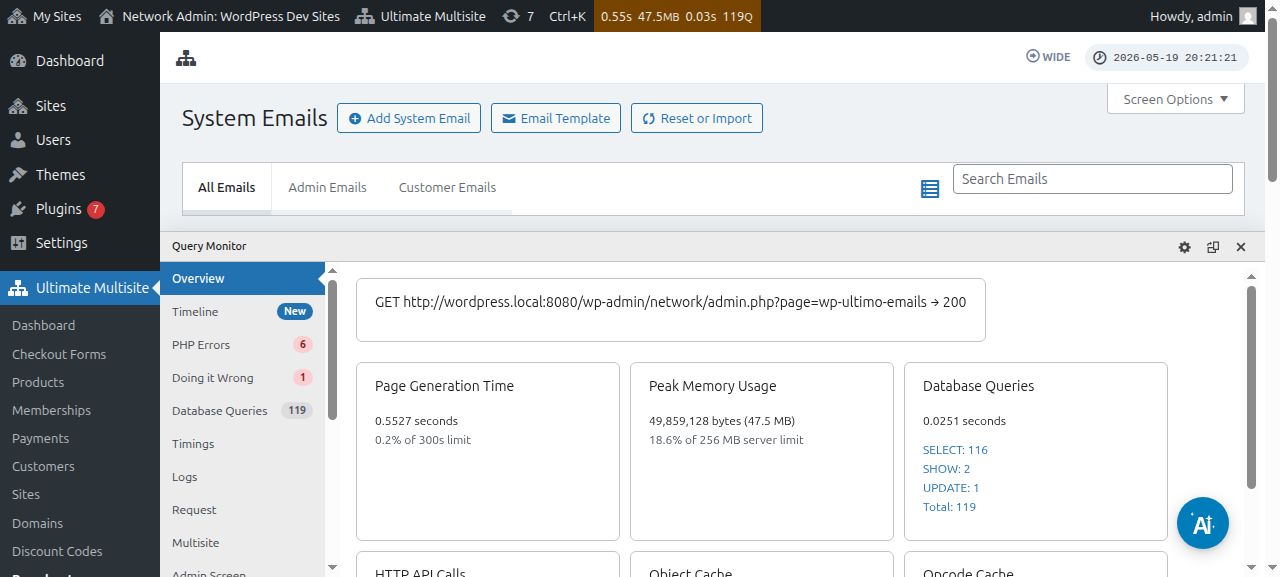
U ka u fetola templates e kholo ea email ka ho sebelisa editor ea system email:
Ho Ikhupha Templates e Ntlha ea Email
Lefo la Ultimate Multisite le versions tsotlhe le add-ons e ntlha e ka tšoa litlhaloso tse ntshwago tsa email. Ho go thusa ho se le liphatso (conflicts), litlhaloso tse ntlha li ka fana ka tsela ya mo thuto — o tshwanetse ho li importela manually.
Ho importela litlhaloso tse ntlha:
- Laela la peje System Emails
- Leela le Reset & Import button e le teng teng le matla a page
- Tshegela (Toggle) oona option ya Import Emails ho bona litlhaloso tse di fetileng
- Select litlhaloso tsa hau o batlang ho importela le re confirm
Ho Resetting Litlhaloso tsa Email
Ha u fetileng email template le o batla ho letha mo thuto (default content), o na le dikgomo tse duo:
-
Faka le fana ka mofuta o refa — Faka email ya sistema pele u fana ka mofuta o refa (o faka metrics ya ho fana).
-
Rea ka mofuta o tsamaisang — Usa mofuta o Reset & Import, fana le tshepa (toggle) mofuta oa Reset, le selekela emails joae u batla ho reka pele.
Mofuta oa Reset o hlophiswe ka ho ba le metrik ya ho fana le metadata e mengata, e leng hore o reke seo se fanaeng sa tloha (default content).