Событие: регистрация Account через Zapier
В статье Интеграция Ultimate Multisite с Zapier мы обсудили, как использовать Zapier для выполнения различных действий в Ultimate Multisite на основе триггеров и событий. В этой статье мы покажем, как можно интегрировать сторонние приложения. Мы будем использовать Google Sheets в качестве источника данных и отправлять информацию в Ultimate Multisite, чтобы зарегистрировать Account.
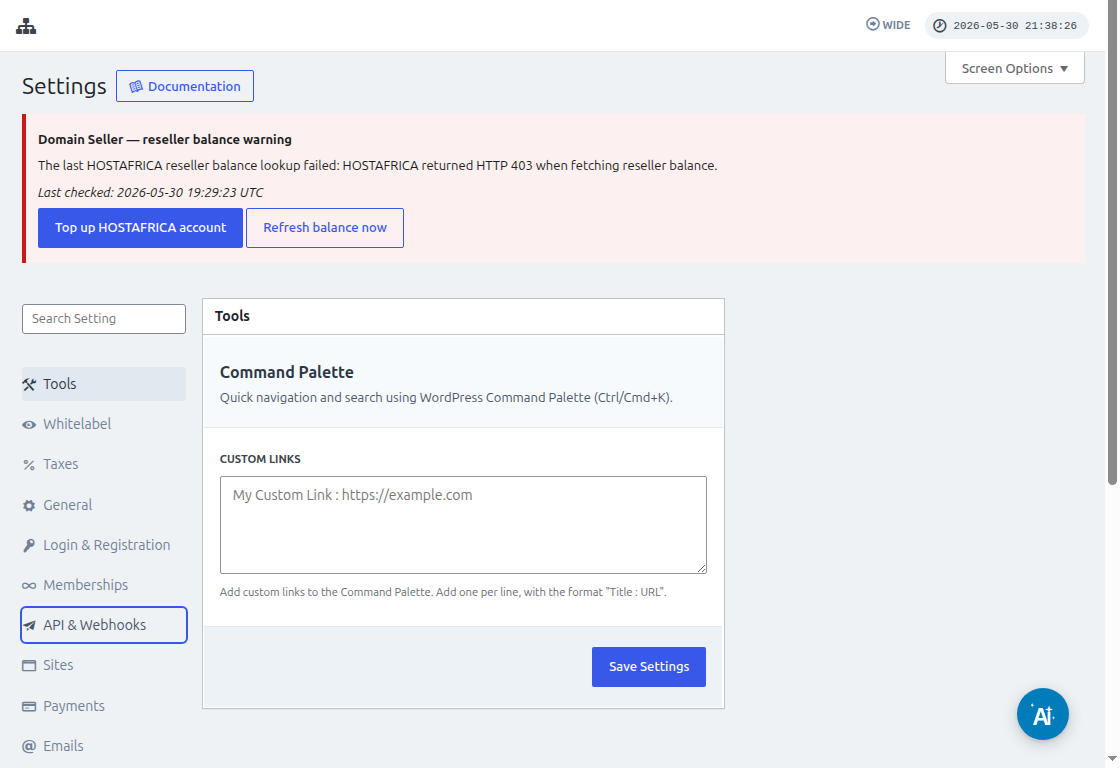
Перед подключением Zapier перейдите в Ultimate Multisite > Settings > API & Webhooks и убедитесь, что API включен. Скопируйте API Key и API Secret с этого экрана, когда Zapier запросит учетные данные Account Ultimate Multisite.
Сначала вам нужно создать Google Sheet в вашем Google Drive. Убедитесь, что вы правильно определили каждый столбец, чтобы позже можно было легко сопоставить данные.
После создания Google sheet вы можете войти в свою учетную запись Zapier и начать создавать zap.
В поле поиска для "App event" выберите "Google Sheets"
Затем для поля "Event " выберите "New spreadsheet row " и нажмите "Continue "
На следующем шаге вам будет предложено выбрать Google Account, где сохранен Google Sheet. Просто убедитесь, что указана правильная учетная запись Google.
В разделе "Set up trigger " вам нужно выбрать и указать электронную таблицу Google и лист, которые вы будете использовать и из которых будут поступать данные. Просто заполните эти поля и нажмите "Continue "
Далее нужно "test your trigger ", чтобы убедиться, что ваш Google sheet правильно подключен.
Если тест прошел успешно, вы увидите результат с некоторыми значениями из ваших электронных таблиц. Нажмите "Continue ", чтобы продолжить.
Следующий шаг — настроить второе действие, которое создаст или зарегистрирует Account в Ultimate Multisite. В поле поиска выберите "Ultimate Multisite(2.0.2) "
В поле "Event " выберите "Register an Account in Ultimate Multisite ", затем нажмите кнопку "Continue ".
В разделе "Set up an action " вы увидите различные поля, доступные для данных клиента, членств, продуктов и т. д. Вы можете сопоставить значения из вашего Google sheet и назначить их соответствующему полю, где они должны быть заполнены, как показано на скриншоте ниже.
После сопоставления значений вы можете протестировать действие.