Event: Ein Account über Zapier registrieren
Im Artikel Ultimate Multisite mit Zapier integrieren haben wir besprochen, wie Zapier verwendet wird, um basierend auf Auslösern und Events verschiedene Aktionen innerhalb von Ultimate Multisite auszuführen. In diesem Artikel zeigen wir, wie Sie Anwendungen von Drittanbietern integrieren können. Wir verwenden Google Sheets als Datenquelle und senden die Informationen an Ultimate Multisite, um ein Account zu registrieren.
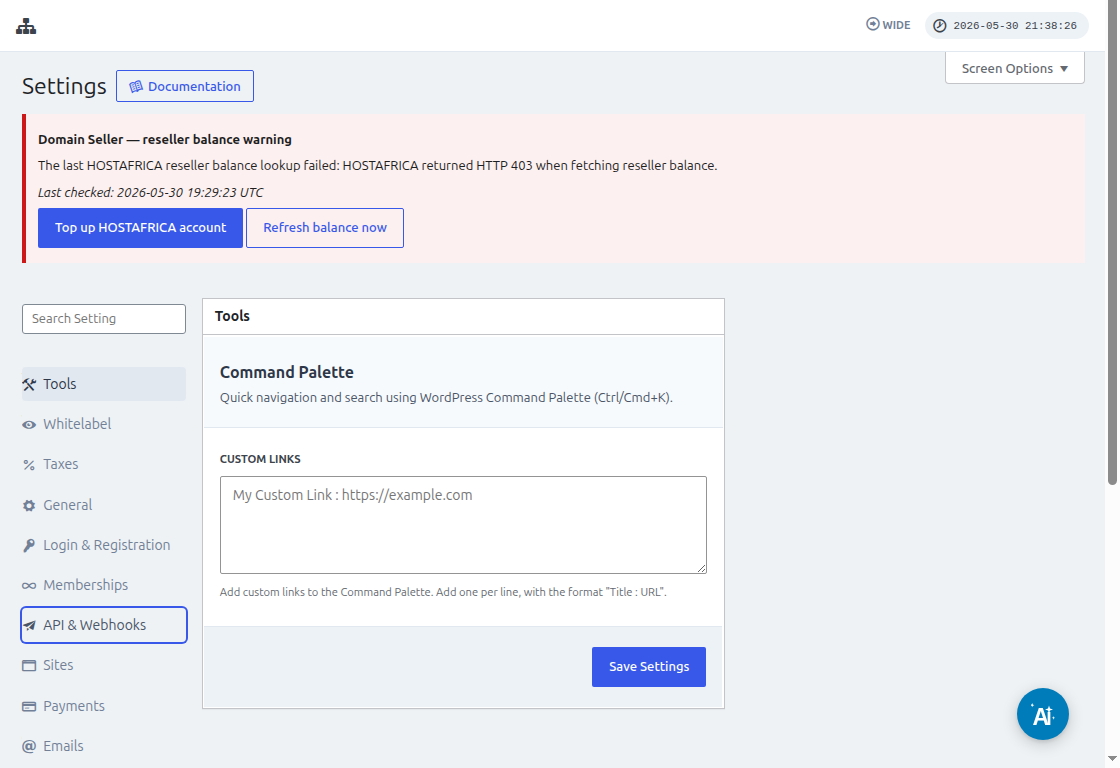
Bevor Sie Zapier verbinden, gehen Sie zu Ultimate Multisite > Settings > API & Webhooks und bestätigen Sie, dass die API aktiviert ist. Kopieren Sie den API Key und das API Secret von diesem Bildschirm, wenn Zapier nach den Ultimate Multisite Account-Anmeldedaten fragt.
Zuerst müssen Sie ein Google Sheet in Ihrem Google Drive erstellen. Stellen Sie sicher, dass Sie jede Spalte korrekt definieren, damit Sie die Daten später einfach zuordnen können.
Nachdem Sie ein Google Sheet erstellt haben, können Sie sich bei Ihrem Zapier Account anmelden und mit der Erstellung eines Zap beginnen.
Wählen Sie unter dem Suchfeld für "App event" "Google Sheets" aus
Wählen Sie dann für das Feld "Event " die Option "New spreadsheet row " aus und klicken Sie auf "Continue "
Im nächsten Schritt werden Sie aufgefordert, ein Google Account auszuwählen, in dem das Google Sheet gespeichert ist. Stellen Sie also sicher, dass das richtige Google-Konto angegeben ist.
Unter "Set up trigger " müssen Sie die Google-Tabelle und das Arbeitsblatt auswählen und angeben, die Sie verwenden werden und aus denen die Daten stammen. Füllen Sie diese einfach aus und klicken Sie auf "Continue "
Als Nächstes müssen Sie "test your trigger ", um sicherzustellen, dass Ihr Google Sheet richtig verbunden ist.
Wenn Ihr Test erfolgreich ist, sollten Sie das Ergebnis mit einigen Werten aus Ihren Tabellen sehen. Klicken Sie auf "Continue ", um fortzufahren.
Der nächste Schritt besteht darin, die zweite Aktion einzurichten, die ein Account in Ultimate Multisite erstellt oder registriert. Wählen Sie im Suchfeld "Ultimate Multisite(2.0.2) " aus
Wählen Sie im Feld "Event " die Option "Register an Account in Ultimate Multisite " aus und klicken Sie dann auf die Schaltfläche "Continue ".
Unter "Set up an action " sehen Sie verschiedene Felder, die für Kundendaten, Mitgliedschaften, Produkte usw. verfügbar sind. Sie können die Werte aus Ihrem Google Sheet zuordnen und sie dem richtigen Feld zuweisen, in dem sie eingetragen werden sollen, wie im folgenden Screenshot gezeigt.
Nachdem Sie die Werte zugeordnet haben, können Sie die Aktion testen.