Event: Register an account via Zapier
In the article Integrating Ultimate Multisite with Zapier, we discussed how to use Zapier to perform different actions within Ultimate Multisite based on triggers and events. In this article, we will show how you can integrate 3rd party applications. We will use Google Sheets as the source of data and send the information to Ultimate Multisite to register an account.
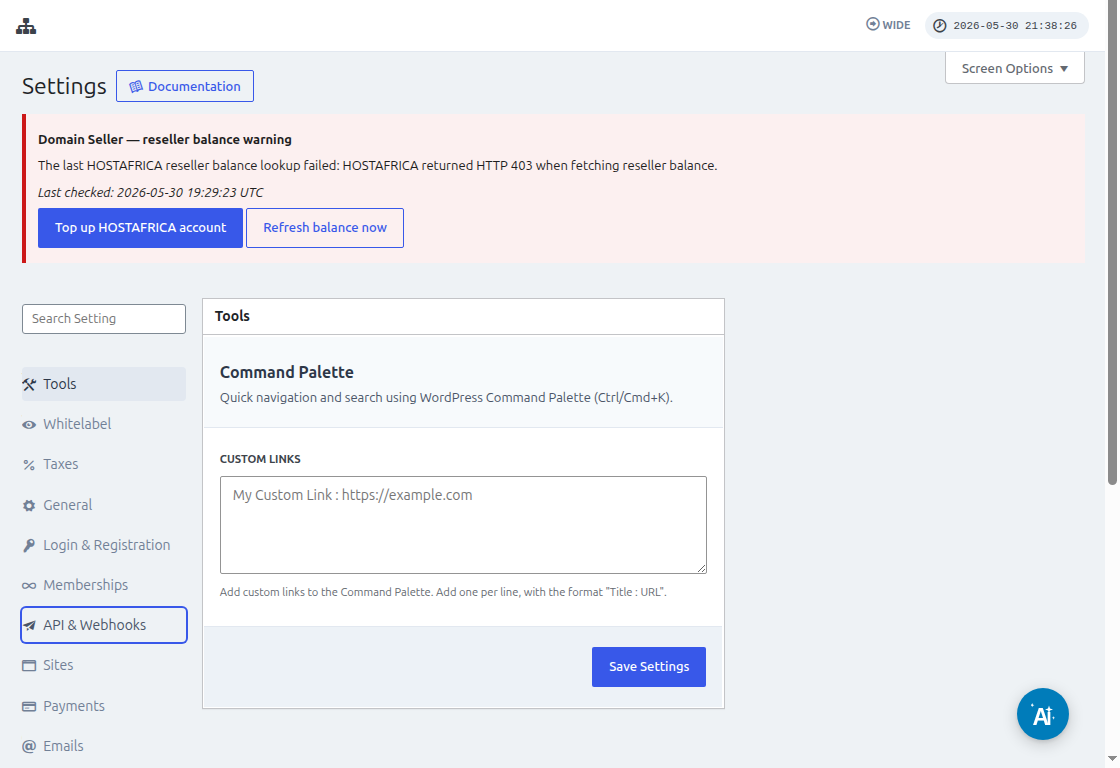
Before connecting Zapier, go to Ultimate Multisite > Settings > API & Webhooks and confirm the API is enabled. Copy the API Key and API Secret from this screen when Zapier asks for the Ultimate Multisite account credentials.
First, you need to create a Google Sheet under your Google Drive. Make sure you properly define each column so that you can easily map the data later.
After creating a Google sheet, you can log in to your Zapier account and start creating a zap.
Under the search field for "App event" select "Google Sheets"
Then for the "Event " field select "New spreadsheet row " and hit "Continue "
The next step will ask you to select a Google Account where the Google Sheet is saved. So just make sure that the right google account is specified.
Under "Set up trigger ", you will need to select and specify the google spreadsheet and worksheet you will use where the data will be coming from. Just go ahead and fill those out and hit "Continue "
Next is to "test your trigger " to make sure that your google sheet is properly connected.
If your test is successful, you should see the result showing some values from your spreadsheets. Click "Continue " to proceed.
The next step is to set up the second action that will create or register an account in Ultimate Multisite. On the search field select "Ultimate Multisite(2.0.2) "
Under the "Event " field, select "Register an Account in Ultimate Multisite " then click the "Continue " button.
Under "Set up an action ", you will see different fields available for customer data, memberships, products, etc. You can map the values under your google sheet and assign them to the proper field where they should be populated as shown in the screenshot below.
After mapping the values, you can test the action.