Understanding the Ultimate Multisite Dashboard
Before we immerse ourselves in more advanced configuration options and the operational aspects of Ultimate Multisite, let's take a look at the dashboard.
Like many WordPress plugins, Ultimate Multisite creates a network-level menu entry titled Ultimate Multisite with a number of sub-menu entries underneath.
Network Dashboard Widgets
Ultimate Multisite injects a few useful widgets into the network-level dashboard. This dashboard is found by navigating to My Sites → Network Admin → Dashboard. The widgets are designed to provide easy access to information and common operations for the network administrator.
First Steps

This widget appears on a fresh installation of Ultimate Multisite and reminds the network administrator to complete additional tasks such as configuring a payment method and creating a test account.
Summary
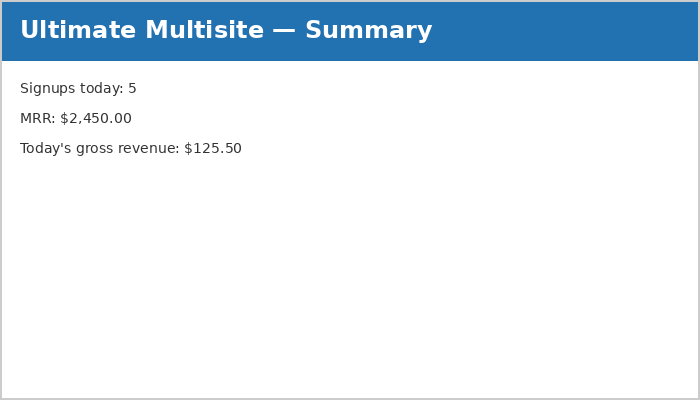
The Summary widget reports on the number of signups and their revenue for the day. The MRR (Monthly Recurring Revenue) indicates a projected total across customers with revenue-generating memberships.
Activity Stream
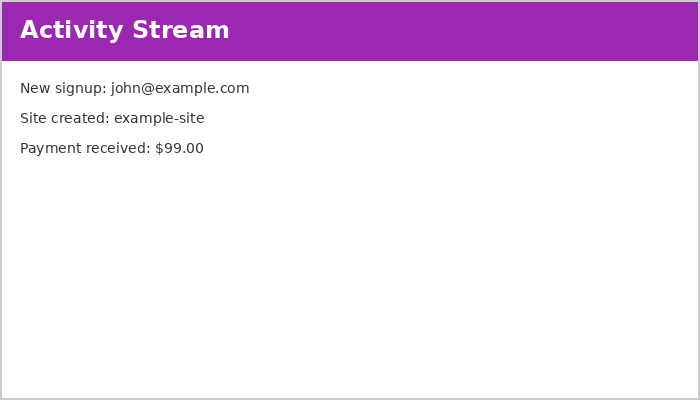
This widget reports on events across Ultimate Multisite. Events include signups, cancellations, site creations, deletions, and other activities.
Please refer to the Events section of the documentation for a more detailed description.
Right Now

This utility widget displays a short summary of users and sites in the network. Handy shortcuts at the top allow for one-click access to create new sites or users.
News and Discussions
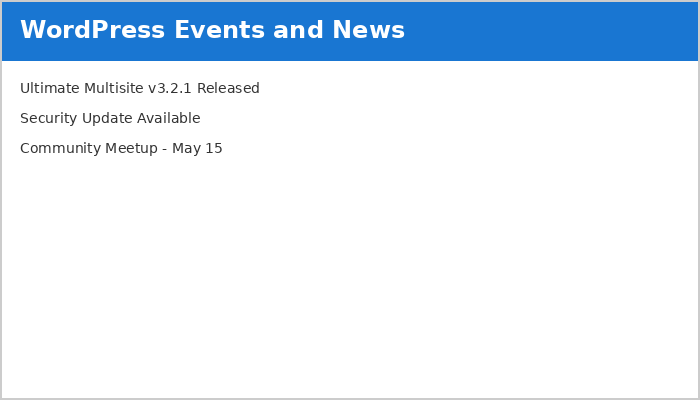
This widget fetches and displays the latest Ultimate Multisite news. Keep an eye on this widget for information about updates, critical bugs, and security fixes.
Ultimate Multisite Dashboard
Where the network-level dashboard presents holistic information about the network, the Ultimate Multisite dashboard (located at the top-level of the Ultimate Multisite menu) presents information about the service.
Monthly Recurring Revenue Growth
The MRR (Monthly Recurring Revenue) chart displays a monthly breakdown of revenue over a 12-month calendar period.
New revenue is tracked in blue while cancellations are reflected in red.
Date-range Support
Depending on the number of customers and activity, statistics can become overwhelming. The date-range support built into the dashboard allows the network administrator to focus on only the information and time period required.
The date range governs the period of the information displayed by the widgets directly below, including revenue, new memberships, signups by country, signups by form, and most visited sites.
To make the Most Visited Sites widget work, enable visit counting at Ultimate Multisite → Settings → Sites → Enable Visits Limitation and Counting.