Managing Memberships
In Ultimate Multisite you can manage memberships and access all the subscriptions on your network. Review and edit subscription details such as plans and products, the number of sites, billing amount and frequency, payment history, and timestamps.
To access this page, go to the Memberships tab in the Ultimate Multisite menu.
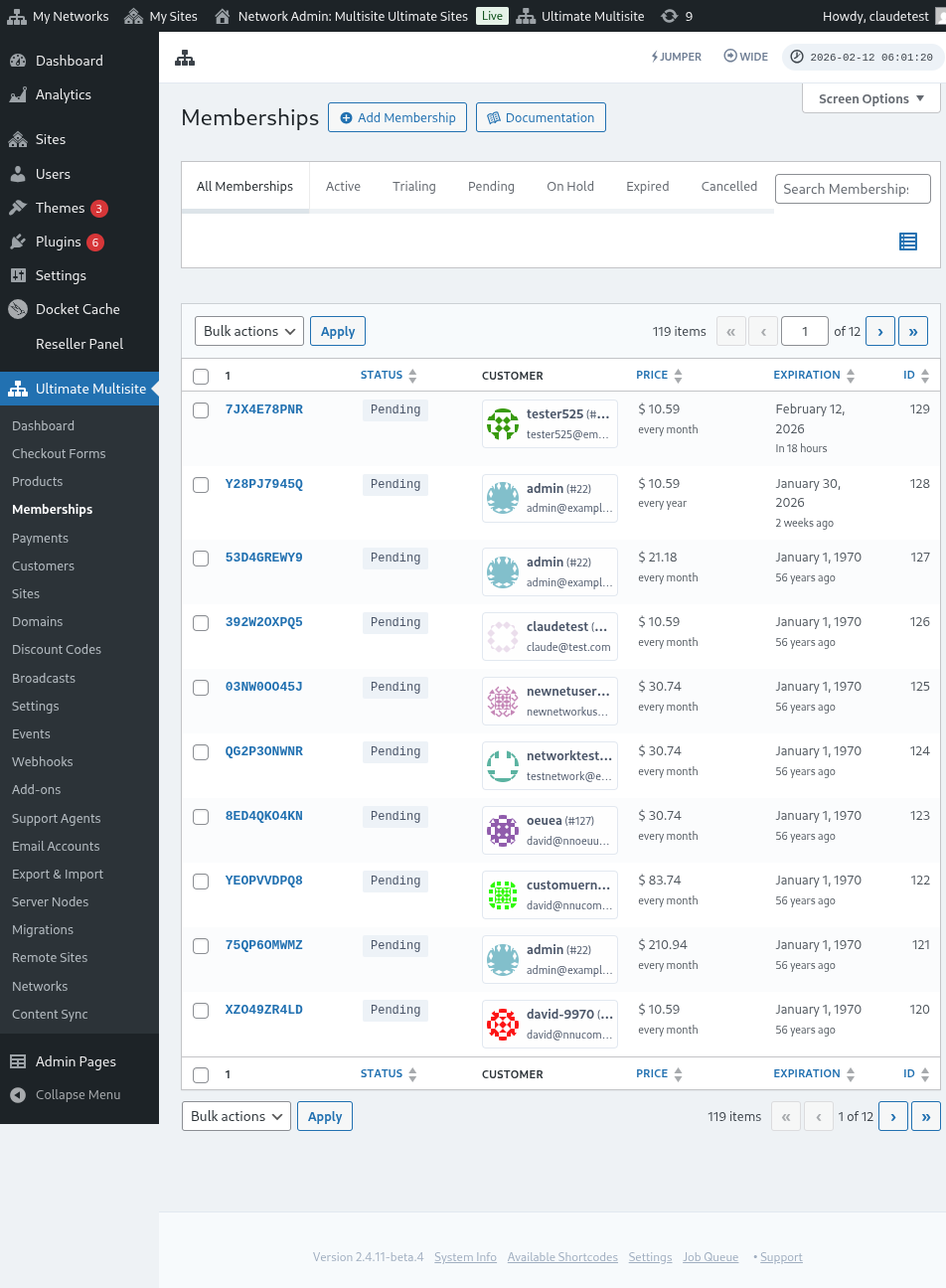
On the Memberships page you can see a list of your customers and the products associated with their accounts. You can filter memberships by status: active, pending, on hold, expired, or cancelled.
Free memberships are treated as lifetime memberships. They do not receive an expiration date and will not expire automatically. If a free plan should end after a trial or fixed period, use a paid product with a trial, manually cancel the membership, or move the customer to another plan when their access should change.
Click on a membership to access the page where you can edit the membership details — billing info, site or visit limits, and more.
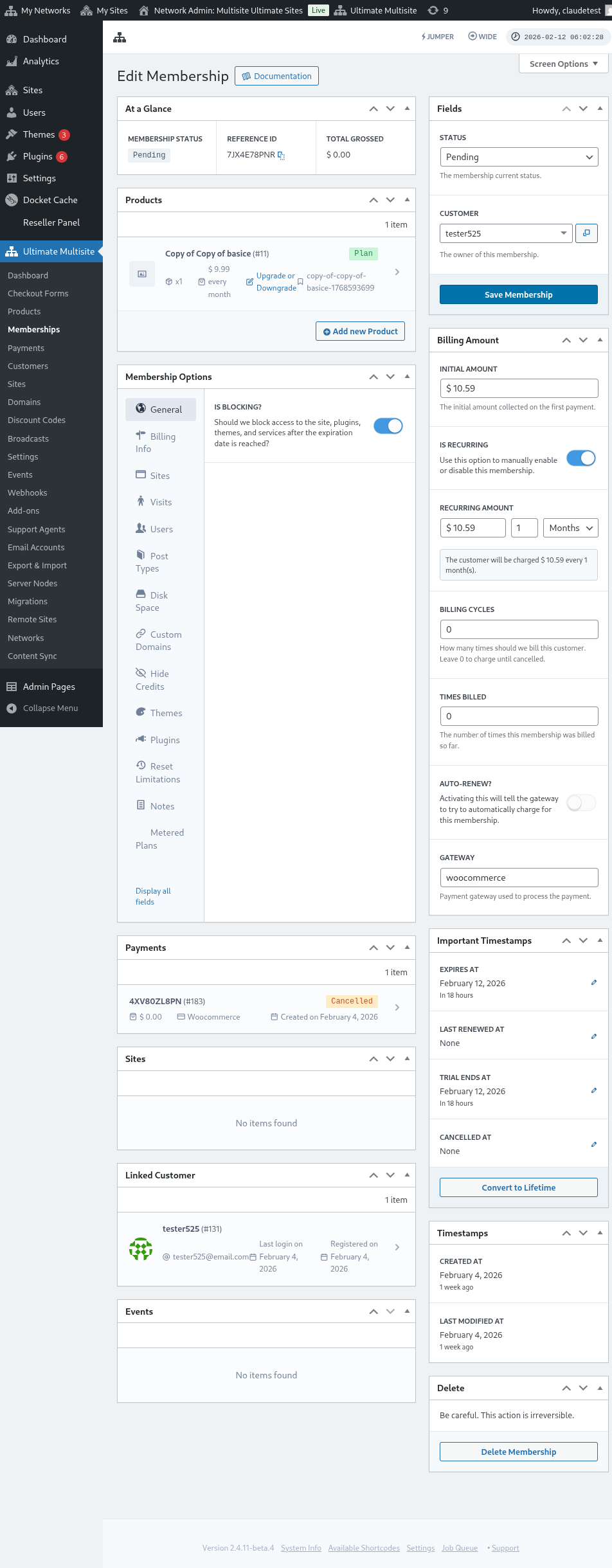
Here's a full view of the membership edit page:
You can also add new memberships associated with users previously registered on your network. Click Add Membership and configure the details.
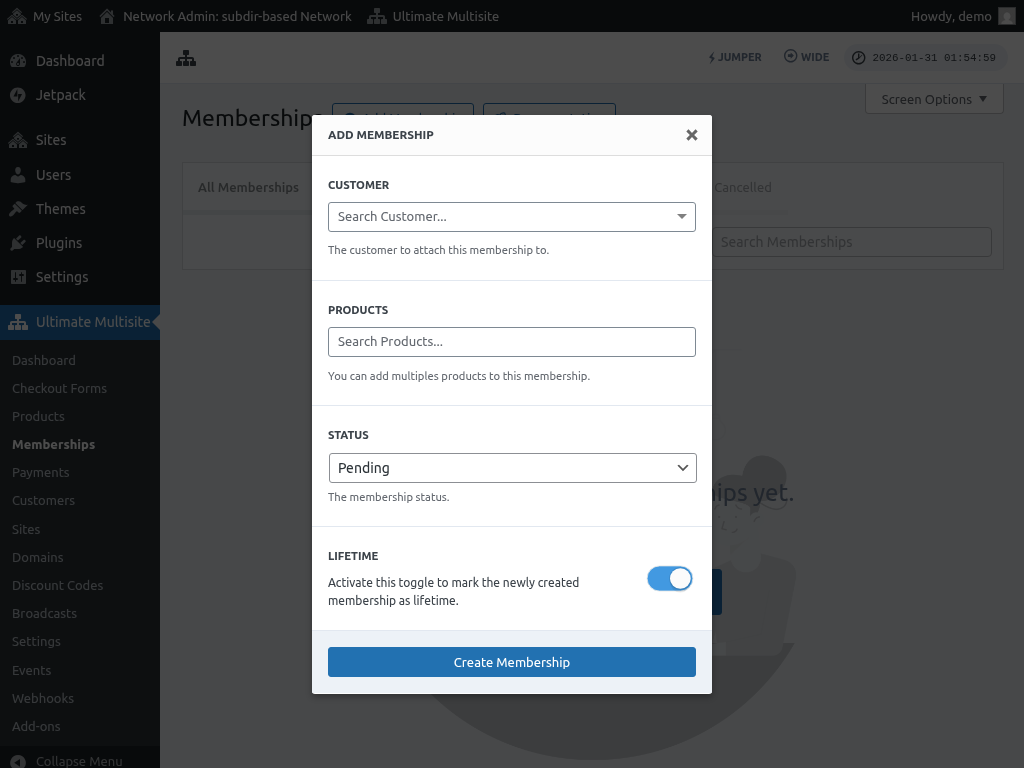
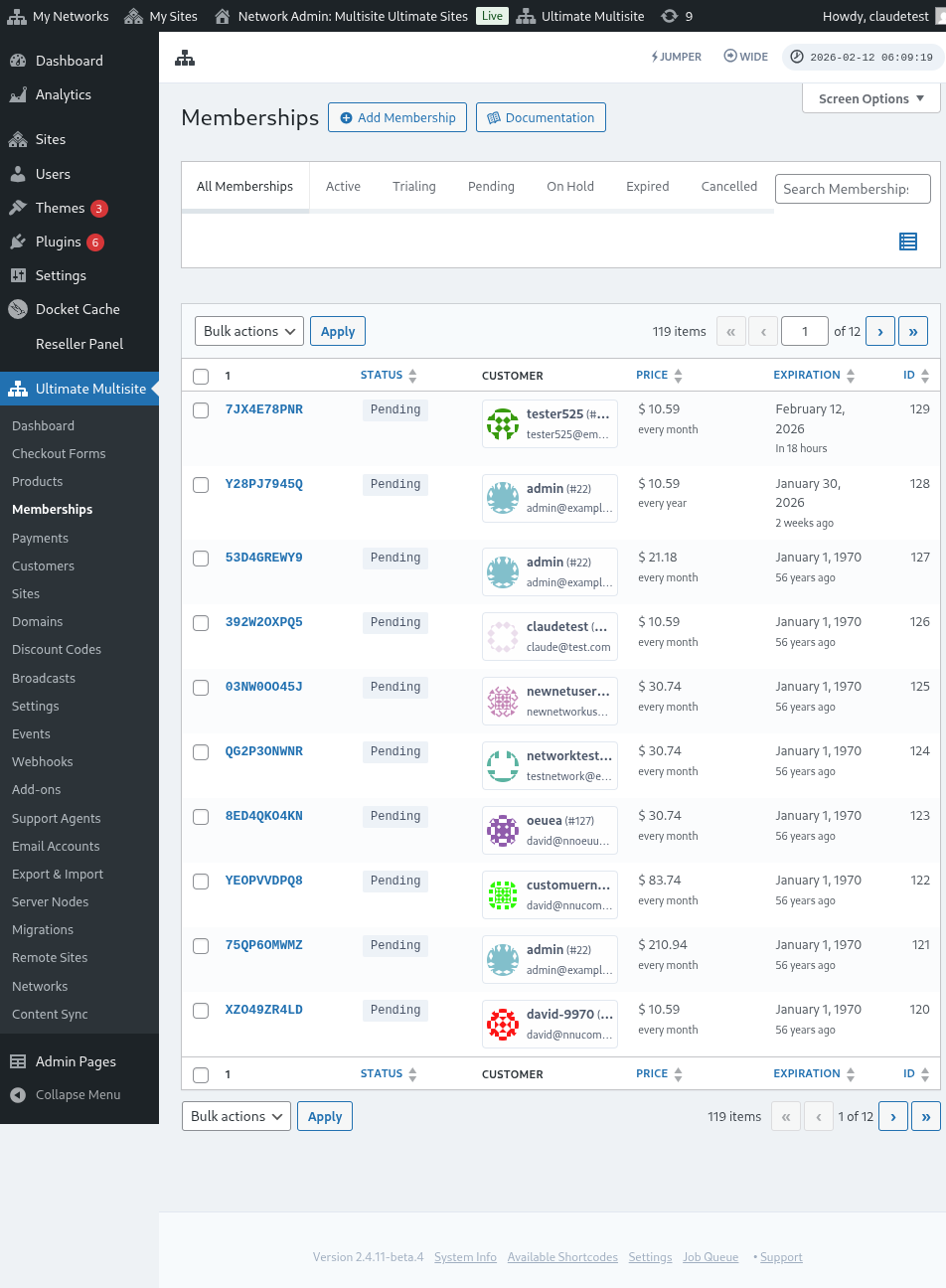
Then click Create Membership. The new membership will appear on the memberships list.