Touring the Admin Panel
Ultimate Multisite aims to be as simple and self-explanatory as possible, but with a tool this powerful it can help to have a guided tour. Let's walk through the admin pages to help you get situated.
Dashboard
The Ultimate Multisite Dashboard shows basic reports and analytics including revenues, site activities, membership growth, visitor counts, and geographic data.
Here's a full view of the dashboard:
And the bottom section of the dashboard:
Here's also a full view of the network dashboard:
Checkout Forms
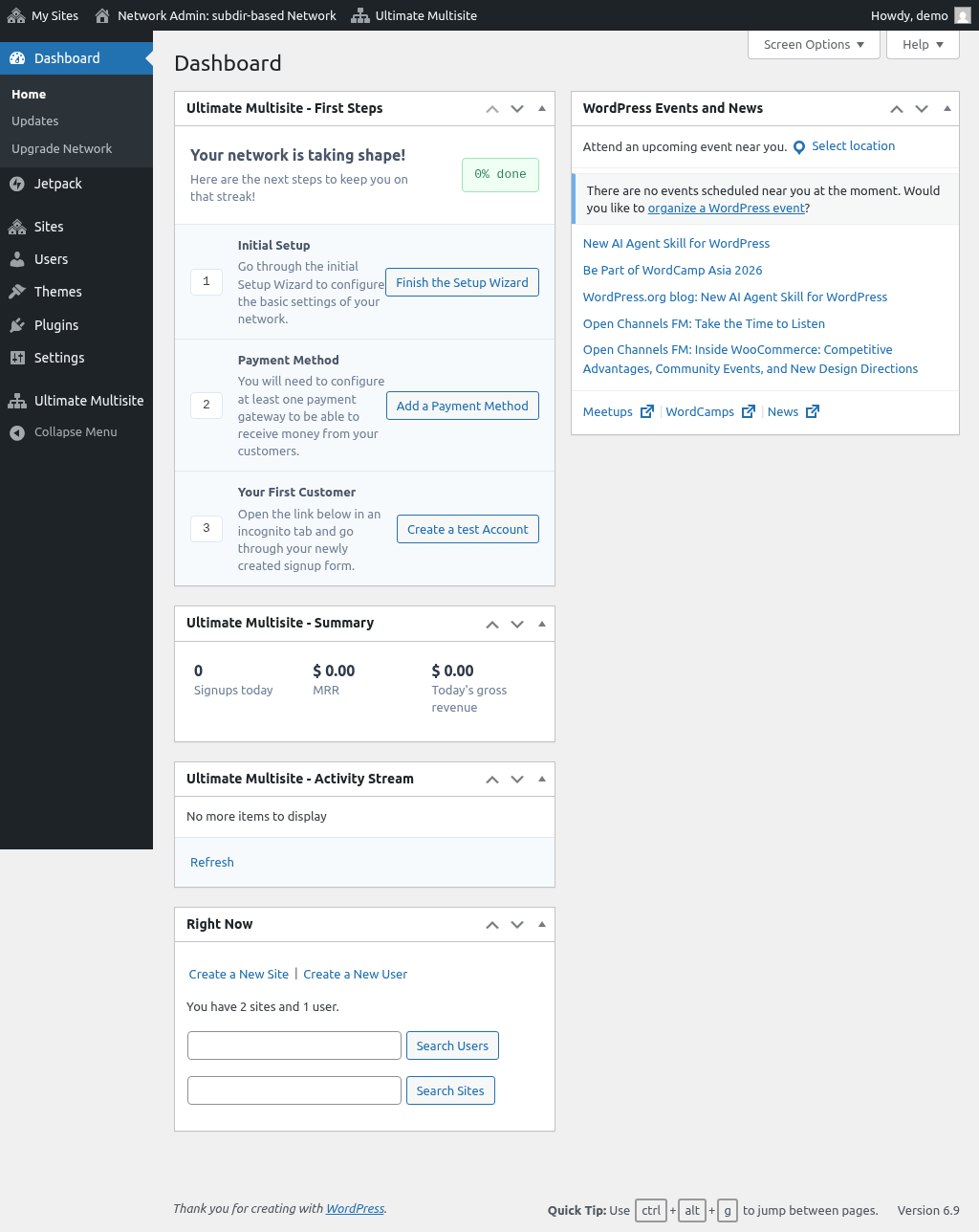
Checkout Forms give you the flexibility to create custom registration pages. You can customize fields, insert custom classes and scripts, and restrict access based on visitor country or location.
Products
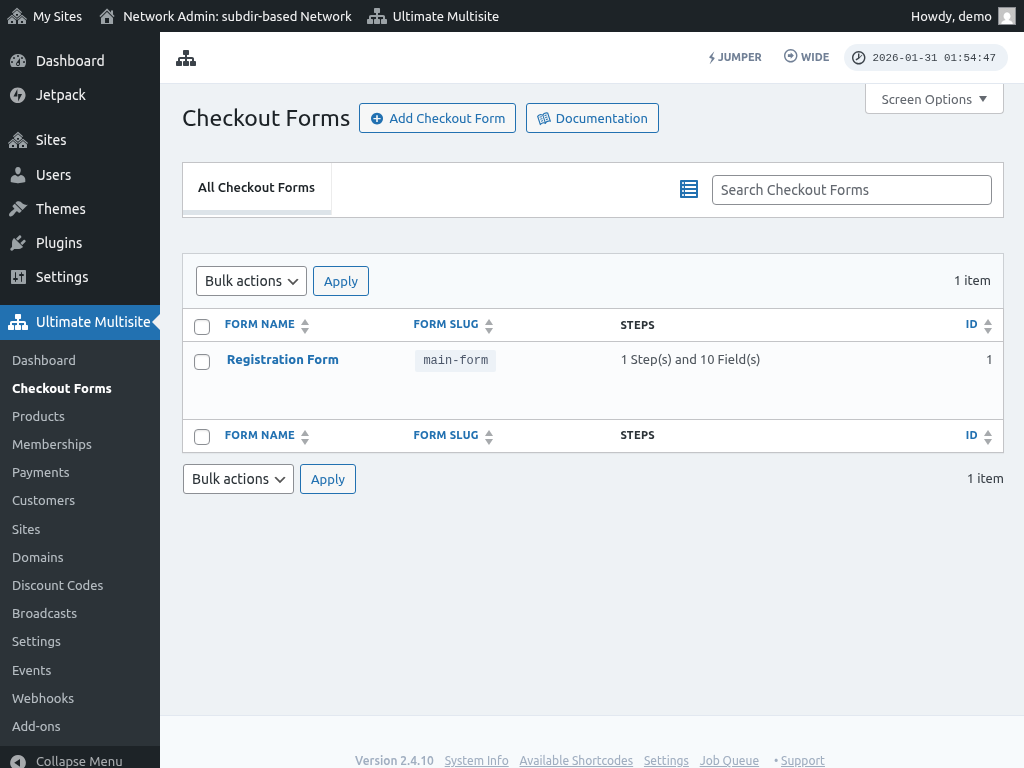
The Products section is where you create different plans, packages, and services for your network. Define prices, billing frequencies, and limits & quotas at the product level.
Memberships
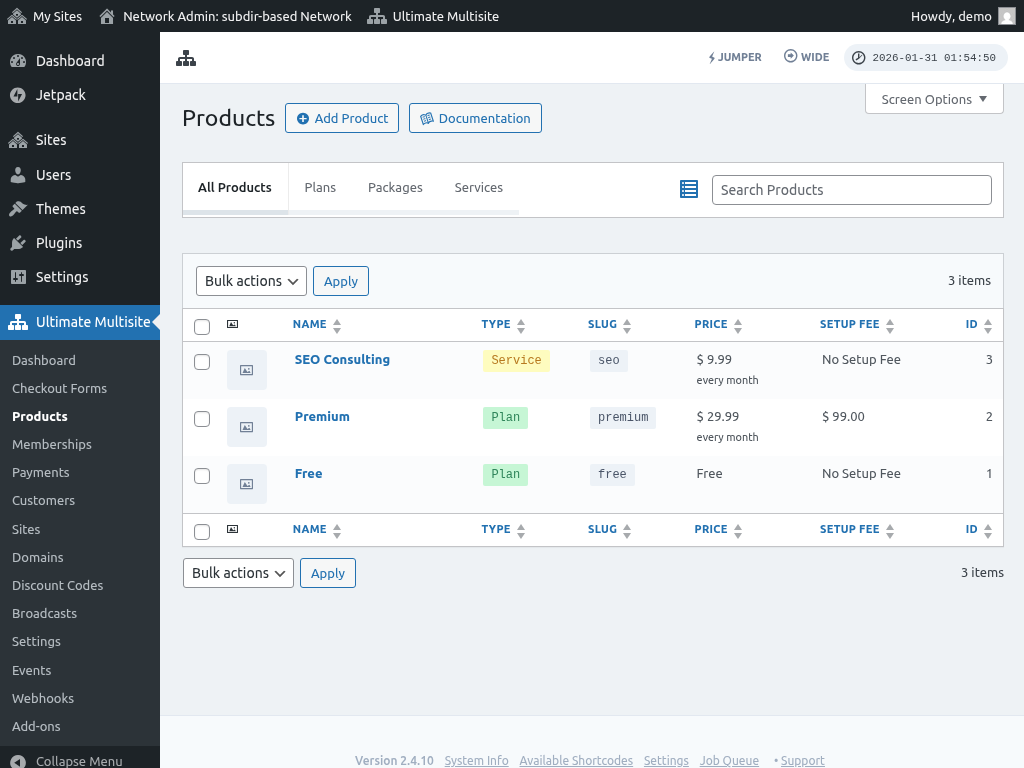
The Memberships page shows all subscriptions in your network. Review and edit subscription details including plans, products, billing amounts and frequencies, payment history, and timestamps.
Payments
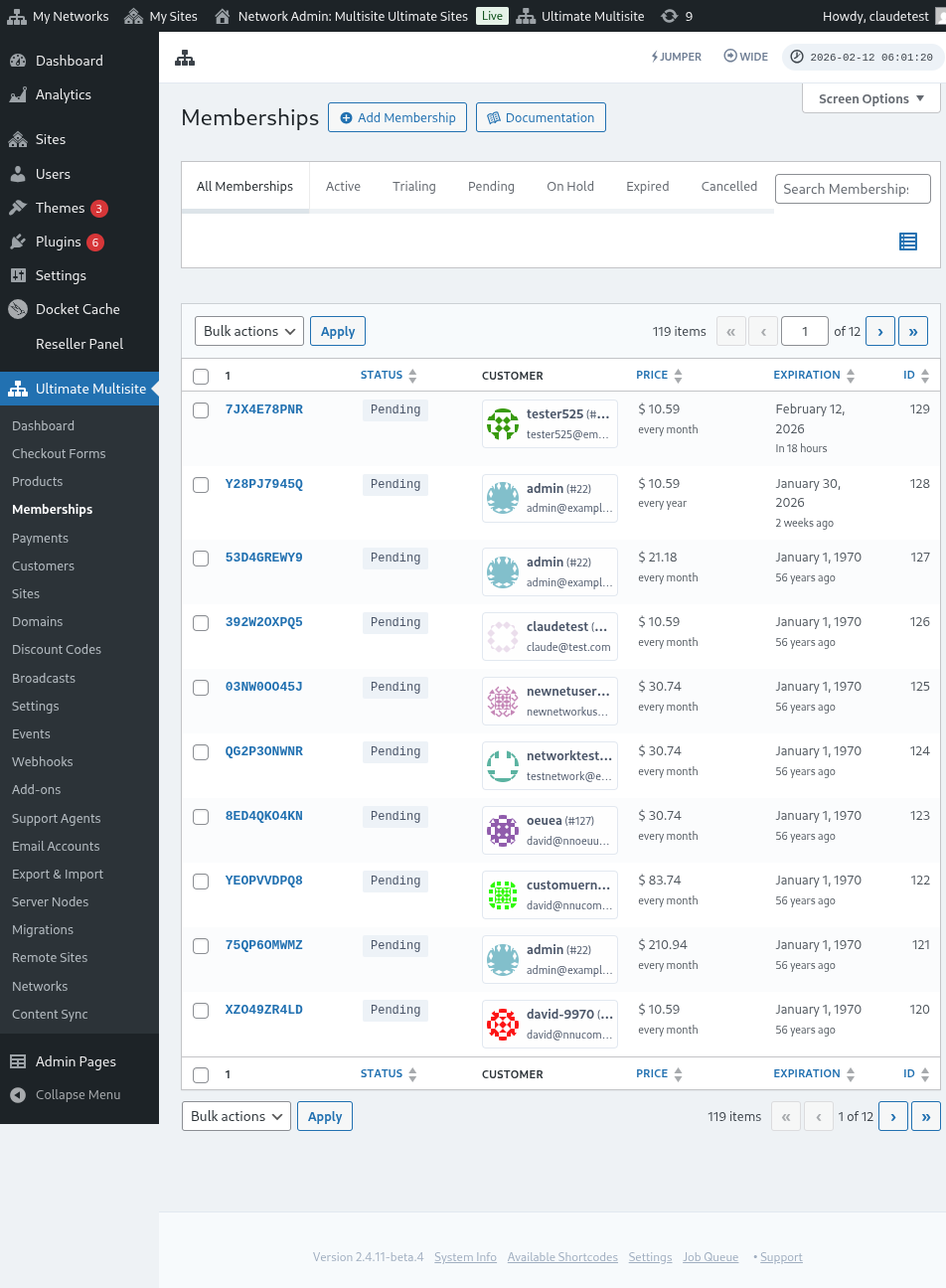
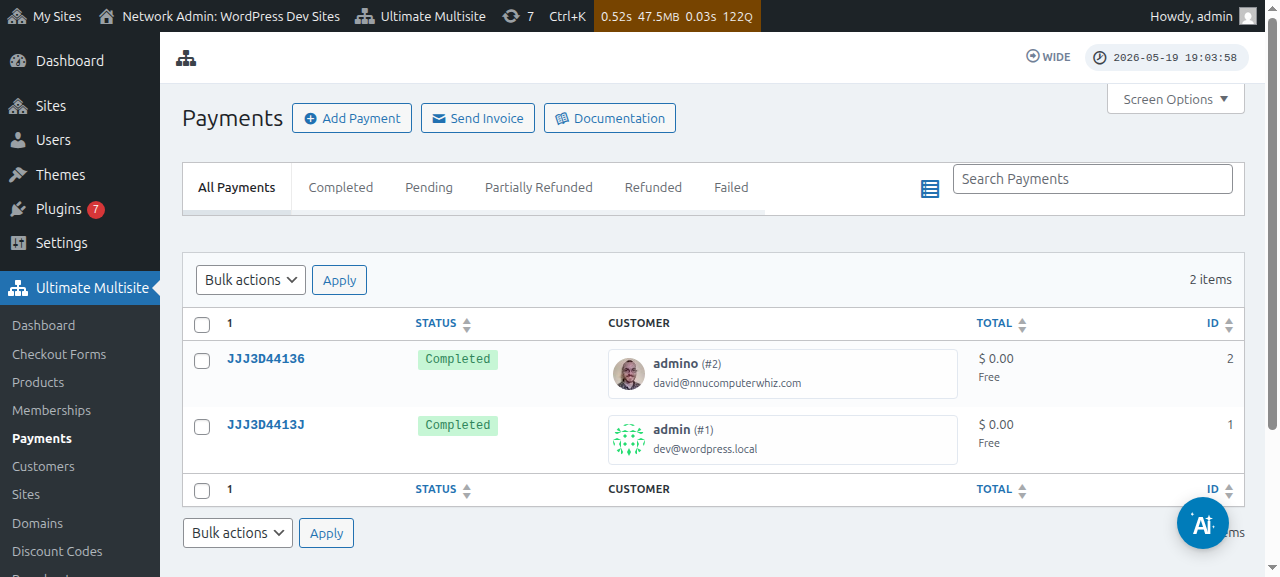
The Payments page provides a quick view of payment history across your entire network, with detailed transaction information including specific products and amounts.
Customers
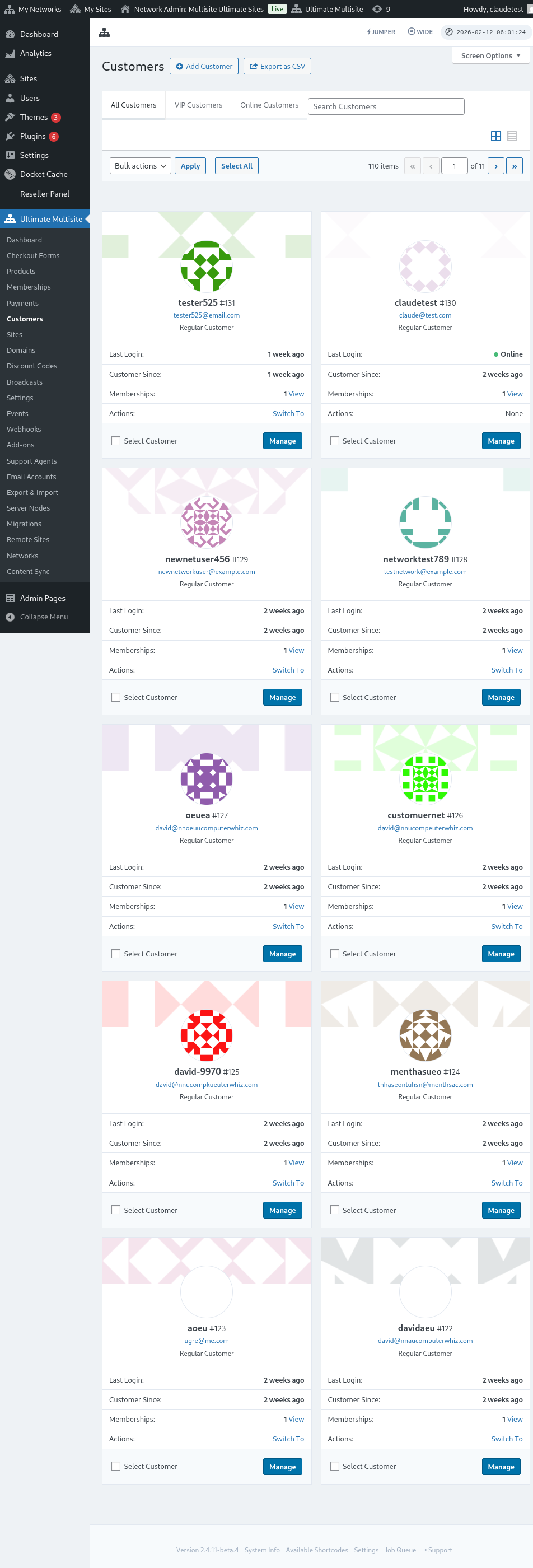
The Customers page shows all members registered in your network with basic user information including name, email address, last login, and a "switch to" link for logging into their subsite.
Sites
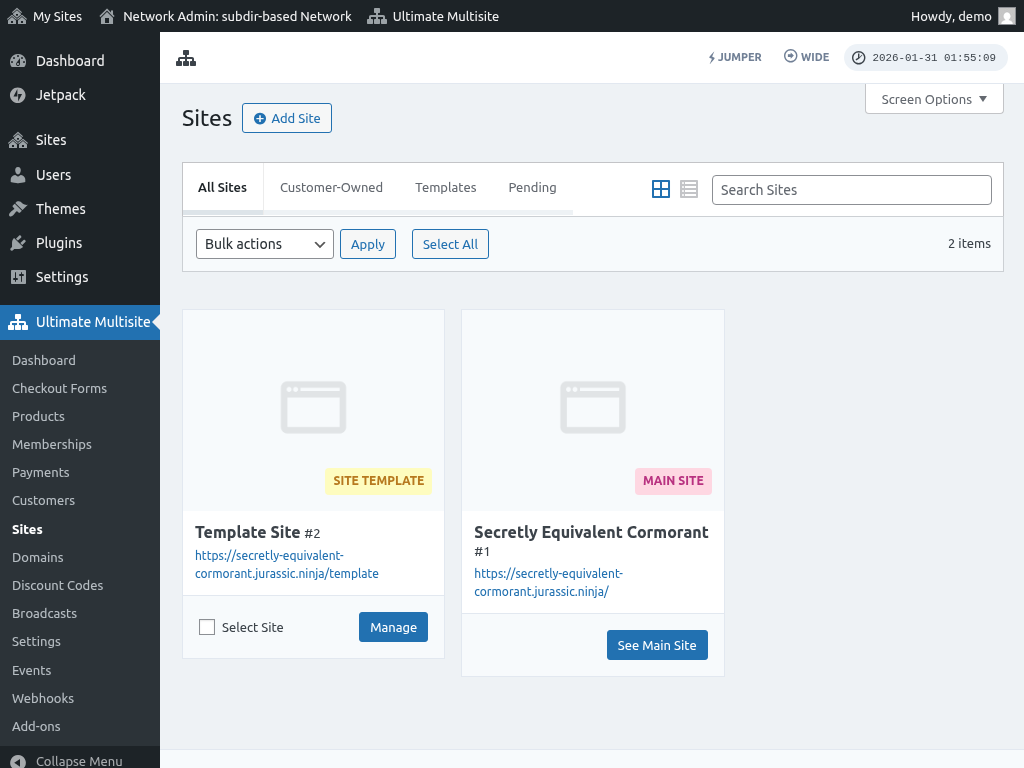
The Sites page lists all subsites in your network including site templates and customer-owned sites. Easily manage mapped domains, limits & quotas, plugins and themes, and site thumbnails.
Domains
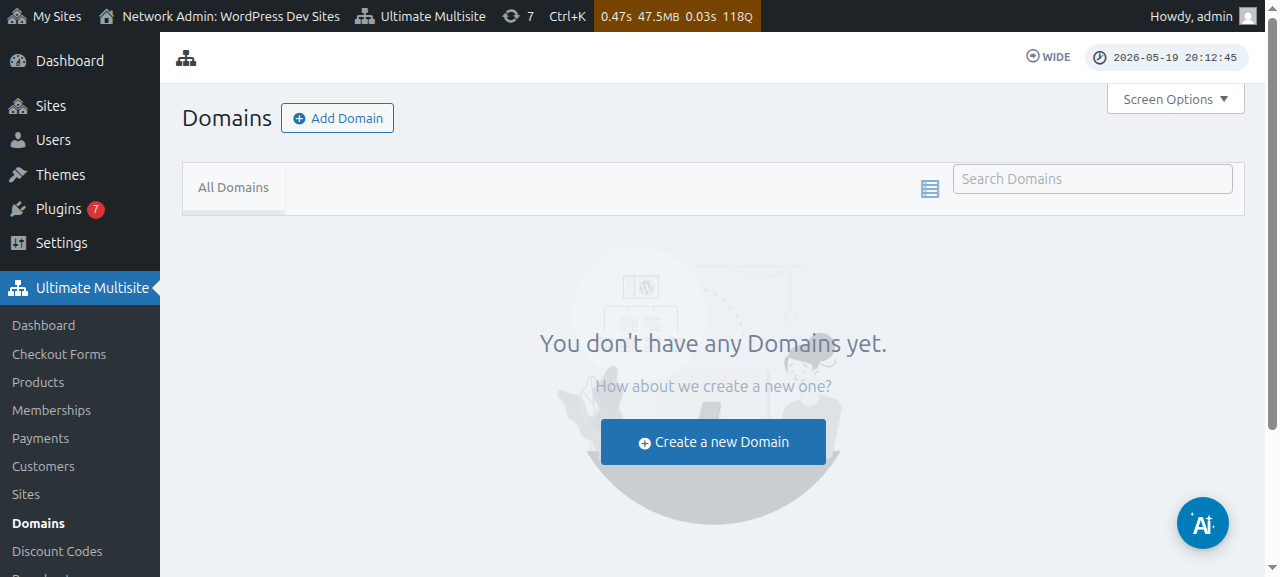
The Domains page is dedicated to custom domains mapped to subsites. As a super admin, you can manually add or map custom domain names and view DNS records and logs.
Discount Codes
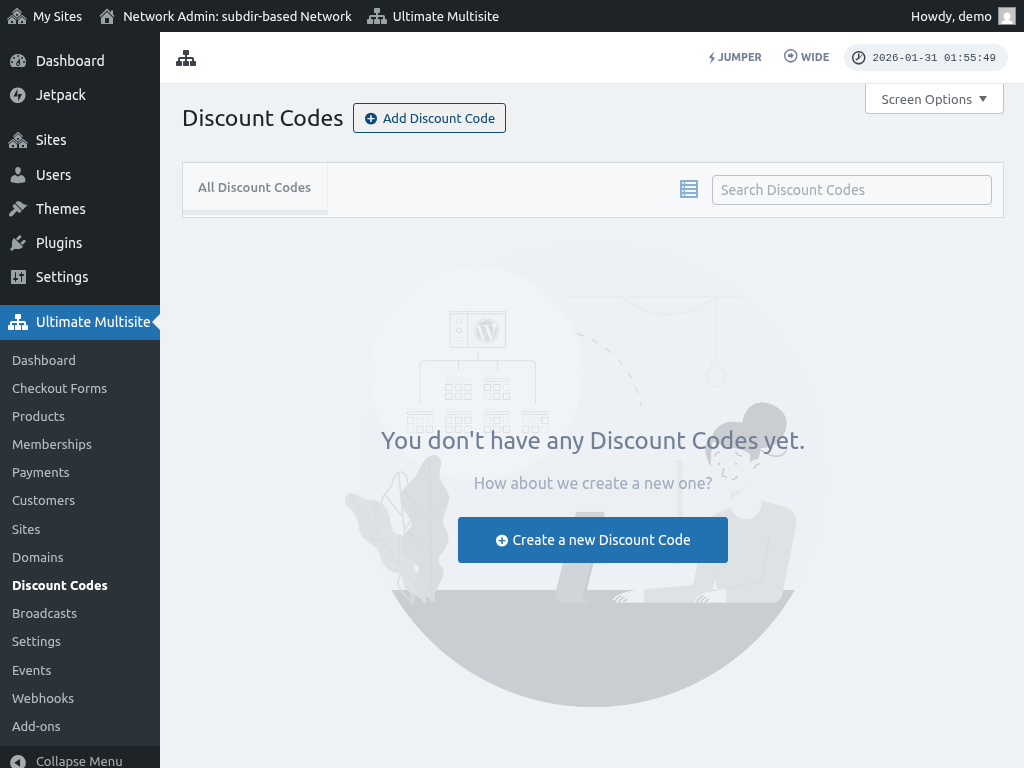
Discount Codes let you create coupon codes to offer discounts to your end-users. Specify the discount value and target specific users or groups.
Broadcasts
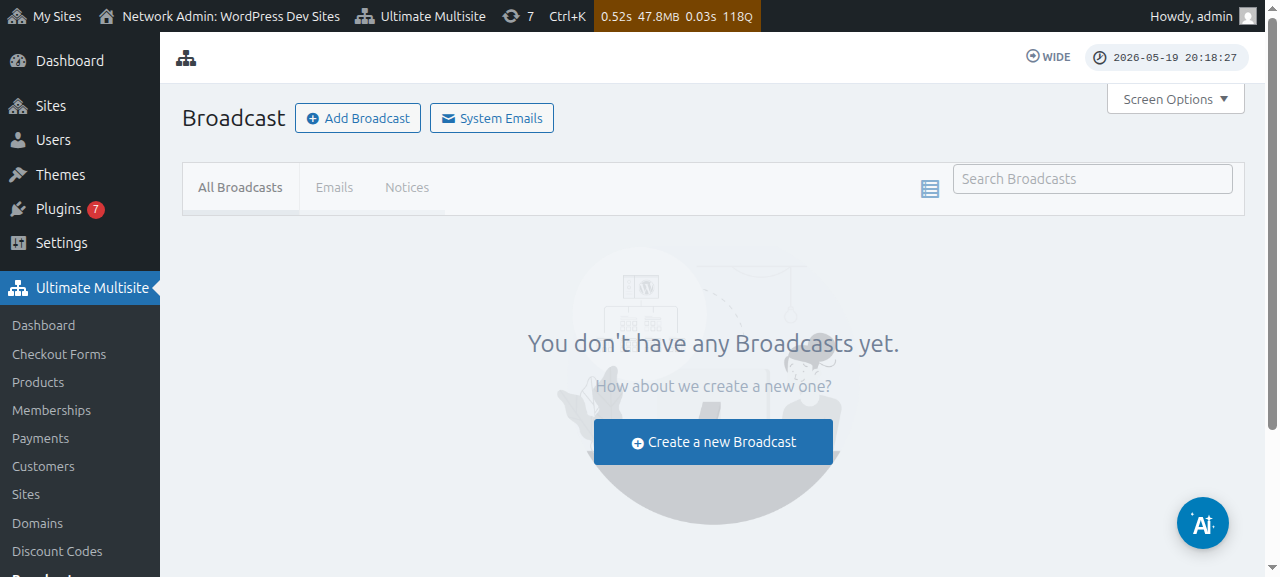
Broadcasts is a tool for rolling out announcements or sending private messages to your subsite users. Target specific user groups based on the plan or product they're subscribed to.
Settings
The Settings page is where you configure Ultimate Multisite — registration settings, payments, API and webhooks, domain mapping, and other integrations.
AI connector settings list the currently supported OAuth provider pools: Anthropic Max, OpenAI ChatGPT/Codex, and Google AI Pro. Each provider card lets super admins connect accounts, refresh saved accounts, remove accounts by email, and use the manual OAuth fallback when a sandboxed environment blocks the browser redirect. Cursor Pro setup options have been removed from the admin panel.
ChatGPT/Codex accounts support connector-backed tool use where the operation allows tools, so admin workflows that depend on connector-supported operations can use Codex tool behavior after the OpenAI account is connected.
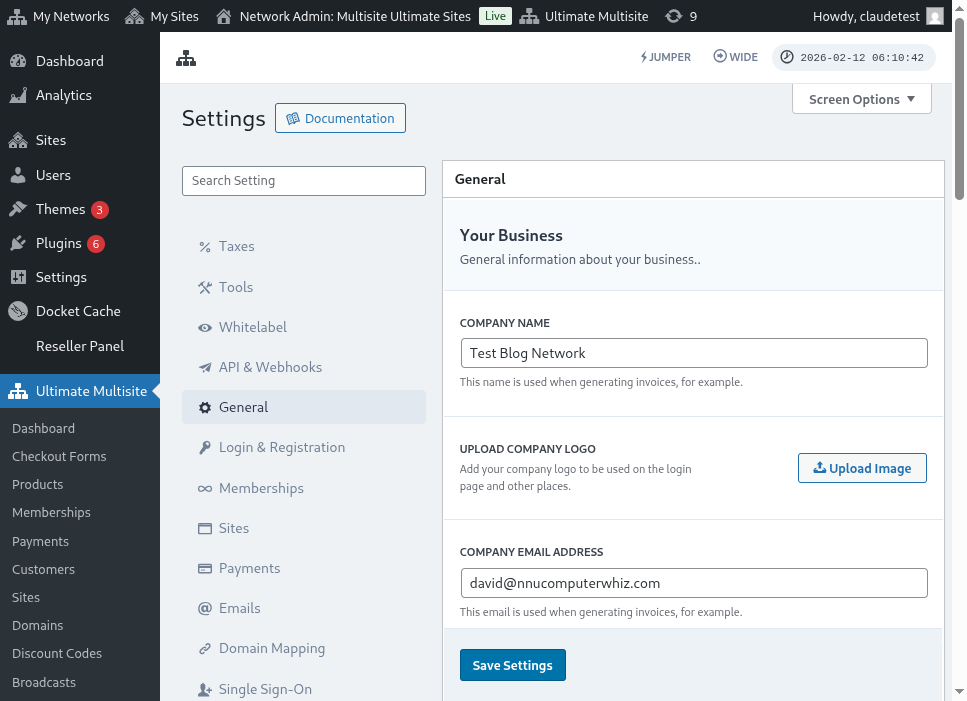
Here's a full view of the general settings page:
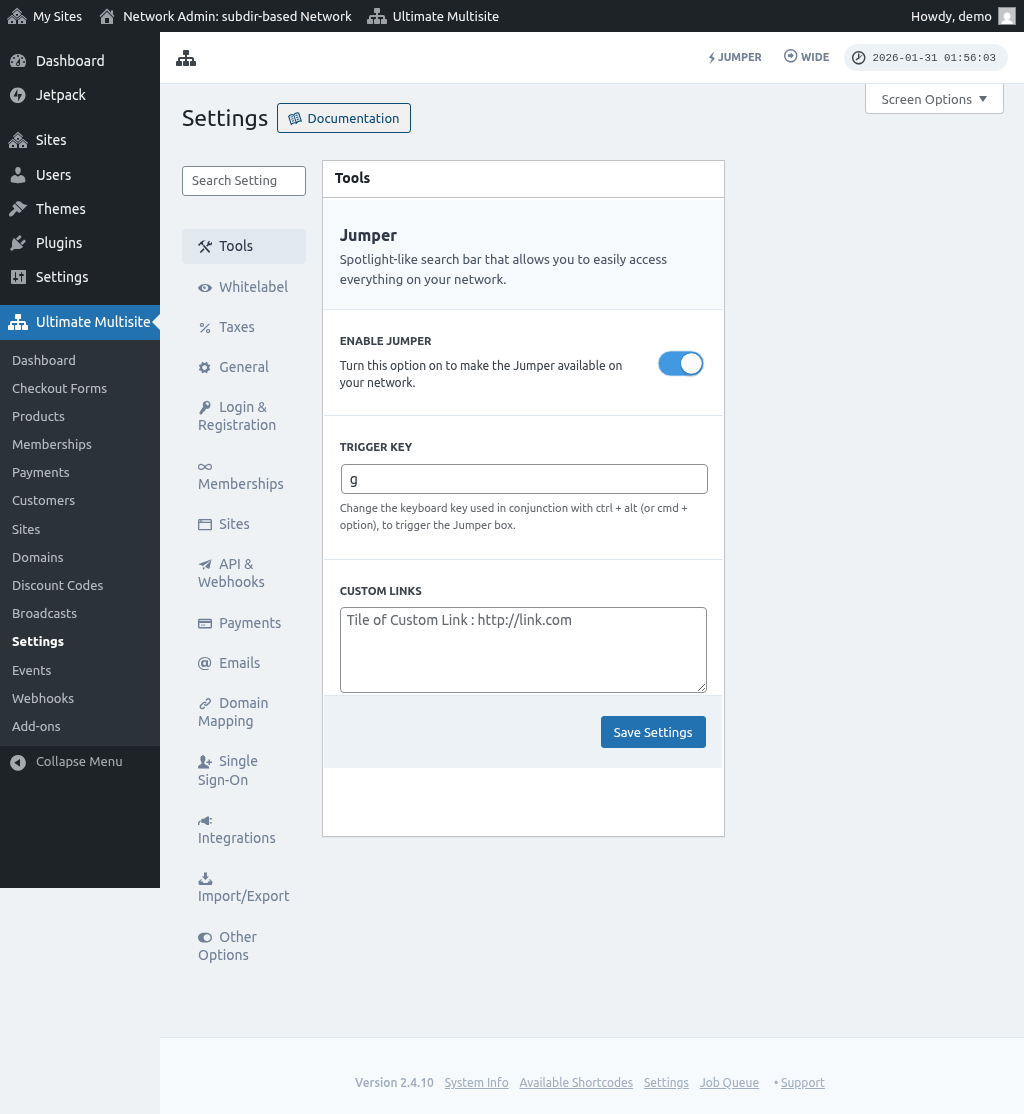
And the emails settings page:
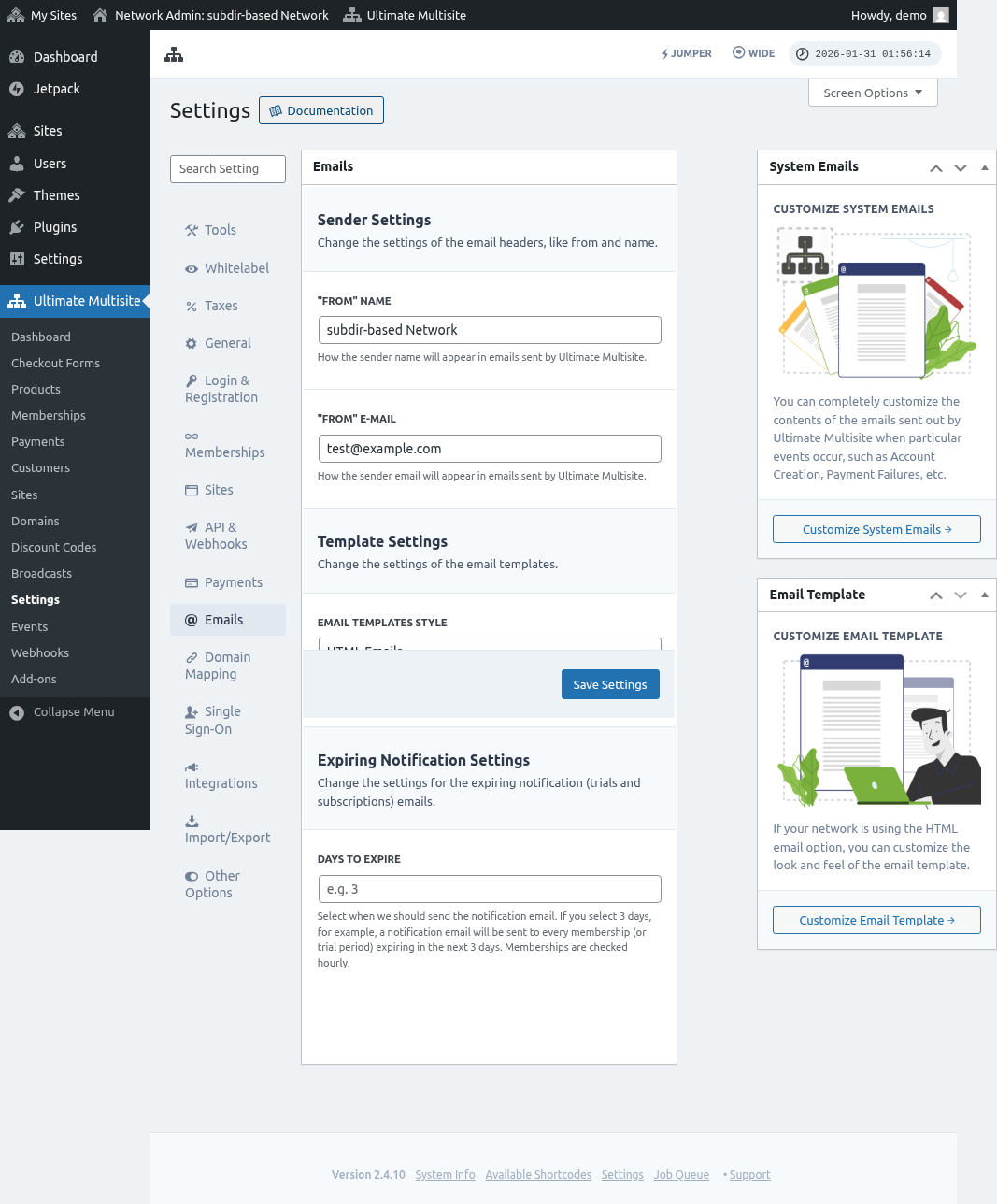
And the payments settings page:
And the bottom section of the payments settings:

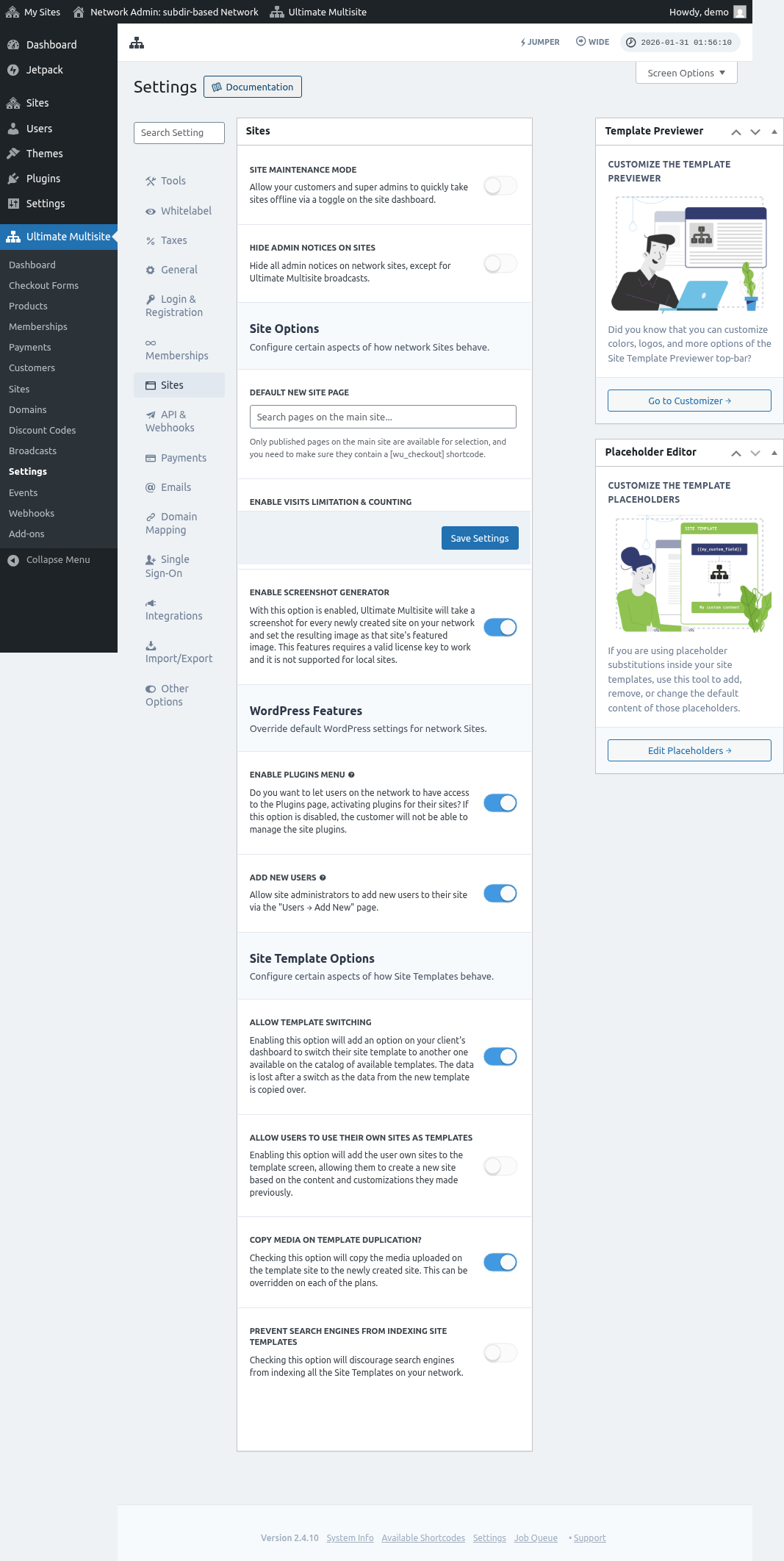
And the sites settings page:
Events
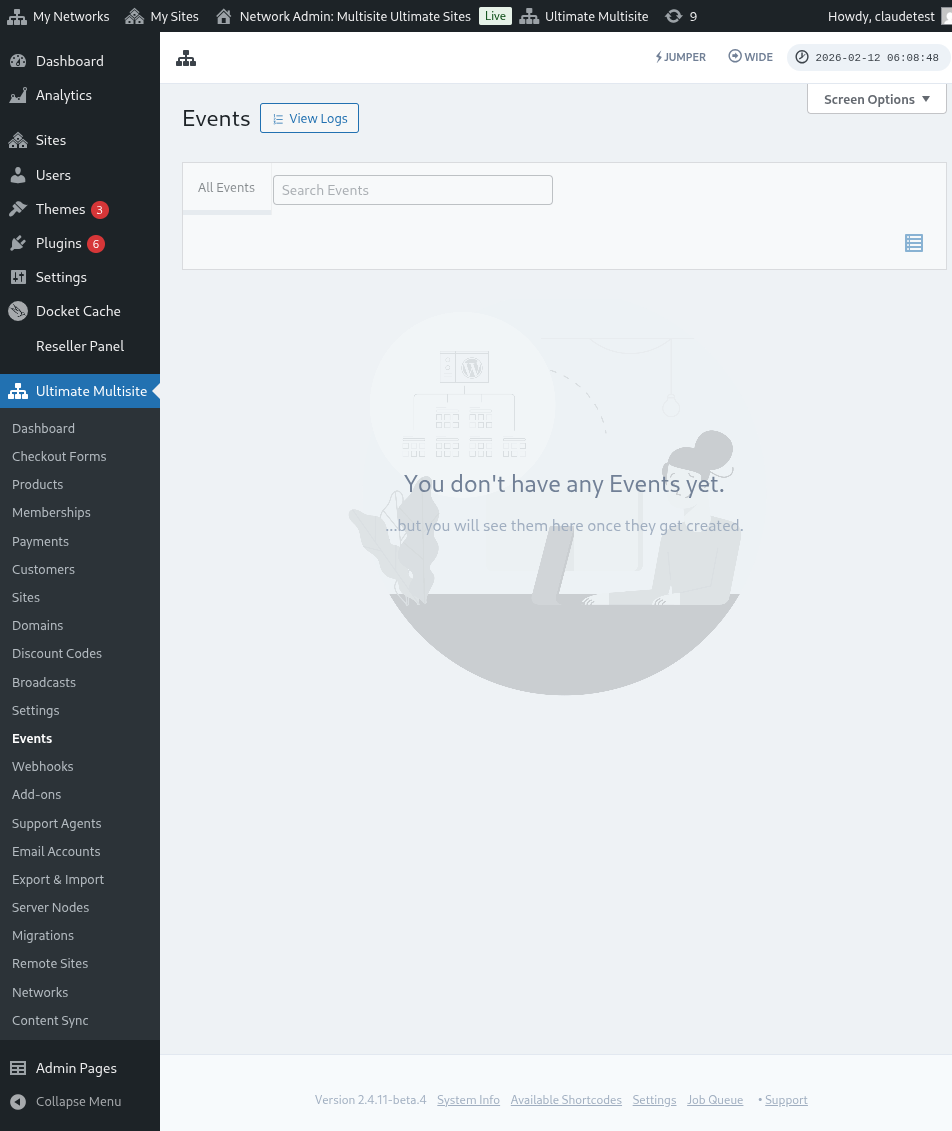
The Events page keeps a record of all events and logs in your network. It tracks activities like plan changes, signups, and other movements — useful for monitoring your multisite.
Webhooks
Webhooks allow you to deliver data to another application. Useful for sending data from Ultimate Multisite to platforms like Zapier.