דורכגיין דעם אַדמין־פּאַנעל
Ultimate Multisite צילט צו זײַן ווי פּשוט און זיך־אַליין־דערקלערנדיק ווי מעגלעך, אָבער מיט אַזאַ שטאַרק געצייג קען העלפֿן צו האָבן אַ געפֿירטן דורכגאַנג. לאָמיר דורכגיין די אַדמין־זײַטן כּדי אײַך צו העלפֿן זיך אַרײַנצופֿינען.
Dashboard
דער Ultimate Multisite Dashboard ווײַזט גרונטלעכע באַריכטן און אַנאַליטיק, אַרײַנגערעכנט הכנסות, פּלאַץ־אַקטיוויטעטן, וואַקסן פֿון מיטגלידערשאַפֿט, צאָל באַזוכער, און געאָגראַפֿישע דאַטן.
דאָ איז אַ גאַנצע מיינונג פֿון דעם Dashboard:
און דער אונטערשטער טייל פֿון דעם Dashboard:
דאָ איז אויך אַ גאַנצע מיינונג פֿון דעם נעץ־Dashboard:
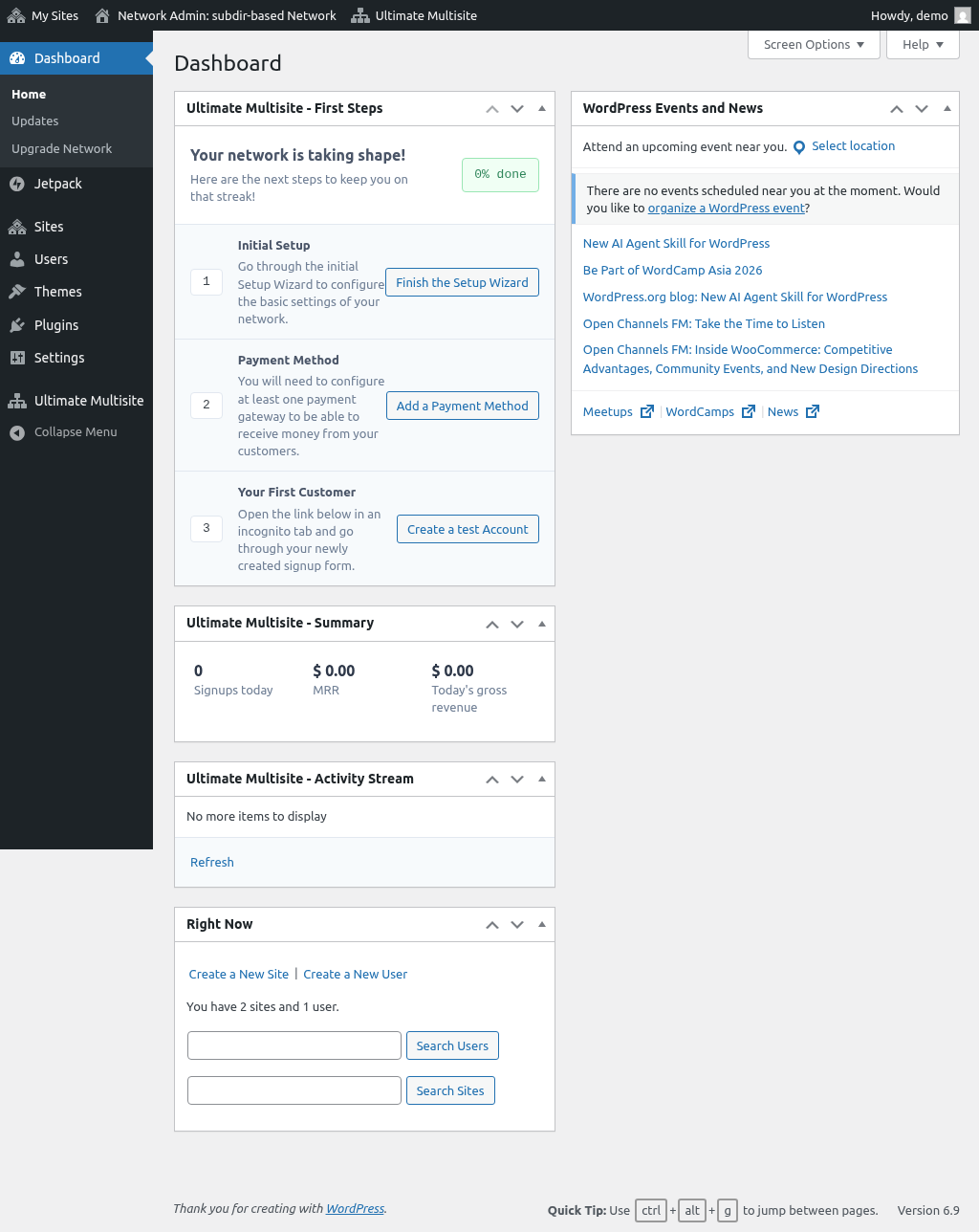
קויפֿ־פֿאָרמען
קויפֿ־פֿאָרמען געבן אײַך די בייגיקייט צו שאַפֿן אייגענע רעגיסטראַציע־זײַטן. איר קענט צופּאַסן פֿעלדער, אַרײַנשטעלן אייגענע קלאַסן און סקריפּטן, און באַגרענעצן צוטריט לויטן לאַנד אָדער אָרט פֿון באַזוכער.
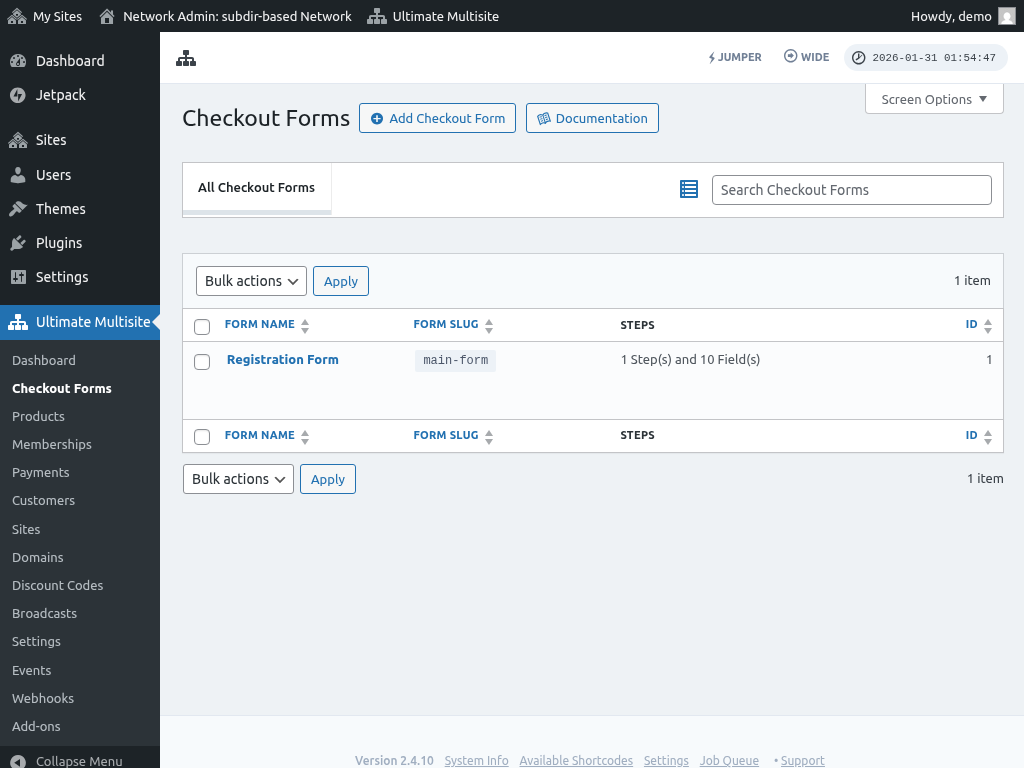
פּראָדוקטן
דער אָפּטייל פּראָדוקטן איז וווּ איר שאַפֿט פֿאַרשיידענע פּלענער, פּעקלען, און סערוויסן פֿאַר אײַער נעץ. דעפֿינירט פּרײַזן, בילינג־אָפֿטקייטן, און גרענעצן און קוואָטעס אויפֿן פּראָדוקט־ניוואָ.
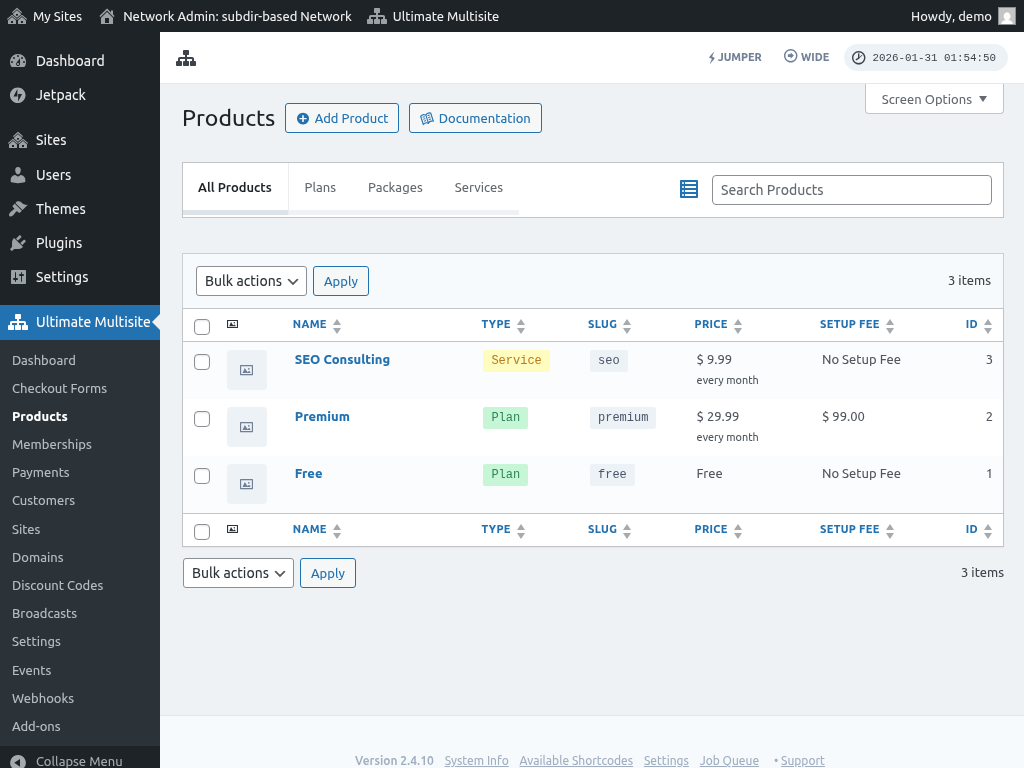
מיטגלידערשאַפֿטן
די זײַט מיטגלידערשאַפֿטן ווײַזט אַלע אַבאָנעמענטן אין אײַער נעץ. איבערקוקט און רעדאַגירט פּרטים פֿון אַבאָנעמענטן, אַרײַנגערעכנט פּלענער, פּראָדוקטן, בילינג־סומעס און אָפֿטקייטן, צאָלונג־געשיכטע, און צײַטשטעמפּלען.
צאָלונגען
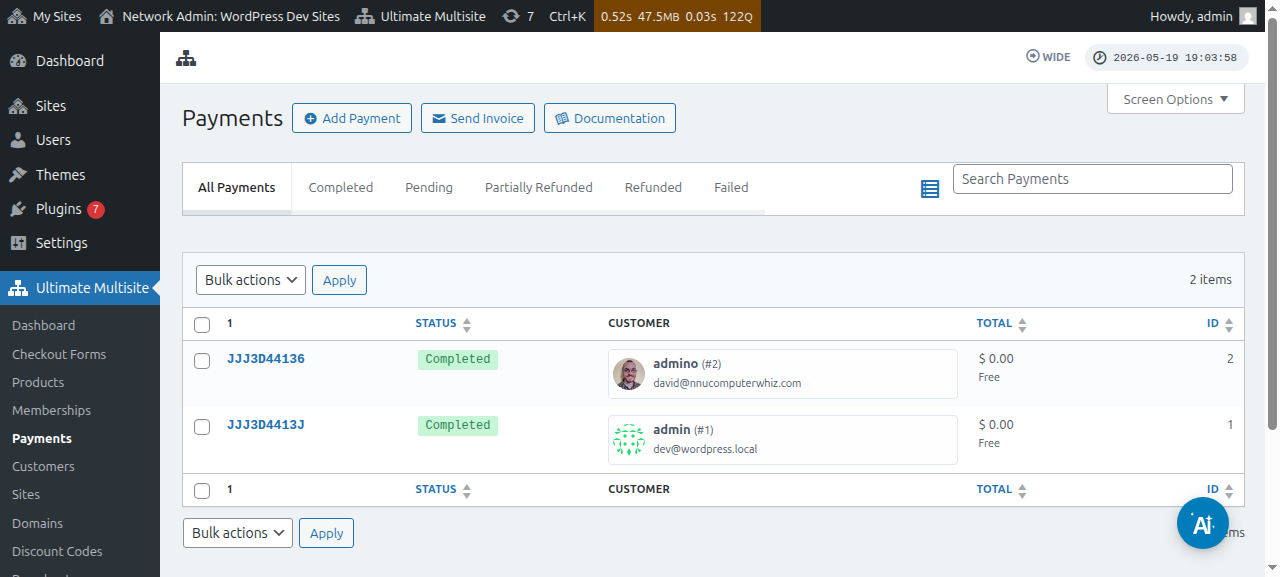
די זײַט צאָלונגען גיט אַ שנעלע מיינונג פֿון צאָלונג־געשיכטע איבער אײַער גאַנצער נעץ, מיט דעטאַלירטער טראַנזאַקציע־אינפֿאָרמאַציע, אַרײַנגערעכנט באַזונדערע פּראָדוקטן און סומעס.
קונים
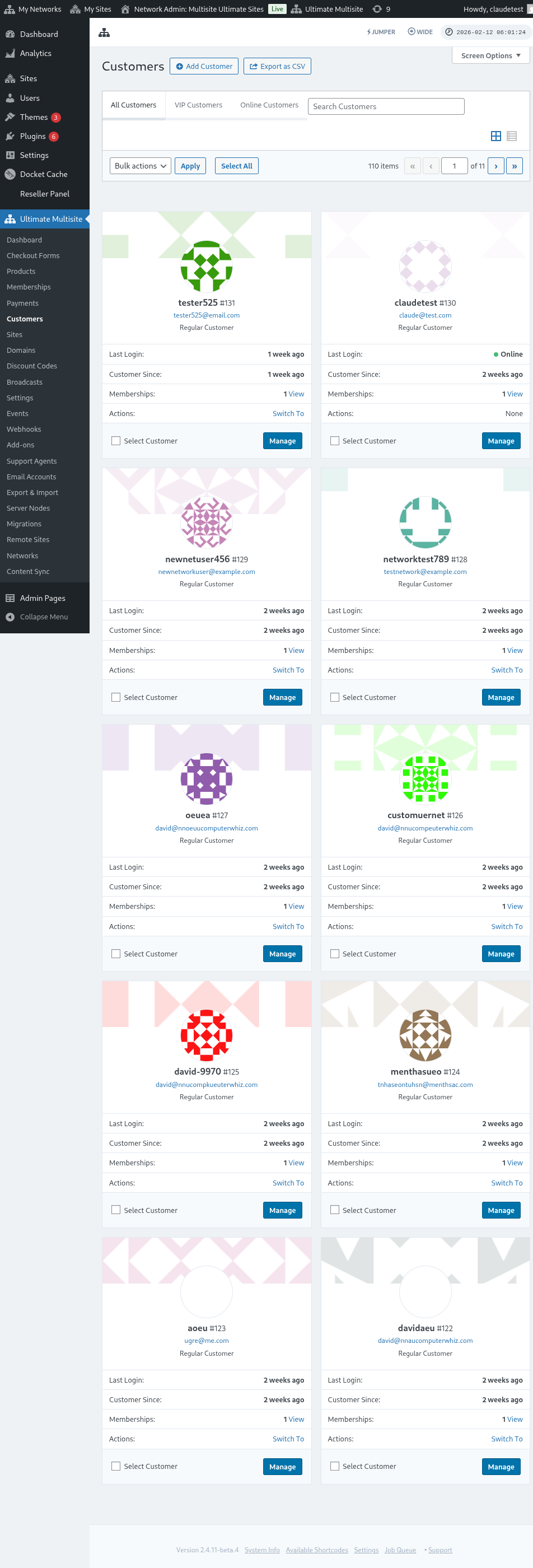
די זײַט קונים ווײַזט אַלע מיטגלידער רעגיסטרירט אין אײַער נעץ מיט גרונטלעכע באַניצער־אינפֿאָרמאַציע, אַרײַנגערעכנט נאָמען, בליצפּאָסט־אַדרעס, לעצטער אַרײַנלאָג, און אַ "בײַטן צו" לינק כּדי זיך אַרײַנצולאָגירן אין זייער אונטערפּלאַץ.
פּלאַץ־זײַטן
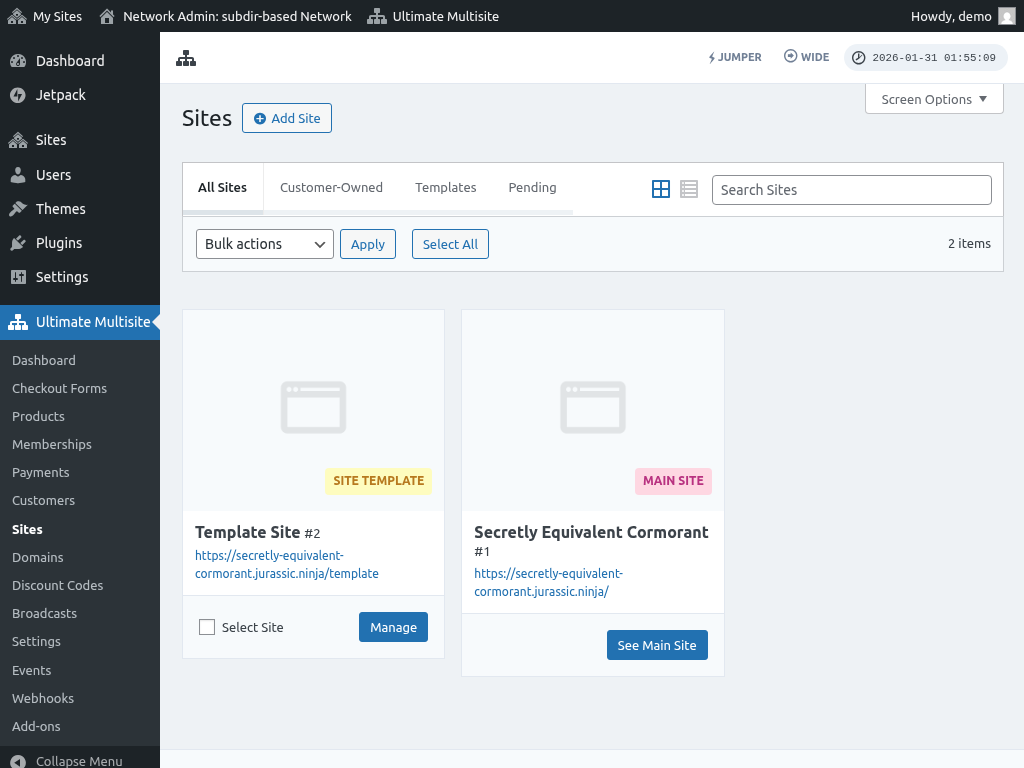
די זײַט פּלאַץ־זײַטן ליסטעט אַלע אונטערפּלאַץ־זײַטן אין אײַער נעץ, אַרײַנגערעכנט פּלאַץ־מוסטערן און קונה־באַזיצטע פּלאַץ־זײַטן. פֿירט גרינג אָן מיט צוגעפּאַסטע דאָמיינס, גרענעצן און קוואָטעס, פּלוגינס און טעמעס, און פּלאַץ־מיניאַטורן.
דאָמיינס
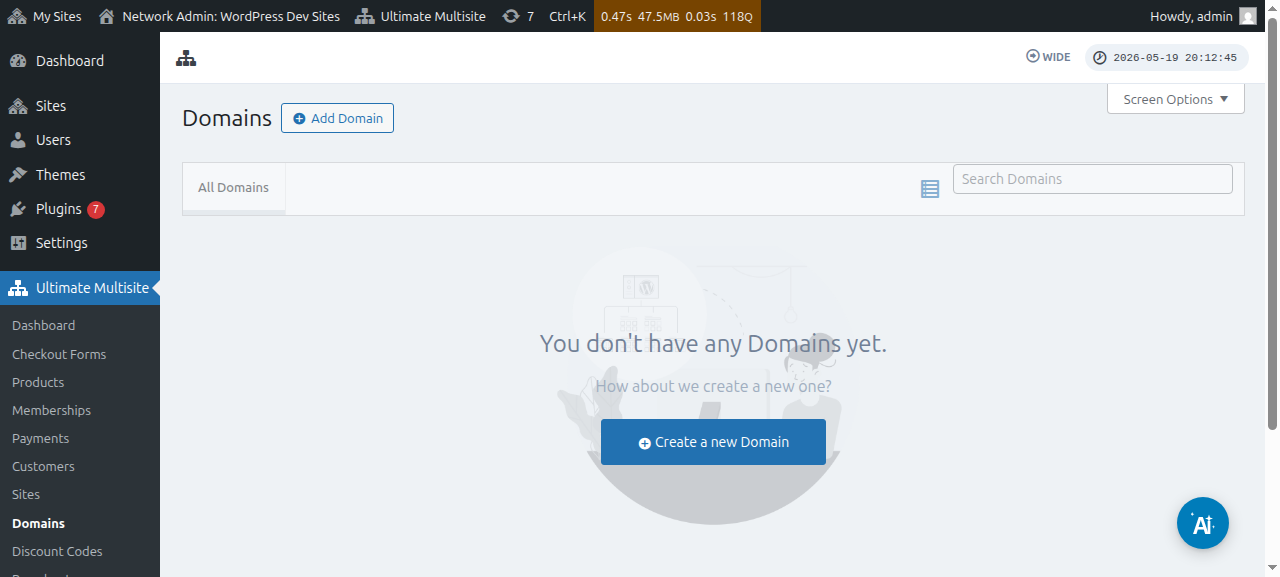
די זײַט דאָמיינס איז געווידמעט אייגענע דאָמיינס וואָס זענען צוגעפּאַסט צו אונטערפּלאַץ־זײַטן. ווי אַ סופּער־אַדמין, קענט איר האַנטיש צולייגן אָדער צופּאַסן אייגענע דאָמען־נעמען און זען DNS־רעקאָרדס און לאָגן.
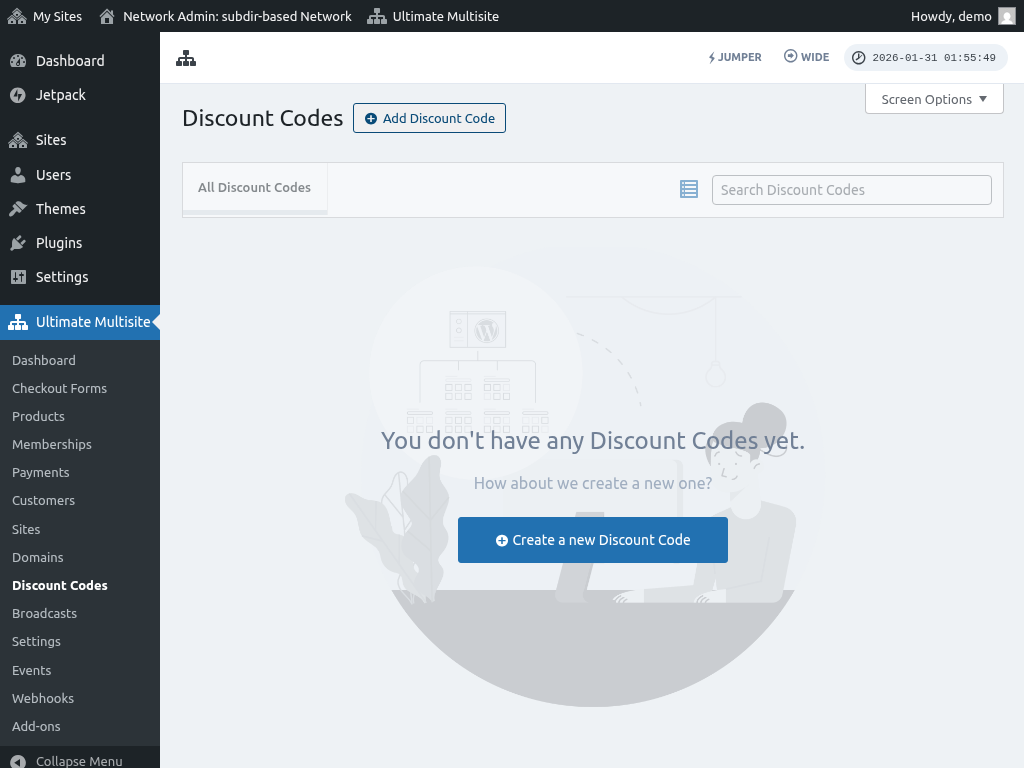
אַראָפּרעכענונג־קאָדן
אַראָפּרעכענונג־קאָדן לאָזן אײַך שאַפֿן קופּאָן־קאָדן כּדי אָנצובאָטן אַראָפּרעכענונגען פֿאַר אײַערע סוף־באַניצער. באַשטימט דעם ווערט פֿון דער אַראָפּרעכענונג און צילט באַזונדערע באַניצער אָדער גרופּעס.
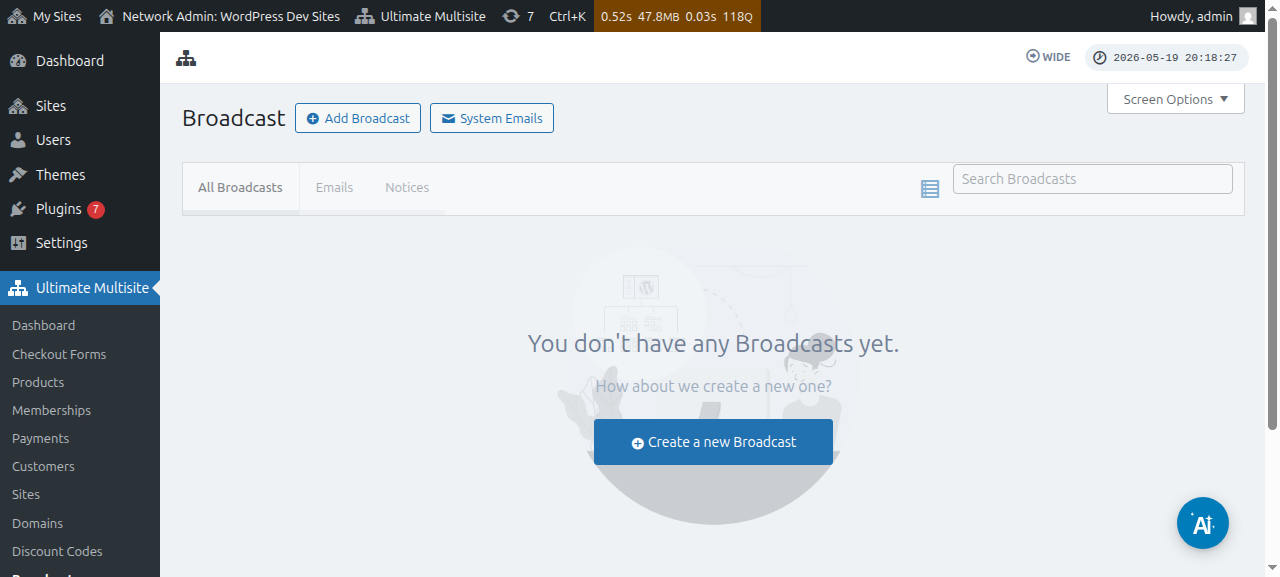
בראָדקאַסטן
בראָדקאַסטן איז אַ געצייג צו אַרויסלאָזן מעלדונגען אָדער שיקן פּריוואַטע אָנזאָגן צו אײַערע אונטערפּלאַץ־באַניצער. צילט באַזונדערע באַניצער־גרופּעס לויטן פּלאַן אָדער פּראָדוקט אויף וועלכן זיי זענען אַבאָנירט.
Settings
די זײַט Settings איז וווּ איר קאָנפֿיגורירט Ultimate Multisite — רעגיסטראַציע־אײַנשטעלונגען, צאָלונגען, API און וועבהוקס, דאָמען־צופּאַסונג, און אַנדערע אינטעגראַציעס.
AI־פֿאַרבינדער־אײַנשטעלונגען ליסטן די איצט געשטיצטע OAuth־צושטעלער־פּולן: Anthropic Max, OpenAI ChatGPT/Codex, און Google AI Pro. יעדע צושטעלער־קאַרטל לאָזט סופּער־אַדמינען פֿאַרבינדן אַקאַונטן, דערפֿרישן אָפּגעהיטענע אַקאַונטן, באַזײַטיקן אַקאַונטן לויט בליצפּאָסט, און נוצן דעם האַנטישן OAuth־ריזערוו־אופֿן ווען אַ סאַנדבאָקס־סבֿיבֿה בלאָקירט דעם בלעטערער־ווײַטערפֿיר. Cursor Pro־אויפֿשטעל־אָפּציעס זענען אַוועקגענומען געוואָרן פֿון דעם אַדמין־פּאַנעל.
ChatGPT/Codex־אַקאַונטן שטיצן פֿאַרבינדער־געשטיצטע געצייג־נוצונג וווּ די אָפּעראַציע דערלויבט געצייג, אַזוי אַז אַדמין־אַרבעטספֿלוסן וואָס הענגען אָן אין פֿאַרבינדער־געשטיצטע אָפּעראַציעס קענען נוצן Codex־געצייג־אויפֿפֿירונג נאָך דעם ווי דער OpenAI־אַקאַונט איז פֿאַרבונדן.
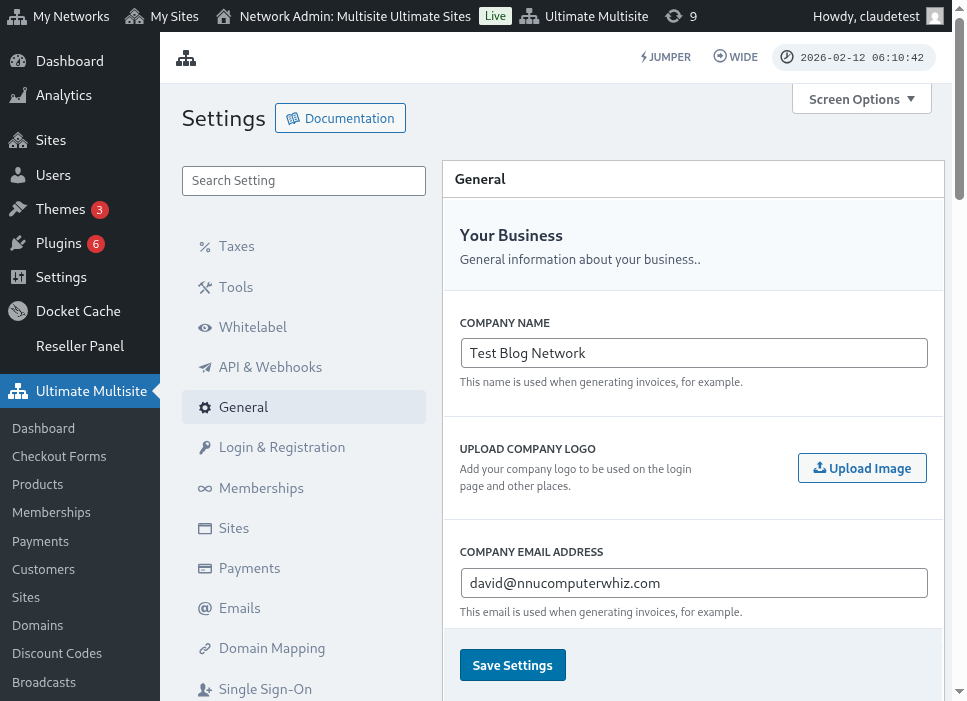
דאָ איז אַ גאַנצע מיינונג פֿון דער אַלגעמיינער Settings־זײַט:
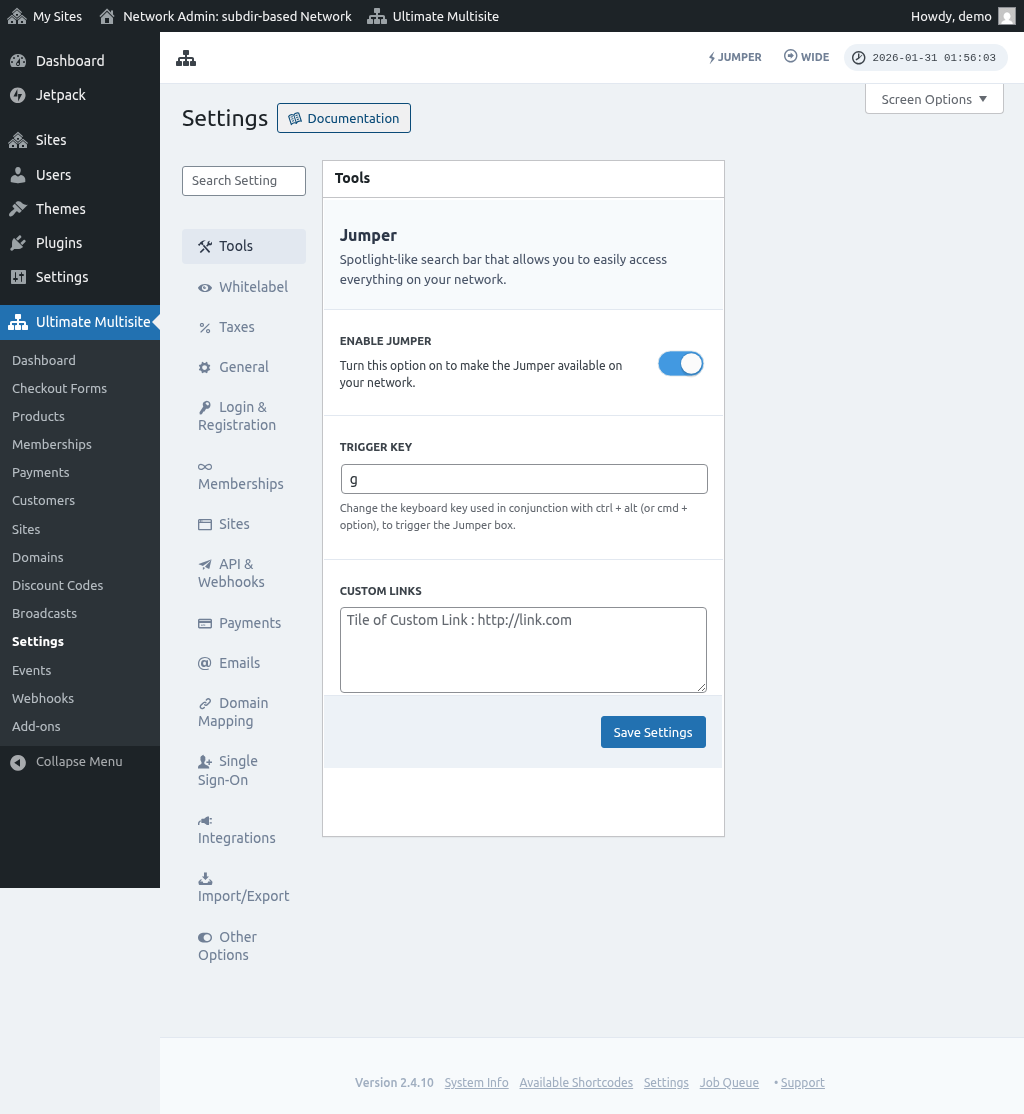
און די בליצפּאָסט־Settings־זײַט:
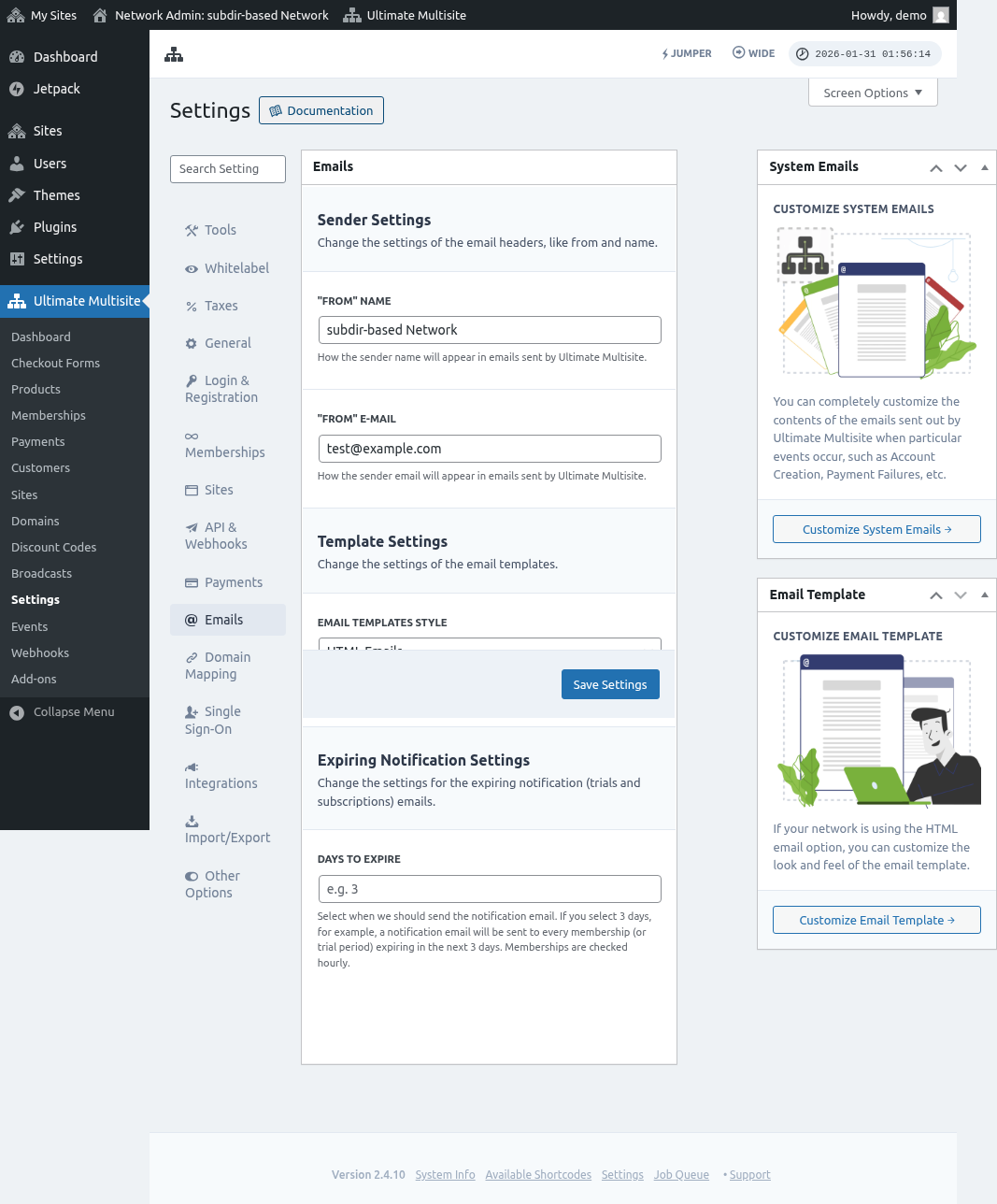
און די צאָלונג־Settings־זײַט:
און דער אונטערשטער טייל פֿון די צאָלונג־Settings:

און די פּלאַץ־Settings־זײַט:
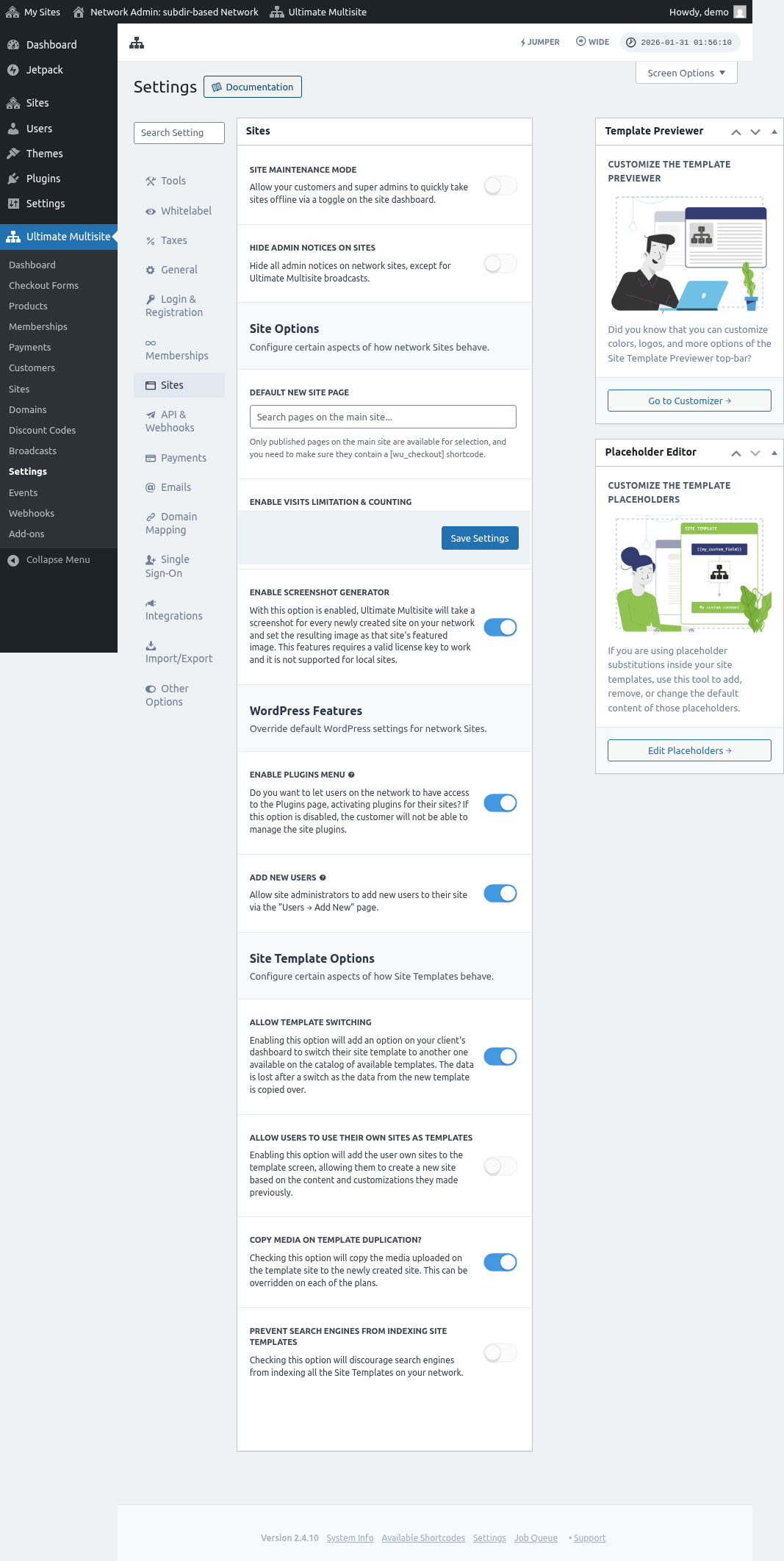
געשעענישן
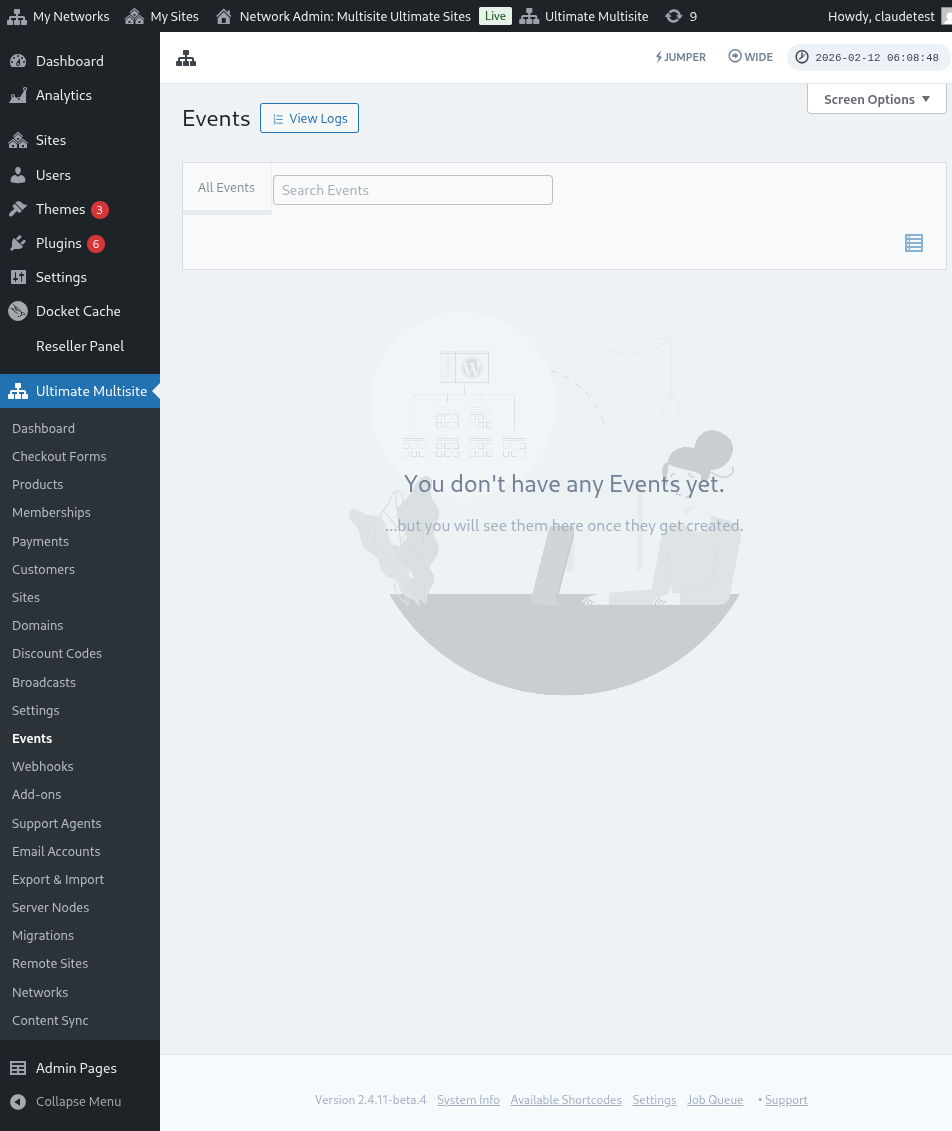
די זײַט געשעענישן היט אַ רעקאָרד פֿון אַלע געשעענישן און לאָגן אין אײַער נעץ. זי שפּירט אַקטיוויטעטן ווי פּלאַן־ענדערונגען, רעגיסטראַציעס, און אַנדערע באַוועגונגען — נוצלעך פֿאַר איבערוואַכן אײַער מולטיסײַט.
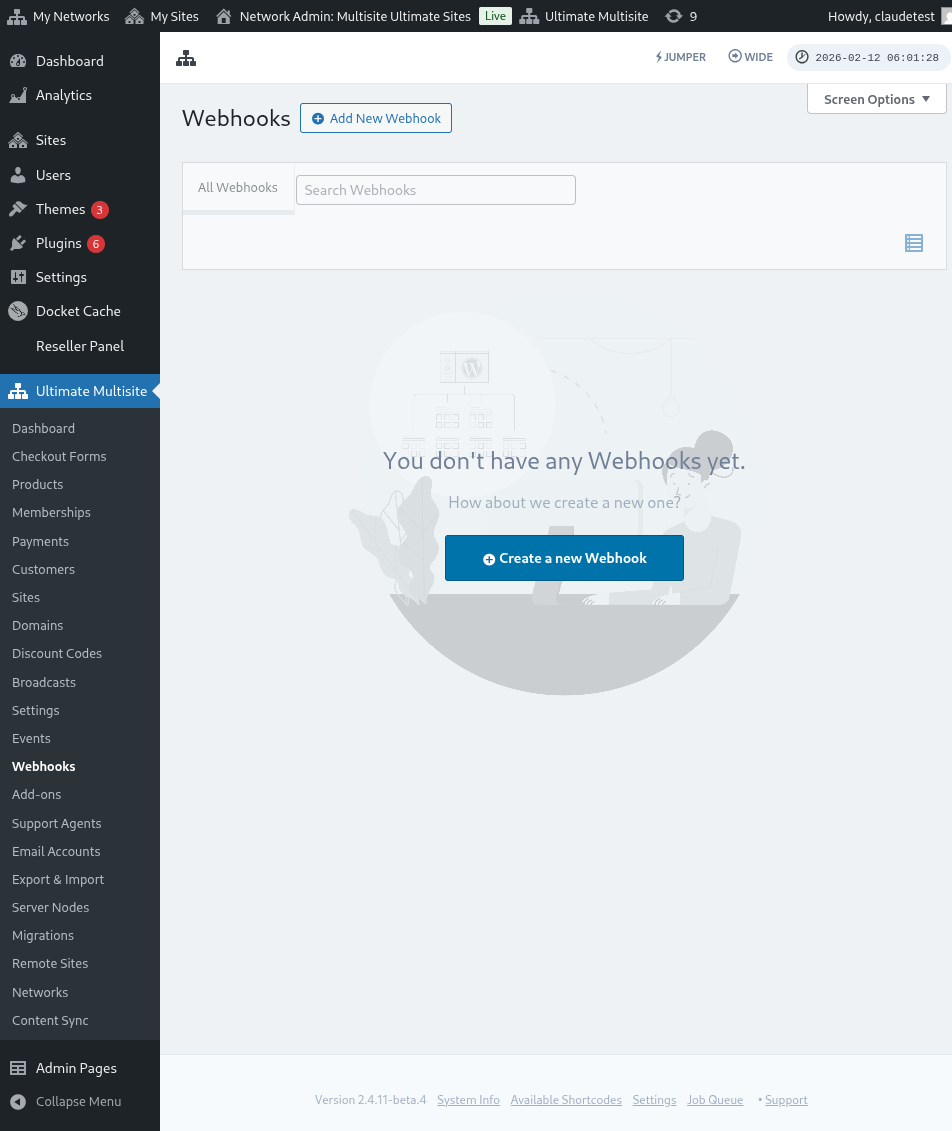
Webhooks
Webhooks לאָזן אײַך איבערגעבן דאַטן צו אַן אַנדער אַפּליקאַציע. נוצלעך פֿאַר שיקן דאַטן פֿון Ultimate Multisite צו פּלאַטפֿאָרמעס ווי Zapier.