Dashboard Overview
Ultimate Multisite has a dedicated Dashboard under the Ultimate Multisite menu, and also adds widgets to the Network Dashboard. This article covers what you'll see in both places.
The Network Dashboard
Ultimate Multisite injects useful widgets into the network-level dashboard found at My Sites → Network Admin → Dashboard.
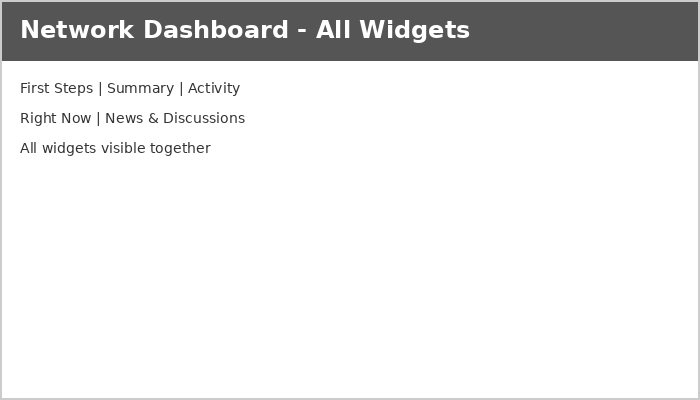
Here's what each widget provides:
First Steps: Appears on a fresh installation and reminds you to complete setup tasks like configuring a payment method and creating a test account.

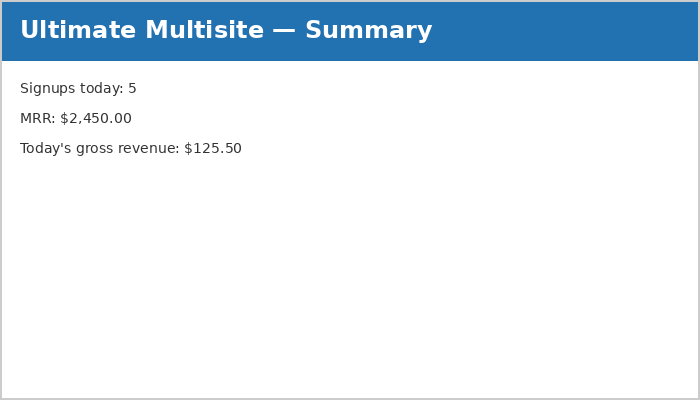
Summary: Reports the number of signups and revenue for the day. The MRR (Monthly Recurring Revenue) indicates a projected total across customers with revenue-generating memberships.
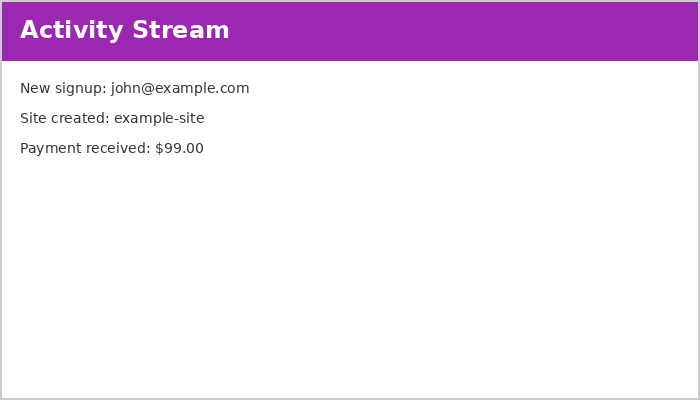
Activity Stream: Reports on events across Ultimate Multisite — signups, cancellations, site creations, deletions, and other activities.
Right Now: Displays a short summary of users and sites in the network with shortcuts to create new sites or users.

News & Discussions: Fetches and displays the latest Ultimate Multisite news including updates, critical bugs, and security fixes.
The Ultimate Multisite Dashboard
While the network dashboard presents holistic information about the network, the Ultimate Multisite dashboard (at the top-level of the Ultimate Multisite menu) presents information about the service.
Monthly Recurring Revenue Growth: Displays a monthly breakdown of revenue over a 12-month calendar period. New revenue is shown in blue while cancellations appear in red.
Date-range Support: Filter dashboard data by time period to focus on the information you need. The date range controls what's displayed in the widgets below.
The dashboard widgets include:
- Revenue — Total revenue for the period with MRR and per-product breakdowns
- New Memberships — How many new memberships were created in the selected period
- Signups by Countries — Geographic breakdown of signups
- Signups by Forms — How many customers signed up via each checkout form vs. added by admins
- Most Visited Sites — The most visited sites on your network (requires enabling visit counting at Ultimate Multisite → Settings → Sites → Enable Visits Limitation and Counting)