Ultimate Multisite Dashboard समजून घेणे
Ultimate Multisite च्या अधिक प्रगत configuration पर्याय आणि operational बाबींमध्ये जाण्यापूर्वी, आपण dashboard वर एक नजर टाकूया.
इतर अनेक WordPress plugins प्रमाणे, Ultimate Multisite देखील network-level वर Ultimate Multisite नावाची menu entry तयार करते, ज्याखाली अनेक sub-menu entries असतात.
Network Dashboard Widgets
Ultimate Multisite network-level dashboard मध्ये काही उपयुक्त widgets जोडते. हा dashboard My Sites → Network Admin → Dashboard वर जाऊन शोधता येतो. हे widgets network administrator ला माहिती आणि सामान्य कार्यांमध्ये सहज प्रवेश मिळवून देण्यासाठी तयार केलेले आहेत.
पहिली पावले

हा widget Ultimate Multisite च्या नवीन installation वर दिसतो आणि network administrator ला payment method configure करणे आणि test account तयार करणे यासारखी अतिरिक्त कामे पूर्ण करण्याची आठवण करून देतो.
सारांश
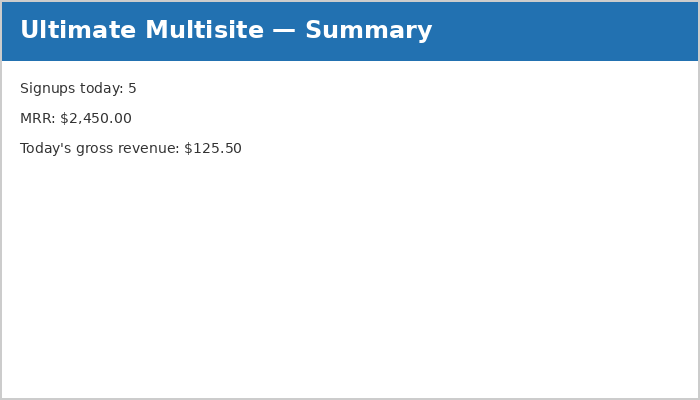
Summary widget दिवसभरातील signups आणि त्यांच्या revenue बद्दल माहिती देतो. MRR (Monthly Recurring Revenue) म्हणजे revenue-generating memberships असलेल्या ग्राहकांमधून अपेक्षित एकूण रक्कम दर्शवते.
Activity Stream
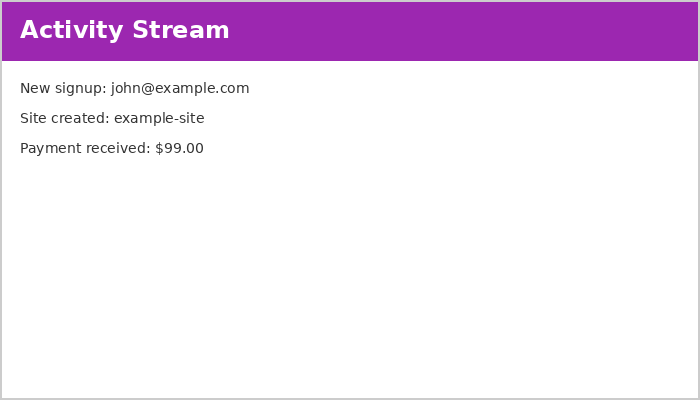
हा widget Ultimate Multisite मधील घटनांची माहिती देतो. घटनांमध्ये signups, cancellations, site तयार करणे, हटवणे आणि इतर activities यांचा समावेश होतो.
अधिक तपशीलवार माहितीसाठी कृपया documentation च्या Events विभागाचा संदर्भ घ्या.
आत्ता सध्या

हा utility widget network मधील users आणि sites चा थोडक्यात सारांश दाखवतो. वरील सोयीस्कर shortcuts एका क्लिकवर नवीन sites किंवा users तयार करण्यासाठी प्रवेश देतात.
बातम्या आणि चर्चा
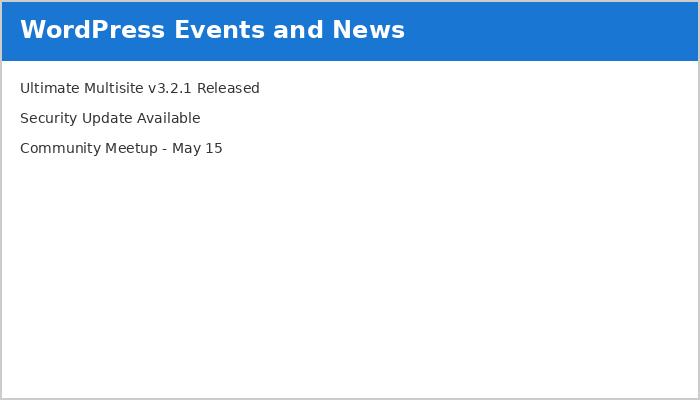
हा widget Ultimate Multisite च्या ताज्या बातम्या आणते आणि दाखवतो. updates, महत्त्वाच्या bugs आणि security fixes बद्दल माहितीसाठी या widget वर लक्ष ठेवा.
Ultimate Multisite Dashboard
जिथे network-level dashboard संपूर्ण network बद्दलची सर्वसमावेशक माहिती सादर करतो, तिथे Ultimate Multisite dashboard (Ultimate Multisite menu च्या top-level वर असलेला) service बद्दलची माहिती सादर करतो.
Monthly Recurring Revenue वाढ
MRR (Monthly Recurring Revenue) chart 12 महिन्यांच्या calendar कालावधीत महिन्यानुसार revenue चे विभाजन दाखवतो.
नवीन revenue निळ्या रंगात दाखवला जातो तर cancellations लाल रंगात दिसतात.
Date-range Support
ग्राहकांची संख्या आणि activity यावर अवलंबून, statistics खूप जास्त वाटू शकतात. Dashboard मध्ये अंतर्भूत असलेला date-range support network administrator ला फक्त आवश्यक माहिती आणि कालावधीवर लक्ष केंद्रित करू देतो.
Date range खालील widgets द्वारे दाखवल्या जाणाऱ्या माहितीचा कालावधी ठरवतो, ज्यामध्ये revenue, नवीन memberships, देशानुसार signups, form नुसार signups आणि सर्वाधिक भेट दिलेल्या sites यांचा समावेश आहे.
Most Visited Sites widget काम करण्यासाठी, Ultimate Multisite → Settings → Sites → Enable Visits Limitation and Counting येथे visit counting सक्षम करा.