Ultimate Multisite Dashboard ને સમજવું
Ultimate Multisite ના વધુ advanced configuration options અને operational પાસાઓમાં ડૂબકી લગાવતા પહેલાં, ચાલો dashboard પર એક નજર નાખીએ.
ઘણા WordPress plugins ની જેમ, Ultimate Multisite network-level menu entry બનાવે છે જેનું શીર્ષક Ultimate Multisite છે અને તેની નીચે ઘણી sub-menu entries છે.
Network Dashboard Widgets
Ultimate Multisite network-level dashboard માં કેટલાક ઉપયોગી widgets ઉમેરે છે. આ dashboard My Sites → Network Admin → Dashboard પર navigate કરીને મળી શકે છે. આ widgets network administrator ને માહિતી અને સામાન્ય operations સુધી સરળ access પ્રદાન કરવા માટે ડિઝાઇન કરાયેલા છે.
First Steps

આ widget Ultimate Multisite ની fresh installation પર દેખાય છે અને network administrator ને payment method configure કરવા અને test account બનાવવા જેવા વધારાના tasks પૂરા કરવાની યાદ અપાવે છે.
Summary
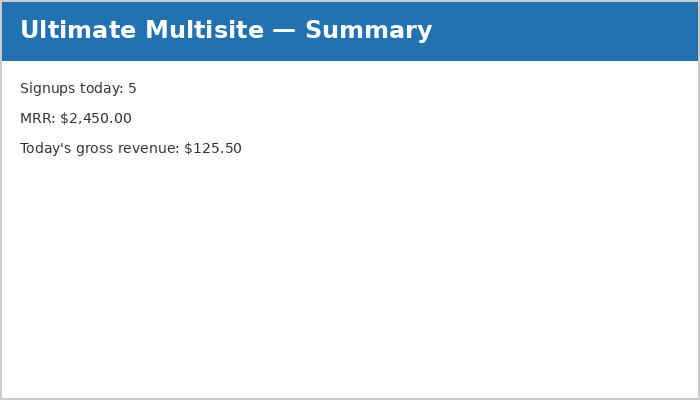
Summary widget દિવસના signups અને તેમની revenue ની જાણકારી આપે છે. MRR (Monthly Recurring Revenue) revenue-generating memberships ધરાવતા customers ની projected total દર્શાવે છે.
Activity Stream
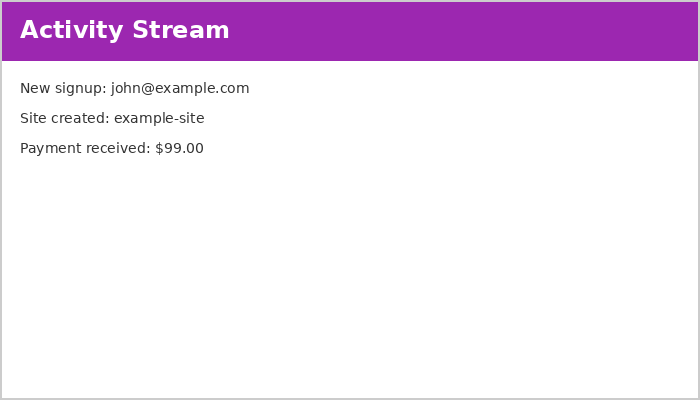
આ widget Ultimate Multisite ની events ની જાણકારી આપે છે. Events માં signups, cancellations, site creations, deletions, અને અન્ય activities નો સમાવેશ થાય છે.
વધુ વિગતવાર વર્ણન માટે કૃપા કરીને documentation ના Events section નો સંદર્ભ લો.
Right Now

આ utility widget network માં users અને sites નો ટૂંકો સારાંશ દર્શાવે છે. ટોચ પરના handy shortcuts નવી sites અથવા users બનાવવા માટે one-click access આપે છે.
News and Discussions
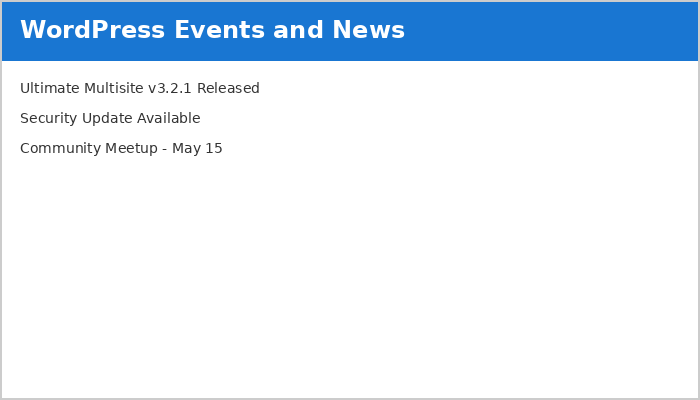
આ widget latest Ultimate Multisite news fetch કરે છે અને દર્શાવે છે. Updates, critical bugs, અને security fixes વિશેની માહિતી માટે આ widget પર નજર રાખો.
Ultimate Multisite Dashboard
જ્યાં network-level dashboard network વિશે સંપૂર્ણ માહિતી રજૂ કરે છે, ત્યાં Ultimate Multisite dashboard (Ultimate Multisite menu ના top-level પર સ્થિત) service વિશેની માહિતી રજૂ કરે છે.
Monthly Recurring Revenue Growth
MRR (Monthly Recurring Revenue) chart 12-month calendar period દરમિયાન revenue નું monthly breakdown દર્શાવે છે.
નવી revenue blue માં track થાય છે જ્યારે cancellations red માં દર્શાવાય છે.
Date-range Support
Customers અને activity ની સંખ્યાના આધારે, statistics overwhelming બની શકે છે. Dashboard માં built-in date-range support network administrator ને ફક્ત જરૂરી માહિતી અને time period પર focus કરવાની મંજૂરી આપે છે.
Date range નીચેના widgets દ્વારા દર્શાવવામાં આવતી માહિતીના period ને નિયંત્રિત કરે છે, જેમાં revenue, new memberships, country અનુસાર signups, form અનુસાર signups, અને most visited sites નો સમાવેશ થાય છે.
Most Visited Sites widget કામ કરે તે માટે, Ultimate Multisite → Settings → Sites → Enable Visits Limitation and Counting પર visit counting enable કરો.