Ultimate Multisite Dashboard ని అర్థం చేసుకోవడం
మరింత అధునాతన కాన్ఫిగరేషన్ ఎంపికలు మరియు Ultimate Multisite యొక్క ఆపరేషనల్ అంశాలలోకి వెళ్ళే ముందు, dashboard ని ఒకసారి చూద్దాం.
చాలా WordPress plugins లాగే, Ultimate Multisite కూడా Ultimate Multisite అనే network-level menu entry ని సృష్టిస్తుంది, దాని కింద అనేక sub-menu entries ఉంటాయి.
Network Dashboard Widgets
Ultimate Multisite network-level dashboard లో కొన్ని ఉపయోగకరమైన widgets ని జోడిస్తుంది. ఈ dashboard ని My Sites → Network Admin → Dashboard కు navigate చేయడం ద్వారా చేరుకోవచ్చు. ఈ widgets network administrator కు సమాచారం మరియు సాధారణ కార్యకలాపాలకు సులభంగా access అందించేందుకు రూపొందించబడ్డాయి.
First Steps

Ultimate Multisite కొత్తగా install చేసినప్పుడు ఈ widget కనిపిస్తుంది మరియు payment method కాన్ఫిగర్ చేయడం, test account సృష్టించడం వంటి అదనపు tasks పూర్తి చేయమని network administrator కు గుర్తు చేస్తుంది.
Summary
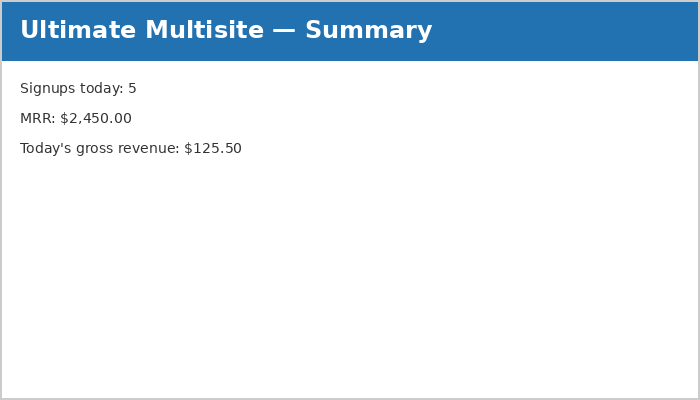
Summary widget ఆ రోజు యొక్క signups సంఖ్య మరియు వాటి revenue ని రిపోర్ట్ చేస్తుంది. MRR (Monthly Recurring Revenue) revenue-generating memberships ఉన్న customers అంతటా అంచనా వేసిన మొత్తాన్ని సూచిస్తుంది.
Activity Stream
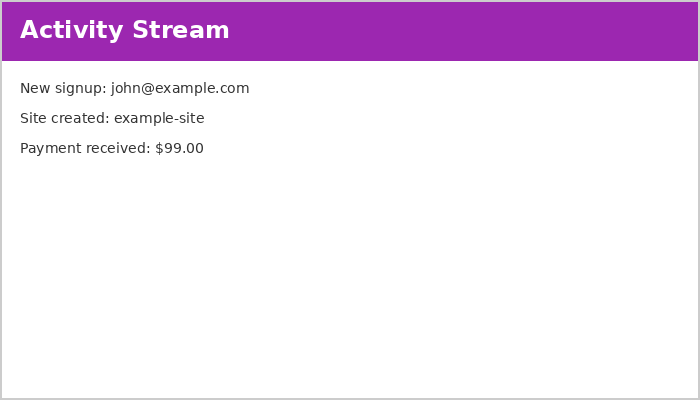
ఈ widget Ultimate Multisite అంతటా జరిగే events ను రిపోర్ట్ చేస్తుంది. Events లో signups, cancellations, site creations, deletions, మరియు ఇతర activities ఉంటాయి.
మరింత వివరమైన వివరణ కోసం documentation లోని Events విభాగాన్ని చూడండి.
Right Now

ఈ utility widget network లోని users మరియు sites యొక్క చిన్న సారాంశాన్ని చూపిస్తుంది. పైన ఉన్న handy shortcuts ఒక్క click తో కొత్త sites లేదా users సృష్టించడానికి అనుమతిస్తాయి.
News and Discussions
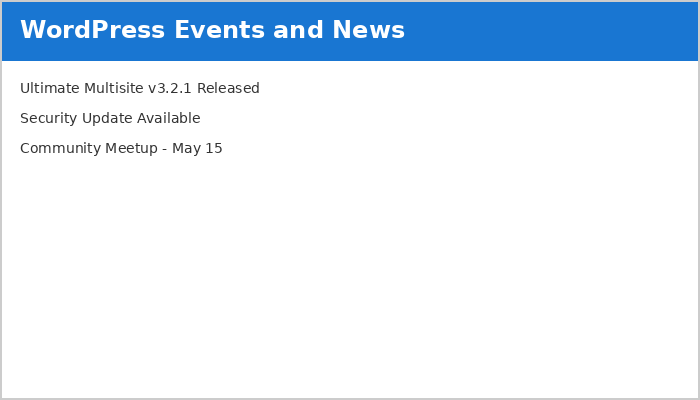
ఈ widget తాజా Ultimate Multisite వార్తలను fetch చేసి చూపిస్తుంది. updates, critical bugs, మరియు security fixes గురించి సమాచారం కోసం ఈ widget పై దృష్టి ఉంచండి.
Ultimate Multisite Dashboard
Network-level dashboard network గురించి సమగ్ర సమాచారాన్ని అందిస్తే, Ultimate Multisite dashboard (Ultimate Multisite menu యొక్క top-level లో ఉంది) service గురించి సమాచారాన్ని అందిస్తుంది.
Monthly Recurring Revenue Growth
MRR (Monthly Recurring Revenue) chart 12-నెలల calendar period లో revenue యొక్క నెలవారీ విభజనను చూపిస్తుంది.
కొత్త revenue నీలం రంగులో track చేయబడుతుంది, cancellations ఎరుపు రంగులో ప్రతిబింబిస్తాయి.
Date-range Support
Customers సంఖ్య మరియు activity ని బట్టి, statistics overwhelming గా మారవచ్చు. Dashboard లో built-in date-range support network administrator కు అవసరమైన సమాచారం మరియు time period పైనే దృష్టి పెట్టడానికి అనుమతిస్తుంది.
Date range దిగువన ఉన్న widgets చూపించే సమాచారం యొక్క కాలాన్ని నియంత్రిస్తుంది, ఇందులో revenue, new memberships, దేశం వారీగా signups, form వారీగా signups, మరియు most visited sites ఉంటాయి.
Most Visited Sites widget పని చేయడానికి, Ultimate Multisite → Settings → Sites → Enable Visits Limitation and Counting వద్ద visit counting ను enable చేయండి.