Evento: Registrar um Account via Zapier
No artigo Integrando Ultimate Multisite com Zapier, discutimos como usar o Zapier para executar diferentes ações dentro do Ultimate Multisite com base em gatilhos e eventos. Neste artigo, mostraremos como você pode integrar aplicativos de terceiros. Usaremos o Google Sheets como fonte de dados e enviaremos as informações para o Ultimate Multisite para registrar um Account.
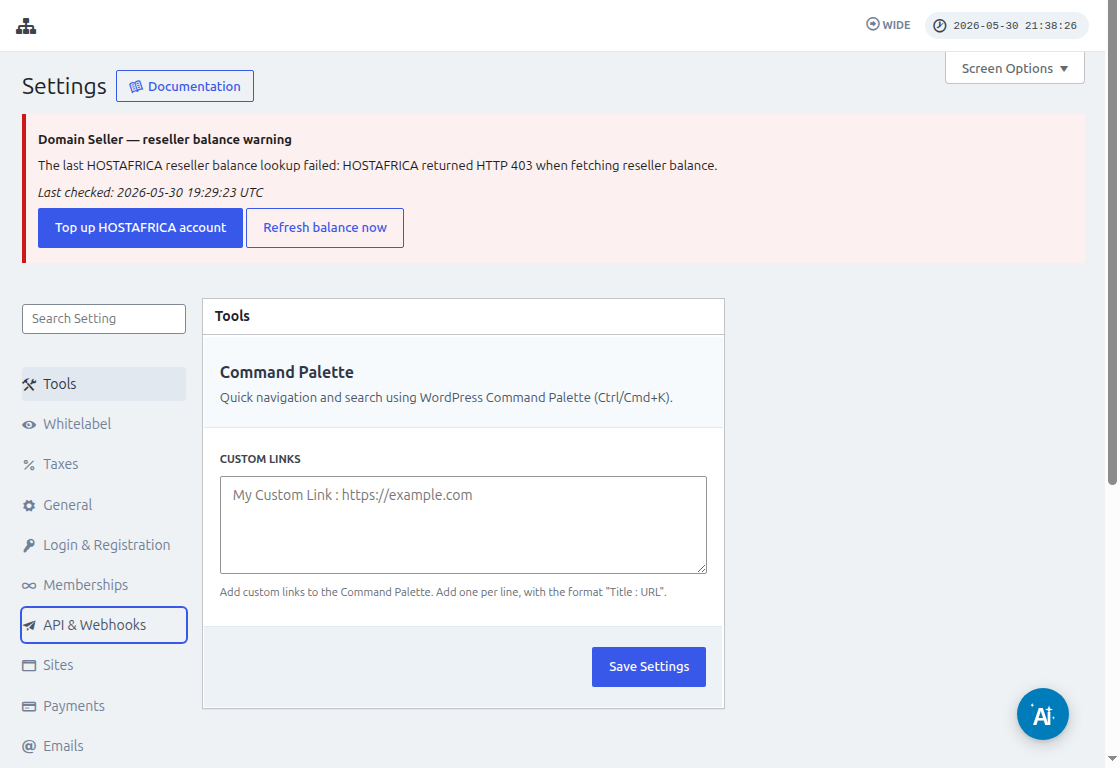
Antes de conectar o Zapier, acesse Ultimate Multisite > Settings > API & Webhooks e confirme que a API está ativada. Copie a API Key e o API Secret desta tela quando o Zapier solicitar as credenciais da conta do Ultimate Multisite.
Primeiro, você precisa criar uma Google Sheet no seu Google Drive. Certifique-se de definir corretamente cada coluna para que possa mapear os dados facilmente mais tarde.
Depois de criar uma Google sheet, você pode fazer login na sua conta do Zapier e começar a criar um zap.
No campo de busca para "App event", selecione "Google Sheets"
Em seguida, para o campo "Event ", selecione "New spreadsheet row " e clique em "Continue "
A próxima etapa solicitará que você selecione uma Google Account onde a Google Sheet está salva. Então, apenas certifique-se de que a conta do Google correta esteja especificada.
Em "Set up trigger ", você precisará selecionar e especificar a planilha e a aba do Google que usará, de onde os dados virão. Basta preencher esses campos e clicar em "Continue "
Em seguida, é preciso "test your trigger " para garantir que sua Google sheet esteja conectada corretamente.
Se o seu teste for bem-sucedido, você deverá ver o resultado mostrando alguns valores das suas planilhas. Clique em "Continue " para prosseguir.
A próxima etapa é configurar a segunda ação que criará ou registrará um Account no Ultimate Multisite. No campo de busca, selecione "Ultimate Multisite(2.0.2) "
No campo "Event ", selecione "Register an Account in Ultimate Multisite " e clique no botão "Continue ".
Em "Set up an action ", você verá diferentes campos disponíveis para dados do cliente, memberships, produtos etc. Você pode mapear os valores da sua Google sheet e atribuí-los ao campo adequado onde eles devem ser preenchidos, conforme mostrado na captura de tela abaixo.
Depois de mapear os valores, você pode testar a ação.