Événement : Enregistrer un compte via Zapier
Dans l’article Intégrer Ultimate Multisite avec Zapier, nous avons expliqué comment utiliser Zapier pour effectuer différentes actions dans Ultimate Multisite en fonction de déclencheurs et d’événements. Dans cet article, nous allons montrer comment intégrer des applications tierces. Nous utiliserons Google Sheets comme source de données et enverrons les informations à Ultimate Multisite pour enregistrer un compte.
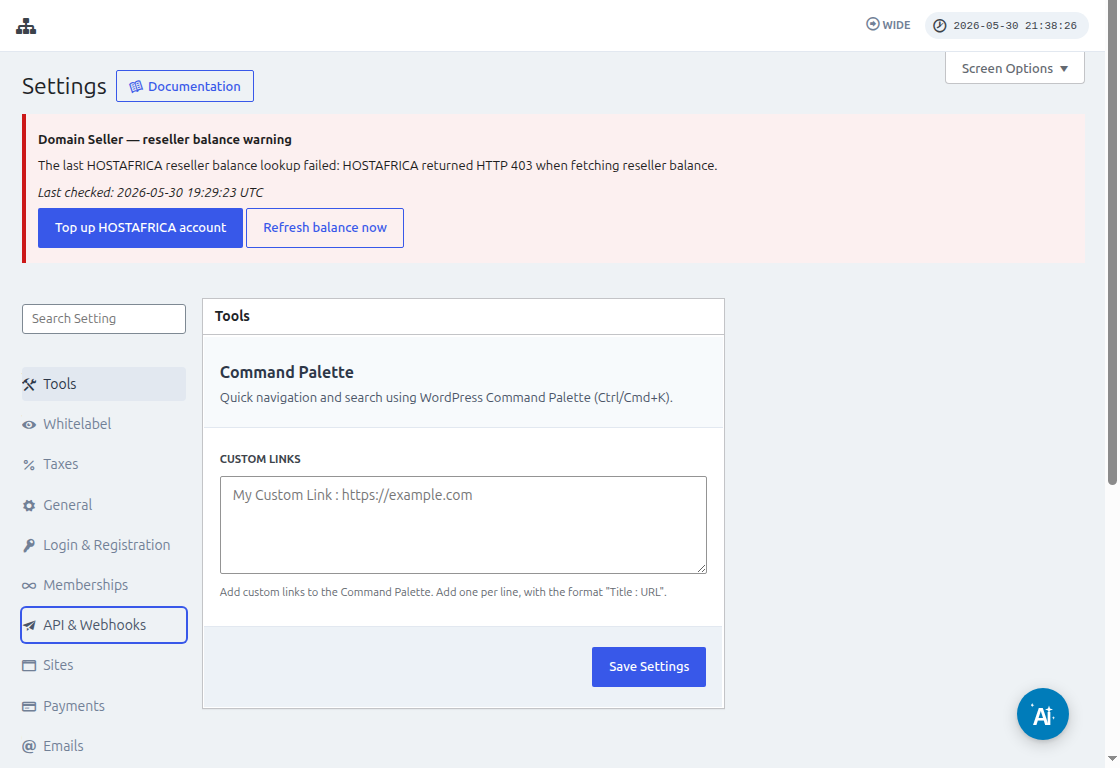
Avant de connecter Zapier, allez dans Ultimate Multisite > Settings > API & Webhooks et confirmez que l’API est activée. Copiez l’API Key et l’API Secret depuis cet écran lorsque Zapier demande les identifiants du compte Ultimate Multisite.
Tout d’abord, vous devez créer un Google Sheet dans votre Google Drive. Assurez-vous de définir correctement chaque colonne afin de pouvoir facilement associer les données plus tard.
Après avoir créé un Google sheet, vous pouvez vous connecter à votre compte Zapier et commencer à créer un zap.
Sous le champ de recherche pour « Événement d’application », sélectionnez « Google Sheets »
Ensuite, pour le champ « Événement », sélectionnez « Nouvelle ligne de feuille de calcul » et cliquez sur « Continuer »
L’étape suivante vous demandera de sélectionner un Google Account où le Google Sheet est enregistré. Assurez-vous donc simplement que le bon compte google est indiqué.
Sous « Configurer le déclencheur », vous devrez sélectionner et préciser la feuille de calcul google et la feuille de travail que vous utiliserez, d’où proviendront les données. Remplissez-les simplement, puis cliquez sur « Continuer »
Ensuite, il faut « tester votre déclencheur » pour vous assurer que votre google sheet est correctement connecté.
Si votre test réussit, vous devriez voir le résultat affichant certaines valeurs de vos feuilles de calcul. Cliquez sur « Continuer » pour poursuivre.
L’étape suivante consiste à configurer la deuxième action qui créera ou enregistrera un compte dans Ultimate Multisite. Dans le champ de recherche, sélectionnez « Ultimate Multisite(2.0.2) »
Sous le champ « Événement », sélectionnez « Enregistrer un Account dans Ultimate Multisite », puis cliquez sur le bouton « Continuer ».
Sous « Configurer une action », vous verrez différents champs disponibles pour les données client, les adhésions, les produits, etc. Vous pouvez associer les valeurs de votre google sheet et les assigner au champ approprié où elles doivent être renseignées, comme indiqué dans la capture d’écran ci-dessous.
Après avoir associé les valeurs, vous pouvez tester l’action.