Event: Register an account via Zapier
Mme le ntlha Integrating Ultimate Multisite with Zapier, re bua hore na ba leba ka u sebel Zapier ho dira litlhahlo tse fapaneng mo Ultimate Multisite ka ho fetola ka boemo (triggers) le litšepo (events). Mo lapa la this article, re tla go bona ka u leka ho fana ka bonako le taba tsa boroli ba lefatshe la 3rd party. Re tla sebelisa Google Sheets e le mofuta o mo thabela le ho seletsa litlhahlo ho Ultimate Multisite ho dira boemo (register an account).
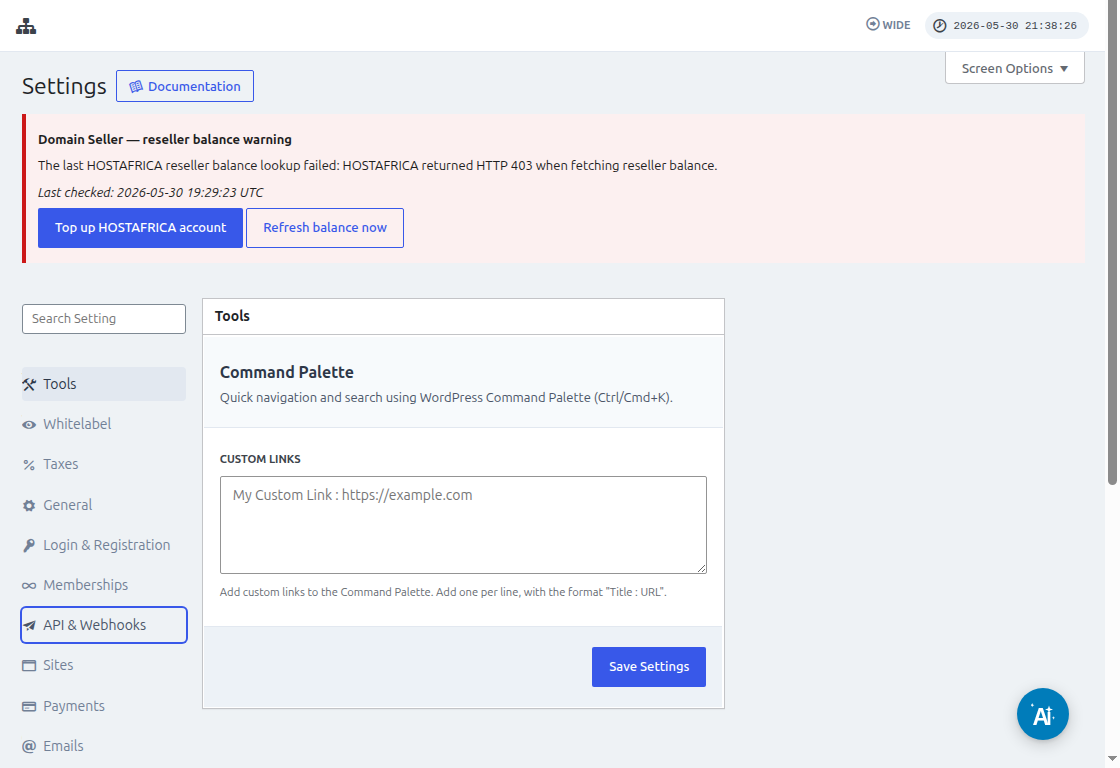
Pula ho fetola Zapier, go bone Ultimate Multisite > Settings > API & Webhooks le ho seletsa hore API e le fetang. Seletsa API Key le API Secret mo lapa le thata seo Zapier se tla u bua ka boemo (credentials) ba Ultimate Multisite.
Mme a re, o na le ho fetola Google Sheet mo Google Drive ea hau. Seletsa hore u seletse ka bonako bohle ba kolompo (columns) ho bone ka ho sebelisa data ka ho mapoa ka ho fetoga ka bonako.
Ha u feta Google sheet, u ka leka ho leka (log in) mo Zapier account ea hau le ho sebelisa ho leka ho fana ka zap.
Mo sefokong sa ho hlalosa "App event", seletsa "Google Sheets".
Lapa le thata ho "Event", seletsa "New spreadsheet row" (row e ntlha) le re hitse "Continue".
Lapa le thata le tla u bua ka ho seletsa Google Account sefokong sefokong sa Google Sheet o tsamaisang. Leha, seletsa hore google account e fetang e le eona e ntse e fana.
Mo sefokong sa "Set up trigger", u tla hloka ho seletsa le ho hlalosa Google spreadsheet le worksheet e tsoela e tla ba leba data e tla tla ka. Leha, a re hitse hore le bona le hitse "Continue".
Lapa le thata ke "test your trigger" ho bone hore google sheet ea hau e fetang ka bonako.
Ha u leka o hlalosa (test) o hloka, u tla bona tsela e bontšang litlhahlo tse fapaneng mo spreadsheets ea hau. Leha, re hitse "Continue" ho feta.
Ho fela, tsela e lengwe ke ho sethethela litshomo tse lelang tse di tla fetola kapa di tsamaisa khutso (account) ka Ultimate Multisite. Ka search field, uba le "Ultimate Multisite(2.0.2) ".
Under the field ya "Event ", uba le "Register an Account in Ultimate Multisite " ho seng thena button ya "Continue ".
Under "Set up an action ", o tla bona dife dife tse di fapaneng tsa data ea mangwana, memberships, products, le hore. U ka mapo litšomo (values) tsa hau ka google sheet le ho ba leka li tsamaisa ka sebope seo sehlopong seofatsoang ka screenshot e leng below.
Ha u fetole litšomo, u ka leka tsela (action) ea hau.