Evento: registrare un Account tramite Zapier
Nell'articolo Integrazione di Ultimate Multisite con Zapier, abbiamo discusso come usare Zapier per eseguire diverse azioni all'interno di Ultimate Multisite in base a trigger ed eventi. In questo articolo, mostreremo come puoi integrare applicazioni di terze parti. Useremo Google Sheets come fonte di dati e invieremo le informazioni a Ultimate Multisite per registrare un Account.
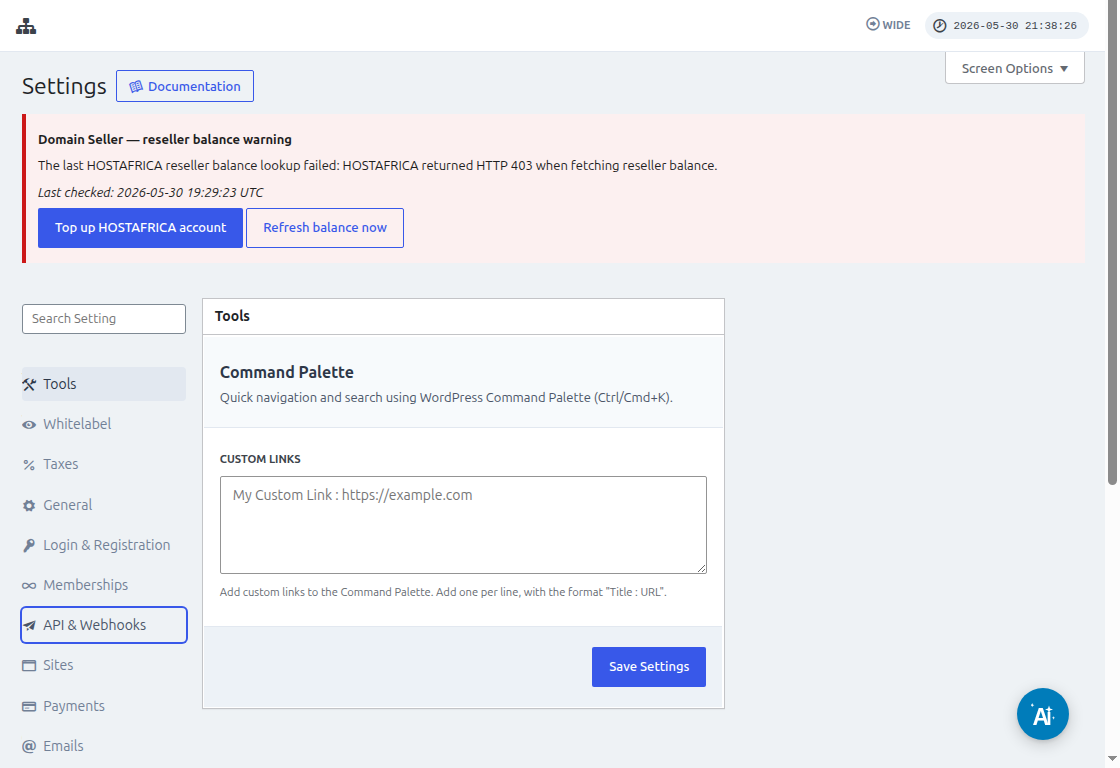
Prima di collegare Zapier, vai su Ultimate Multisite > Settings > API & Webhooks e conferma che l'API sia abilitata. Copia la API Key e la API Secret da questa schermata quando Zapier richiede le credenziali dell'Account Ultimate Multisite.
Per prima cosa, devi creare un Google Sheet nel tuo Google Drive. Assicurati di definire correttamente ogni colonna in modo da poter mappare facilmente i dati in seguito.
Dopo aver creato un Google sheet, puoi accedere al tuo Account Zapier e iniziare a creare uno zap.
Nel campo di ricerca per "Evento app" seleziona "Google Sheets"
Quindi per il campo "Evento " seleziona "Nuova riga del foglio di calcolo " e premi "Continua "
Il passaggio successivo ti chiederà di selezionare un Google Account in cui è salvato il Google Sheet. Quindi assicurati semplicemente che sia specificato l'Account Google corretto.
In "Configura trigger ", dovrai selezionare e specificare il foglio di calcolo e il worksheet Google che utilizzerai, da cui proverranno i dati. Procedi pure a compilarli e premi "Continua "
Il passaggio successivo consiste nel "testare il tuo trigger " per assicurarti che il tuo google sheet sia collegato correttamente.
Se il test ha esito positivo, dovresti vedere il risultato con alcuni valori dei tuoi fogli di calcolo. Fai clic su "Continua " per procedere.
Il passaggio successivo consiste nel configurare la seconda azione che creerà o registrerà un Account in Ultimate Multisite. Nel campo di ricerca seleziona "Ultimate Multisite(2.0.2) "
Nel campo "Evento ", seleziona "Registra un Account in Ultimate Multisite " quindi fai clic sul pulsante "Continua ".
In "Configura un'azione ", vedrai diversi campi disponibili per dati cliente, membership, prodotti, ecc. Puoi mappare i valori del tuo google sheet e assegnarli al campo corretto in cui devono essere popolati, come mostrato nello screenshot qui sotto.
Dopo aver mappato i valori, puoi testare l'azione.