PayFast
Multisite Ultimate: Payfast 게이트웨이
남아프리카의 빠르고 안전한 온라인 결제 게이트웨이인 Payfast를 Multisite Ultimate 결제 옵션으로 추가합니다.
설치
- 'ultimate-multisite-payfast'를 '/wp-content/plugins/' 디렉터리에 업로드합니다
- WordPress의 'Plugins' 메뉴를 통해 plugin을 활성화합니다
- 단계별 마법사를 따라 plugin을 설정합니다
사용 가이드
PayFast는 남아프리카 비즈니스를 위한 선도적인 온라인 결제 처리 업체입니다. 온라인 판매자가 거래를 원활하고 안전하게 만들어 성장할 수 있도록 돕는 데 전념합니다. Ultimate Multisite 사용자 요청에 따라, PayFast와의 통합을 가능하게 하는 add-on을 만들기로 했습니다. 이 문서에서는 Ultimate Multisite 네트워크에서 결제를 받기 위해 PayFast를 결제 게이트웨이로 설정하는 방법을 보여줍니다.
첫 번째 단계는 add-on을 설치하는 것입니다.
Payfast add-on 설치 방법:
add-ons 페이지로 이동하여 Ultimate Multisite: Payfast 게이트웨이 add-on을 선택합니다.
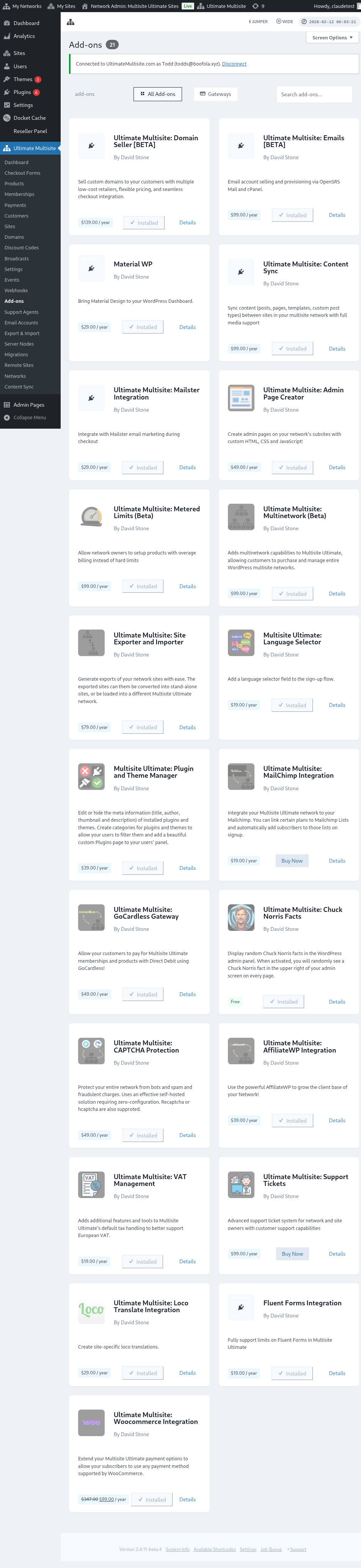
add-on 창이 팝업됩니다. 지금 설치를 클릭합니다.
설치가 완료되면 plugins 페이지로 리디렉션됩니다. 여기에서 네트워크 활성화만 클릭하면 Payfast add-on이 네트워크에서 활성화됩니다.
PayFast 설정
add-on을 설치한 후 이제 Ultimate Multisite 설정으로 이동하여 PayFast 구성을 시작할 수 있습니다.
Ultimate Multisite 설정 페이지 아래에서 "Payments" 탭을 찾을 수 있습니다. 이 탭 아래에는 이 결제 게이트웨이를 활성화하거나 비활성화하는 토글 버튼과 함께 "Payfast "가 표시됩니다.
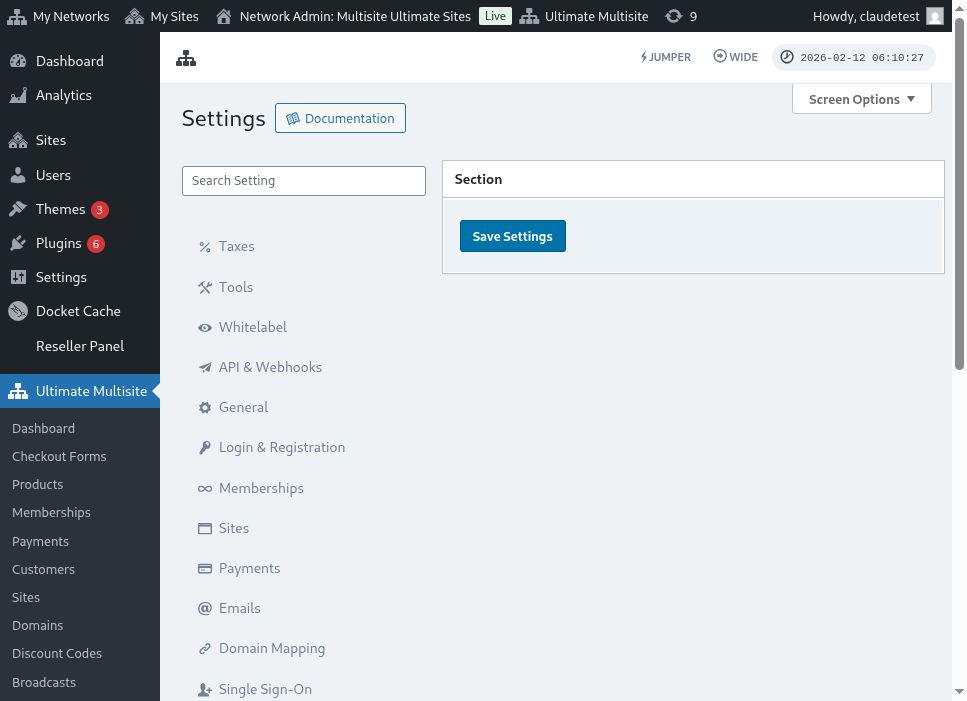 계속해서 토글 버튼을 클릭하여 활성화합니다. 그러면 상자가 확장되어 판매자 ID, 판매자 키 및 PassPhrase. 같은 입력해야 하는 다양한 필드가 표시됩니다. 이 정보는 Payfast Account에서 얻을 수 있습니다
다음 단계는 필요한 정보를 얻기 위해 PayFast Account에 로그인하는 것입니다.
로그인하면 Payfast Account Dashboard에서 필요한 자격 증명을 즉시 확인할 수 있습니다.
격 증명을 간단히 복사하여 붙여넣고 Ultimate Multisite 설정에 세부 정보를 입력할 수 있습니다. 그런 다음 변경 사항을 저장하려면 "설정 저장 " 버튼을 클릭합니다.
이제 끝났습니다. PayFast 결제 통합이 완료되었습니다!