PayFast
Multisite Ultimate: Payfast ゲートウェイ
南アフリカの高速で安全なオンライン決済ゲートウェイである Payfast を、Multisite Ultimate の決済オプションとして追加します。
インストール
- 'ultimate-multisite-payfast' を '/wp-content/plugins/' ディレクトリにアップロードします
- WordPress の 'Plugins' メニューから plugin を有効化します
- 手順ごとの Wizard に従って plugin を設定します
利用ガイド
PayFast は、南アフリカの事業者向けの主要なオンライン決済処理サービスです。オンライン販売者が円滑で安全な取引を実現し、成長できるよう支援することに特化しています。Ultimate Multisite ユーザーからの要望により、PayFast との連携を可能にする add-on を作成することにしました。この記事では、Ultimate Multisite ネットワークで支払いを受け取るために、PayFast を決済ゲートウェイとして設定する方法を説明します。
最初の手順は add-on のインストールです。
Payfast add-on のインストール方法:
add-ons ページに移動し、Ultimate Multisite: Payfast Gateway add-on を選択します。
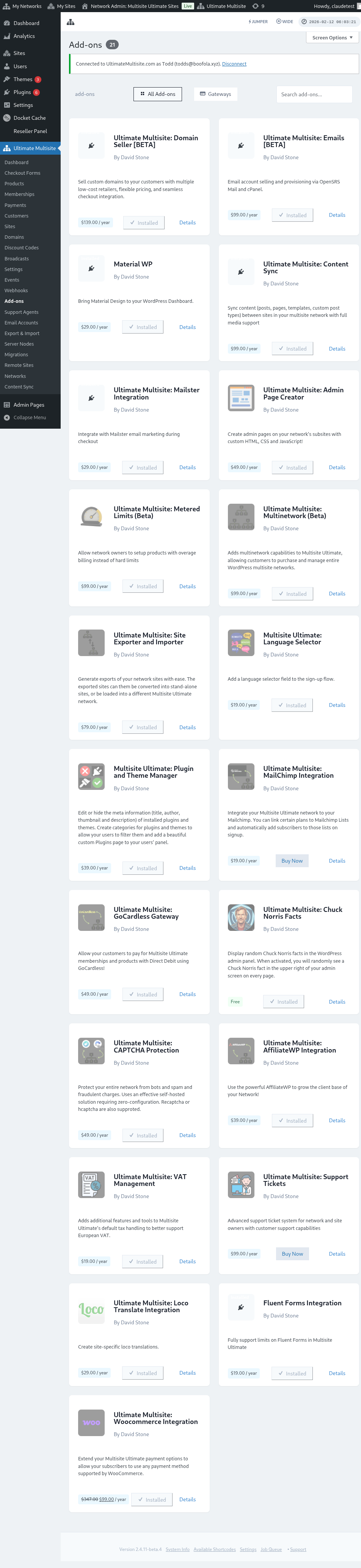
add-on のウィンドウが表示されます。Install Now をクリックします。
インストールが完了すると、plugins ページにリダイレクトされます。ここで Network Activate をクリックするだけで、Payfast add-on がネットワーク上で有効化されます。
PayFast の設定
add-on をインストールしたら、Ultimate Multisite 設定に移動して PayFast の設定を開始できます。
Ultimate Multisite 設定ページで、「Payments」タブを見つけられます。このタブ内に、決済ゲートウェイを有効化または無効化するトグルボタンとともに「Payfast」が表示されます。
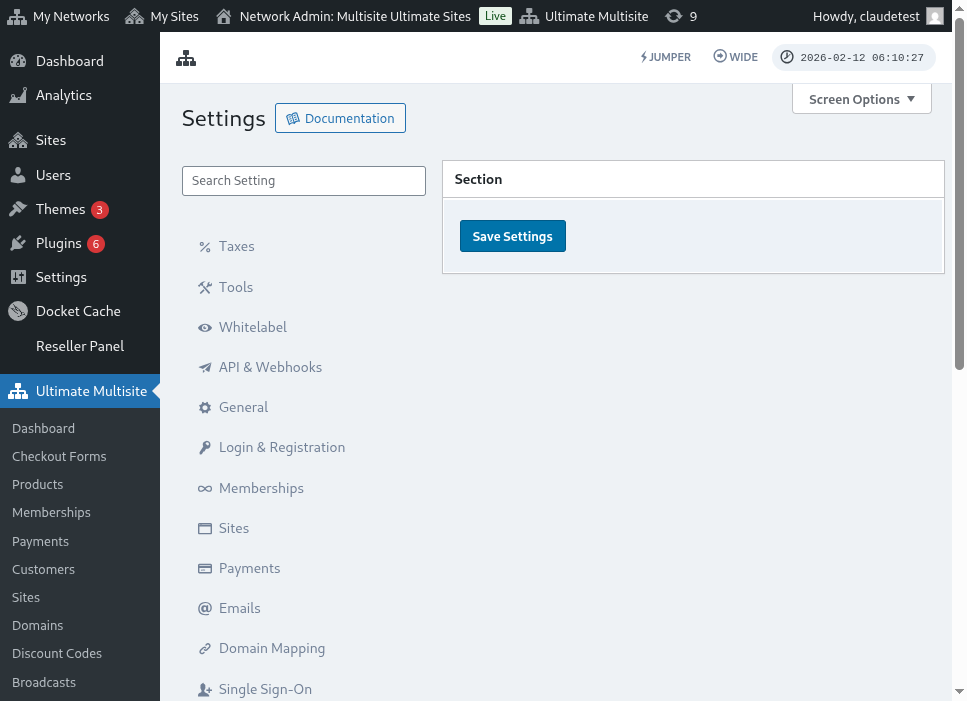 トグルボタンをクリックして有効化してください。するとボックスが展開され、加盟店 ID、加盟店キー、パスフレーズなど、入力が必要な各種フィールドが表示されます。この情報は Payfast Account から取得できます
次の手順は、必要な情報を取得するために PayFast Account にログインすることです。
ログインすると、Payfast Account Dashboard から必要な認証情報をすぐに確認できます。
証情報をコピーして貼り付け、Ultimate Multisite 設定の詳細を入力するだけです。その後、「設定を保存」ボタンをクリックして変更を保存します。
これで、PayFast 決済連携は完了です!