PayFast
Multisite Ultimate: Payfast Gateway
Ntxiv Payfast - ib lub rooj vag them nyiaj online uas ceev thiab ruaj ntseg hauv South Africa - ua ib txoj kev xaiv them nyiaj rau Multisite Ultimate.
Kev teeb tsa
- Upload 'ultimate-multisite-payfast' mus rau hauv directory '/wp-content/plugins/'
- Qhib lub plugin ntawm cov ntawv qhia zaub mov 'Plugins' hauv WordPress
- Ua raws Wizard ib kauj ruam zuj zus los teeb tsa lub plugin
Phau Ntawv Qhia Siv
PayFast yog ib lub tshuab ua kev them nyiaj online uas nrov rau cov lag luam hauv South Africa. Nws mob siab pab cov tub lag luam online loj hlob los ntawm kev ua kom kev pauv nyiaj yooj yim thiab ruaj ntseg. Raws li Ultimate Multisite tus neeg siv tau thov, peb txiav txim siab tsim ib lub addon uas yuav ua kom txuas nrog PayFast tau. Kab lus no yuav qhia seb yuav teeb PayFast li cas ua koj lub rooj vag them nyiaj kom txais tau nyiaj hauv koj lub network Ultimate Multisite.
Kauj ruam thawj yog nruab lub add on.
Yuav nruab Payfast add-on li cas:
Mus rau nplooj ntawv add-ons thiab xaiv Ultimate Multisite: Payfast Gateway add-on.
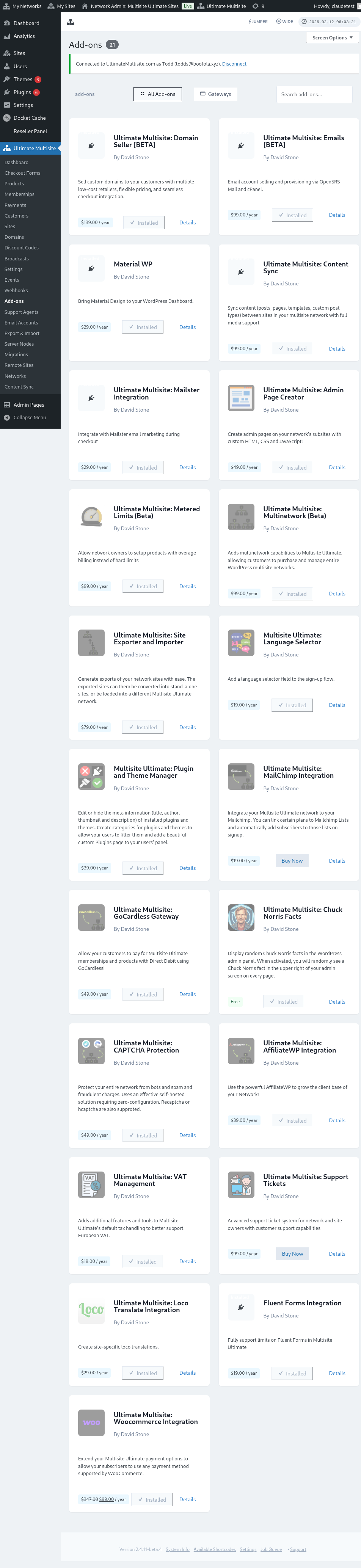
Lub qhov rais add-on yuav tshwm tawm. Nyem rau Install Now.
Thaum kev nruab tiav lawm, koj yuav raug xa mus rau nplooj ntawv plugins. Ntawm no, tsuas yog nyem rau Network Activate ces Payfast add-on yuav raug qhib rau hauv koj lub network.
Teeb Tsa PayFast
Tom qab nruab add-on lawm, tam sim no koj mus tau rau Ultimate Multisite settings thiab pib teeb tsa PayFast.
Hauv qab nplooj ntawv Ultimate Multisite settings, koj yuav pom tab "Payments". Hauv qab tab no, koj yuav tsum pom "Payfast " nrog rau lub pob toggle los qhib lossis kaw lub rooj vag them nyiaj no.
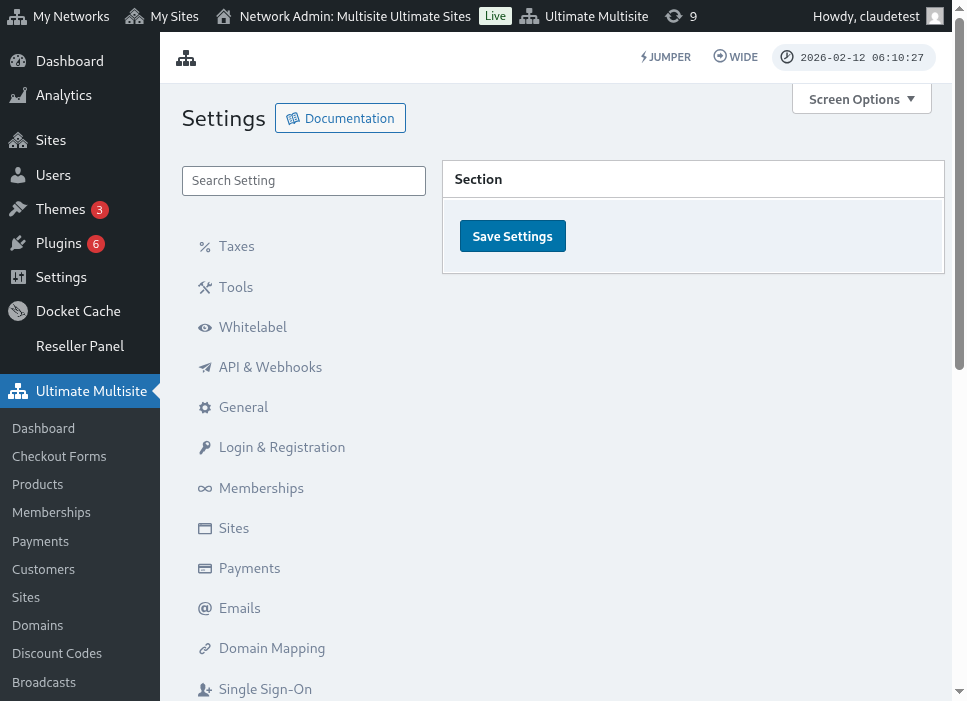 Mus tom ntej thiab nyem lub pob toggle kom qhib nws. Tom qab ntawd nws yuav nthuav lub thawv kom qhia ntau yam teb uas koj yuav tsum sau, xws li Mechant ID, Merchant Key thiab PassPhrase. Koj tuaj yeem tau cov ntaub ntawv no ntawm koj tus Payfast Account
Kauj ruam tom ntej yog nkag mus rau hauv koj tus PayFast Account kom tau cov ntaub ntawv uas koj xav tau.
Thaum nkag mus lawm, koj yuav pom tau tam sim ntawd cov credentials uas koj xav tau ntawm koj tus Payfast Account Dashboard.
oj tsuas yog copy thiab paste cov credential thiab sau cov ntsiab lus rau hauv koj cov Ultimate Multisite settings. Tom qab ntawd nyem lub pob "Save settings " kom khaws cov kev hloov.
Yog li ntawd xwb, koj qhov kev txuas kev them nyiaj PayFast tiav lawm!