Ultimate Multisite: Ad Injector でネットワークに広告を配置する
Ultimate Multisite: Ad Injector は、プランの編集ページから直接プランに広告を配置するためのツールを提供する 無料 add-on です。
Ultimate Multisite: Ad Injector をインストールしたら、Plugins ページに移動して有効化します。
Network Activate ボタンをクリックします
add-on が有効になると、プラン編集画面の Advanced Options メタボックスに、Ad Settings という新しいオプションが追加されます。
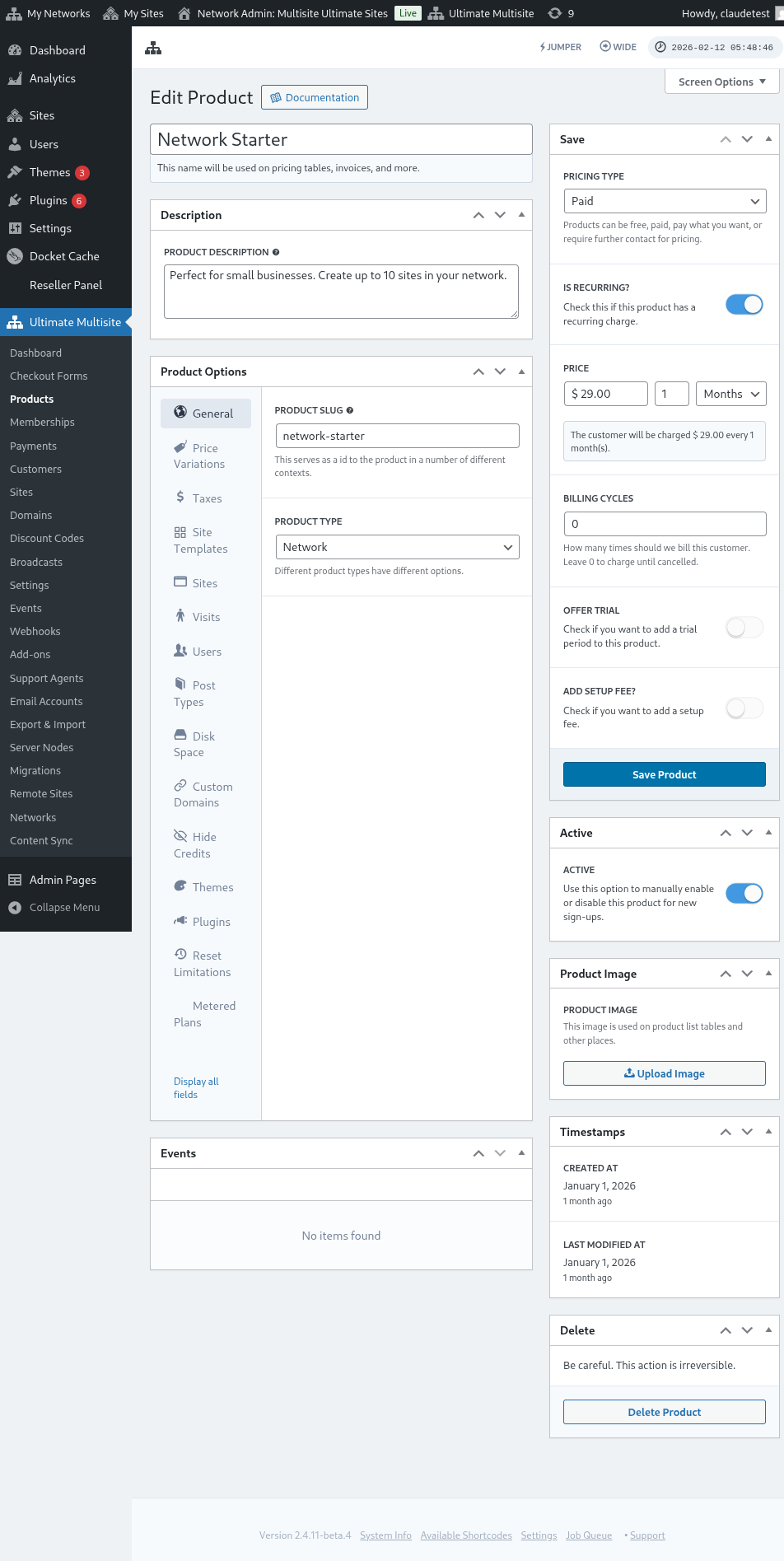
これで、各プランの広告設定を編集できます
そのタブでは、フロントエンドの投稿とページについて、コンテンツの前後に表示する広告コードを追加できます。
広告コードを挿入すると、その特定のプランの投稿とページに表示されます。
そのプランのユーザー向けに、Admin Pages のヘッダーにも広告を含めることができます。
ユーザーのバックエンドに広告を表示したい場合は、Admin Panel Ad Code オプションに移動します
広告を超えた活用
Ultimate Multisite: Ad Injector を使って、上位プラン向けにサポートを提供することもできます。
Admin Panel Ads オプションに移動し、サポートツールの HTML コードを追加するだけです。
特定のプランにカスタマーサポートを追加します
この方法なら、ユーザーは自分の Admin Panel から直接あなたに連絡できます!