ཁྱོད་ཀྱི་བརྟེན་འགྲོ་མཁན་གྱི་ website (v2)
ཁྱེད་ཚོས་ཁོར་ཡུག་ནང་སྤྲོད་པ་དང་འབྲེལ་བ་བྱས་པའི་sau, ཁྱེད་ཀྱི་customer ཚོས་ཁོང་ཚོའི་dashboard དུ་ເຂົ້າເຖິງཆོག
Account page (ལག་རྟགས་) ལས་གཞན་ My Sites page (ངའི་ website ཚོ་) འདྲེན་པ་ཡོད་တယ်။ ཁོང་ཚོས་ཁོང་ཚོའི་website ཚོ་ཡོངས་སུ་ જોઈནས་ manage བྱེད་ཆོག. dashboard ལས་ My Sites ལ་click བྱས་ན། ཁོང་ཚོས་ཁོང་ཚོའི་website ཚོ་ཡོངས་སུ་ જોઈནས་ manage བྱེད་ཆོག་པ་རེད།
ཁྱེད་ཀྱི་website ཚོ་ཡོངས་སུ་ མཐོང་རྒྱུའི་སྐབས་ Manage button (ལག་རྟགས་) འདྲེན་པ་གཅིག་གི་ནང་ ཡོད་တယ်။ ཁོང་ཚོས་དེ་ལ་click བྱས་ན། ཁོང་ཚོའི་website དེ་དངོས་པོ་རང་ཉིད་ཀྱི་ dashboard དུ་ ໄປရောက်རྒྱུར་ འགྲོ་རྒྱུ་ཡིན།
ཁོང་ཚོས་ website གཅིག་ལས་གཞན་ website ག་རེ་ཡིན་པ་དེ་ plan ལ་website ຫຼາຍལོན་ཆོག་པའི་ condition འདྲེན་པ་ (primary) ག་རེ་ཡིན་པ་དེ་ཡང་ જોઈ ཐུབ།
website edit interface (website བཀོད་སྒྲིག་ interface) གྱི་ முழு view (full view) འདི་ལྟར་ཡོད།
ཁོང་ཚོས་ website primary one ག་རེ་ཡིན་པ་དེ་བསྒྱུར་རྒྱུ་བྱེད་ཆོག་ན་ Account menu (ལག་རྟགས་) ལ་click བྱས་ནས་ Account page དུ་ ໄປ འགྲོ་དགོས་ཀྱི་ཡོད།
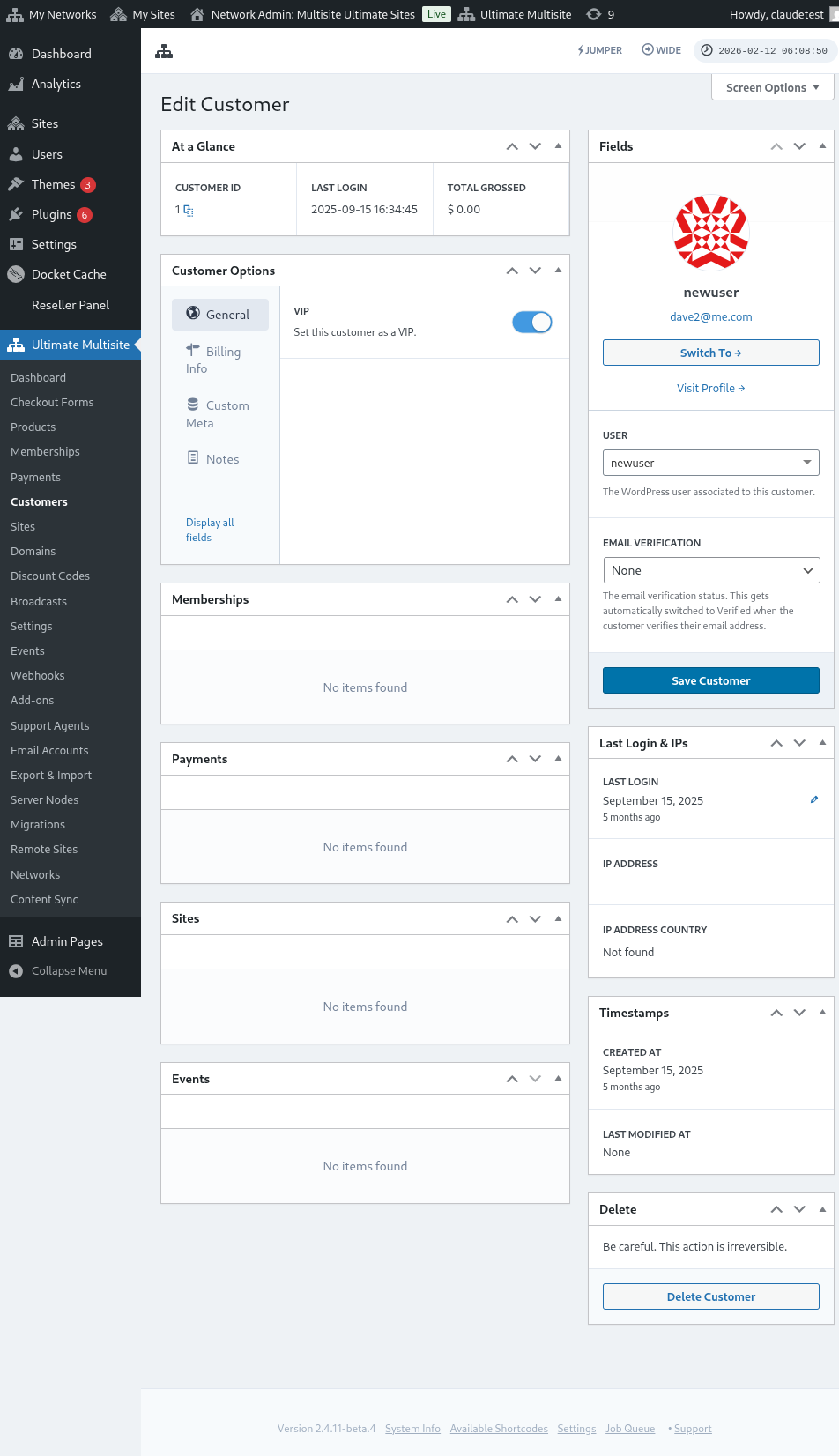
ཁོང་ཚོས་customer details (customer ལག་རྟགས་) ཚོ་ཡང་ જોઈ edit བྱེད་ཆོག:
དེ་ནས་ Change Default Site (Default website བསྒྱུར་) ལ་click བྱས་དགོས་ཀྱི་ཡོད།
pop-up window (pop-up ལ창) ཞིག་ འབྱུང་རྒྱུ་ཡོང་། drop-down list (dropdown list) ལ་click བྱས་ནས་ཁྱེད་ཀྱིས་ website ག་རེ་ primary website བཟོ་རྒྱུའི་དགོས་པ་ བསྐྱལ་དགོས།
དེ་ནས་ Change Default Site ལ་click བྱས་ན། done!