Le Wokwedi wa Motswedi oa Liwa la Se (v2)
Ha o tsamaisa ka netefo ea hau, baqala ba bona ba kaetsa dashboard.
Phatseng ha sebo sa Account, sebo se leng le bone litlhahloho tse fapaneng ka monate a bona ho feta, bohlokoa ba kholo, domain, le tsela e ntle ea ho fetola (plan limitations) le tse ling, ba ke ba le lilikwalo tsa sebo sa My Sites, sebo se leng le bone ba ka bona le ho tsamaea sebo sa bona hloekileng. Re 'ngoe le seo ba nang le ho etsa ke ho tsamaisa My Sites ea bona ka dashboard.
Ba tla bona setso sa bona sebo sehle, le Manage button e ntle ho tloha ea sebo se leng se leng. Ha ba tsamaea, ba tla fana ka sebo sa dashboard sa sebo se leng.
Ba ka bona tse se leng sa setso sa bona sehle seo se leng sa plans tse etsang hore ba le sebo se leng se leng ho fetola.
Kea le tsela e fapaneng ea ho fetola setso sa bona:
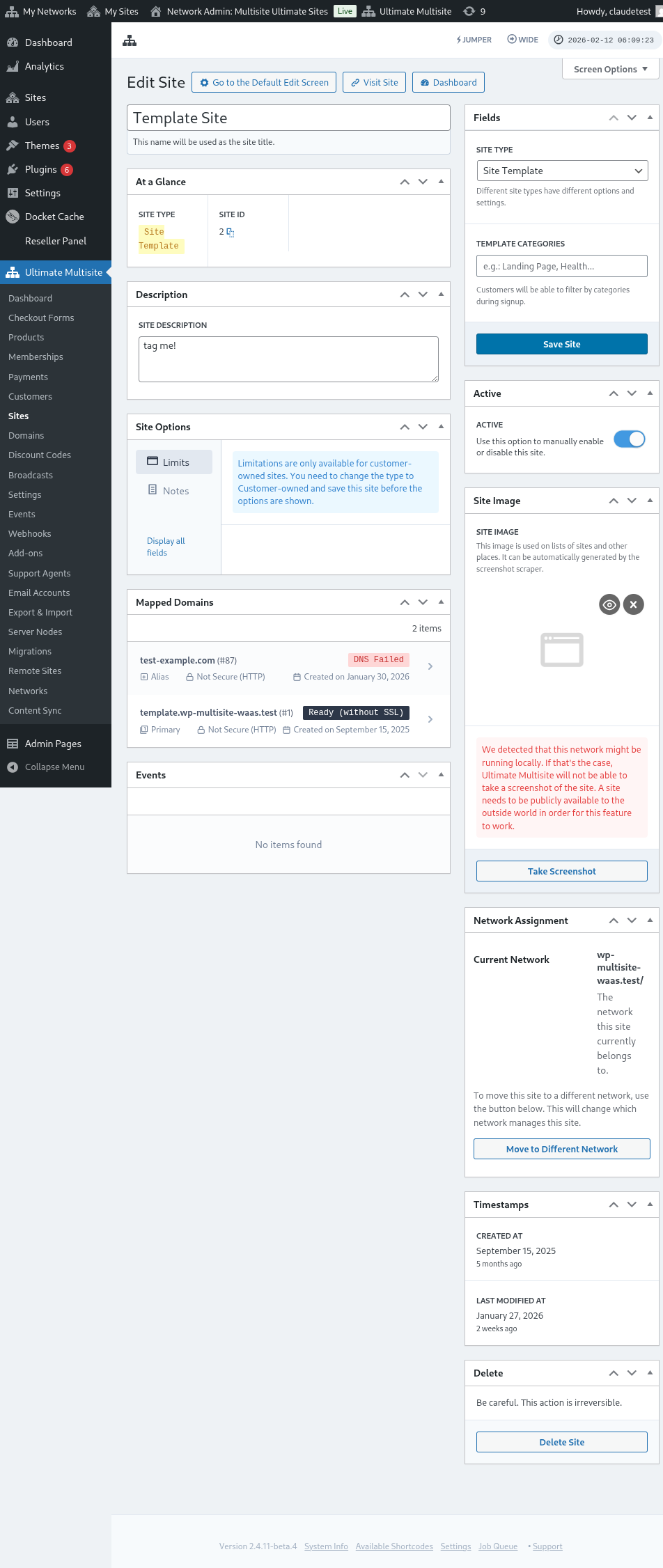
Ha ba batla ho fetola sebo sa bona se leng, ba hloka ba tsamaea ka sebo sa Account ka ho tsamaisa menu ea Account.
Ba ka bona le ho fetola litlhahloho tsa baqala:
Lapa, ba hloka ba tsamaisa Change Default Site.
Pop-up window o tla tsamaea. Tsamaea list ea drop-down le seleksele se leng seo u batlang ho etsa setso se leng se leng se leng.
Lapa, ha ba hloka a tsamaisa Change Default Site le u ka lehle!
