
Today users of the WP Ultimo Plugin encountered timeout errors and slowdowns. WP Ultimo has not seen any updates for over a year and now the domain wpultimo.com is entirely offline.
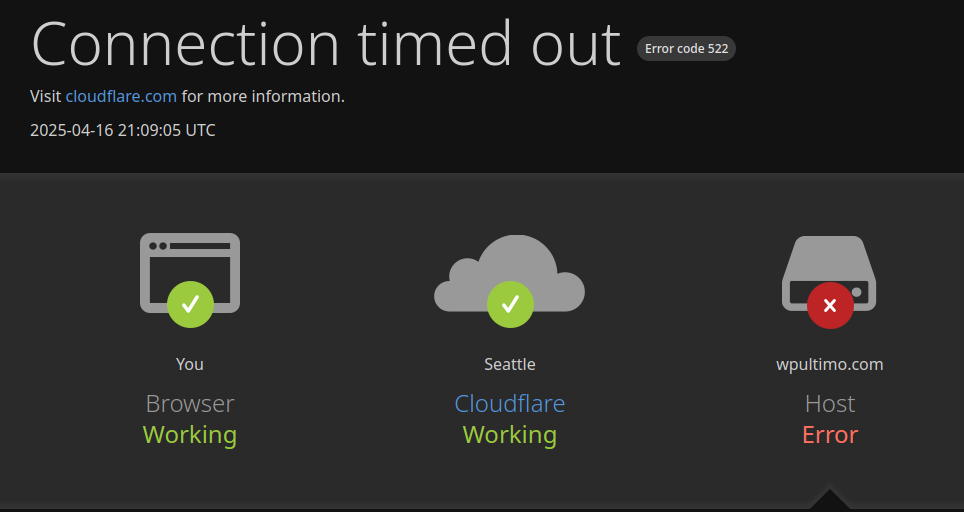
We don’t know why it has gone offline but all users of WP Ultimo are encouraged to switch to the open source fork, Multisite Ultimate.
Installing Multisite Ultimate
Installing the plugin should be as simple as installing any WordPress plugin. Download wp-multisite-waas.zip and upload it on the network plugins page. Then activate Multisite Ultimate
Resolve Conflicts
When activated WP Ultimo should be automatically deactivated but sometimes there can be problems. If you encounter a fatal error while activating Multisite Ultimate, first deactivate WP Ultimo. Then delete the wp-content/sunrise.php. This file was created by WP Ultimo and will cause problems if it’s still present when Multisite Ultimate is activated.
Migration
No migration is needed because Multisite Ultimate uses the same data and options as WP Ultimo.
I haven’t used WP Ultimo commercially. I just played with it a bit a couple years ago and was impressed. It looked so promising for niches sites. This all to say, thank you for keeping it going – you and any others involved. I may end up using it at some point. I hope Arindo is doing better.
As someone who purchased a lifetime license to WP Ultimo (v1 and 2), plus all of the additional add-ons, I am very thankful to David Stone and anyone else who contributes to this project to help keep it alive and going. I miss being able to communicate with everyone at WP Ultimo, and I hope that Arindo is able to get back on his feet. They are all very talented, as well as David. I’m very excited to see where this project continues to go, and I look forward to sponsoring them to help make Ultimate Multisite even better.